Screenshot Refresh Tracker
All documentation screenshots are from November 2021 unless noted otherwise. The UI has changed significantly since then -- every screenshot needs replacing with a current capture from the local Praxis-Manager (localhost:3000) or Android simulator.
How to capture: See sbu/local-testing.md for session setup.
New screenshots go into static/img/new/ — once all are done, they replace the originals.
Praxis-Manager Screenshots (browser)
Wartezimmer
| # | Current | Description | Notes | New |
|---|---|---|---|---|
| 1 | 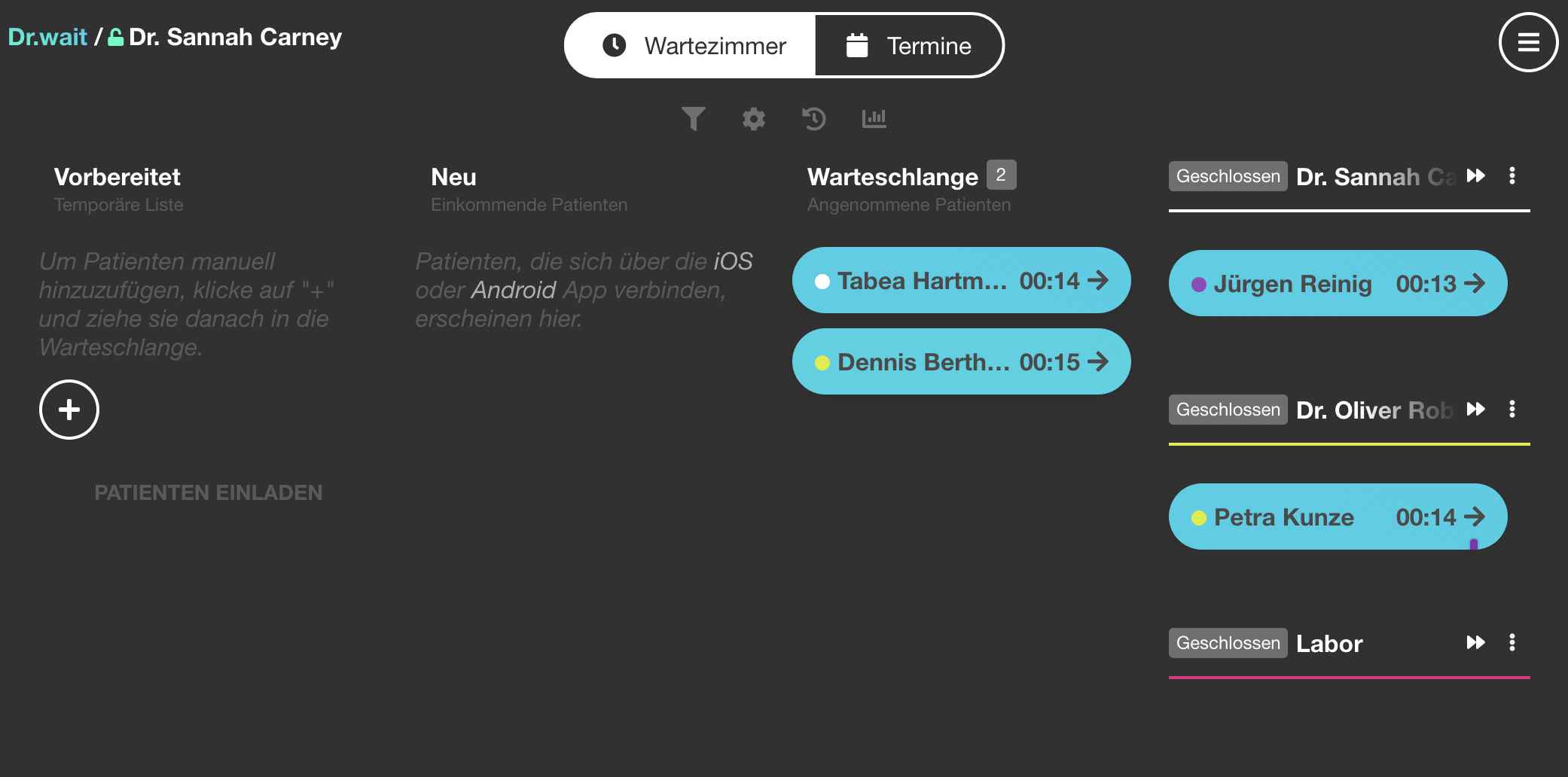 | Wartezimmer-Manager overview | Core screenshot. Used on the main "Wie funktioniert Dr.wait" page. Shows the queue manager with patients — UI has been completely redesigned since 2021. Recapture with realistic test data (2-3 patients in queue). | |
| 2 | 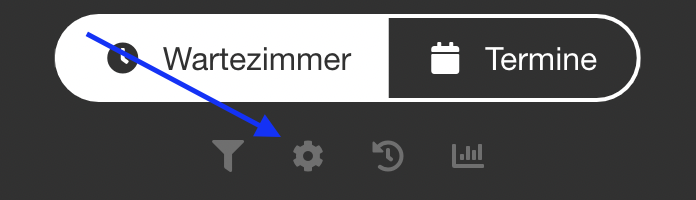 | Queue settings panel | Shows queue settings page. Many new settings have been added since 2021 (load balancing, auto-close, etc.). Recapture full settings panel. | |
| 3 | 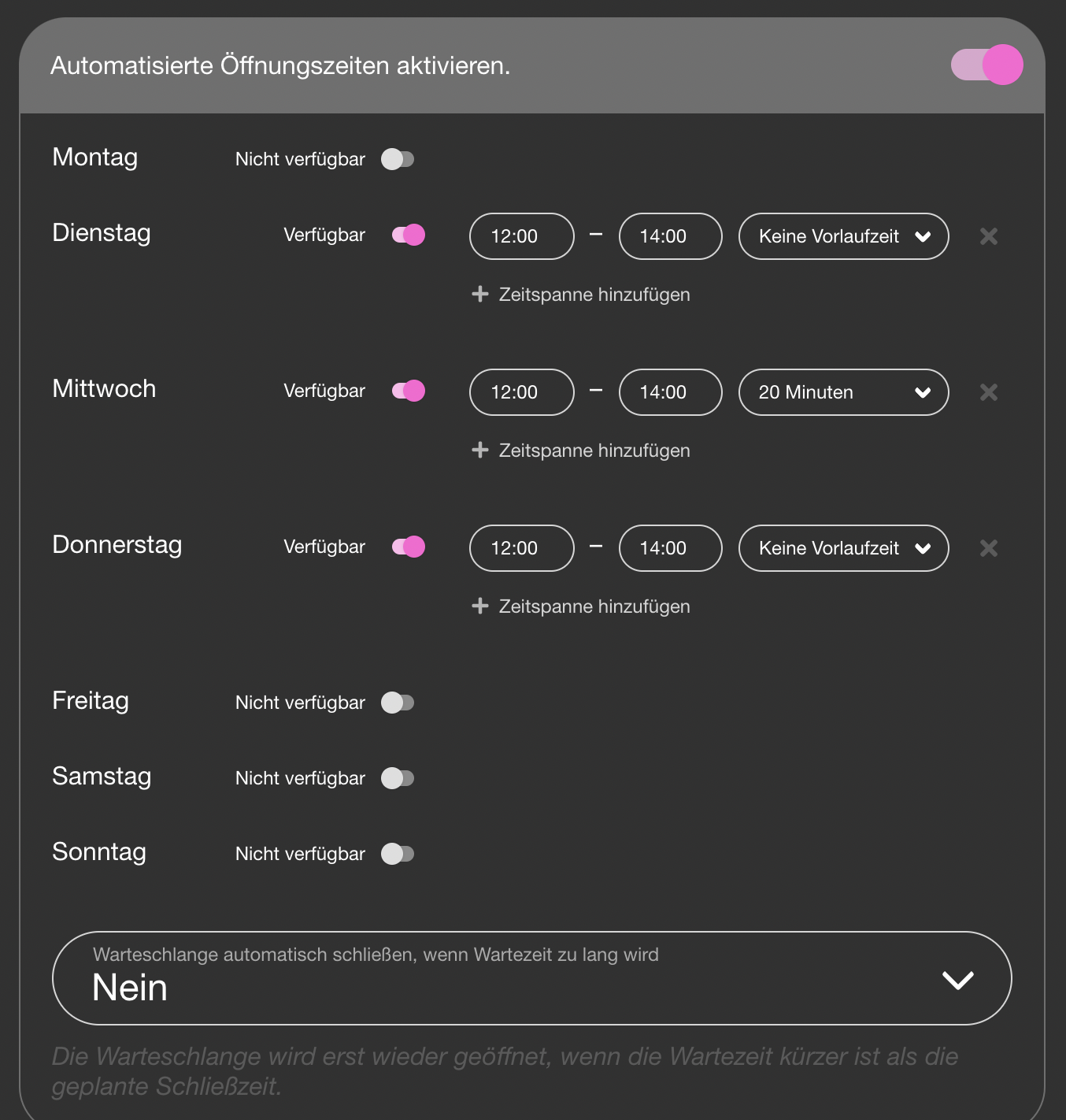 | Opening hours settings | Shows weekly opening hours grid. UI likely changed. Recapture with realistic hours set. | |
| 4 | 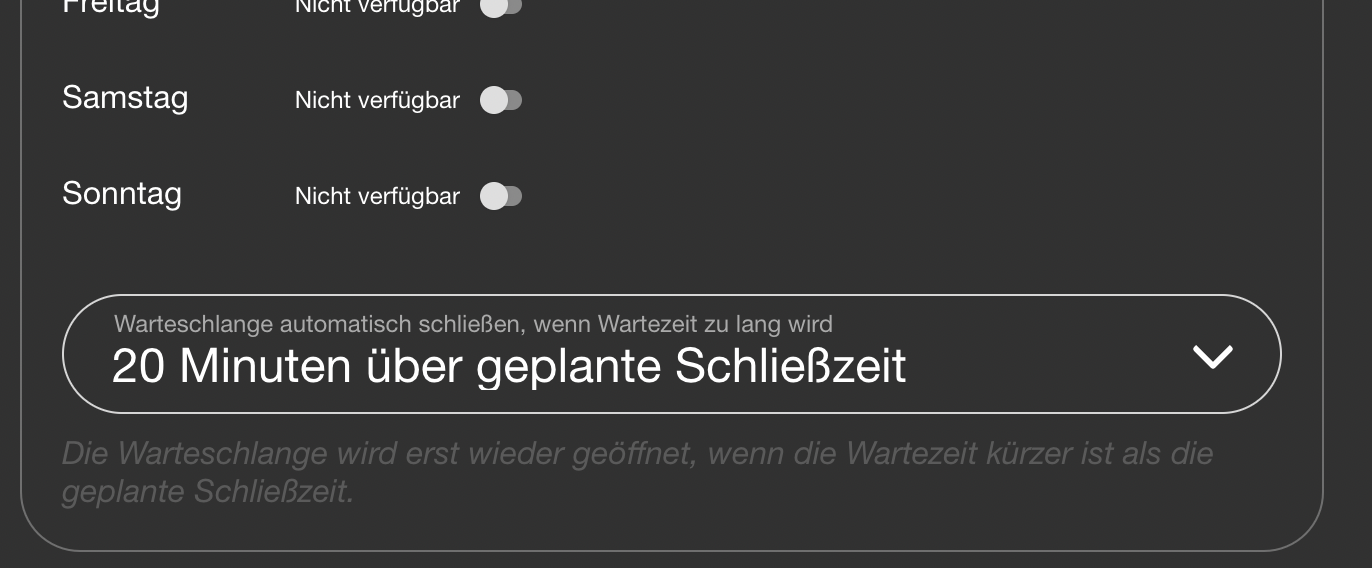 | Auto-close settings | Auto-close toggle with buffer time. Verify this setting still exists in the same location and recapture. | |
| 5 | 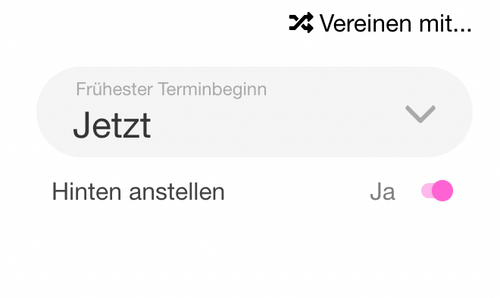 | "Always last" patient toggle | Shows patient detail panel with "Hinten anstellen" toggle. Recapture from patient detail view in queue manager. | |
| 6 | 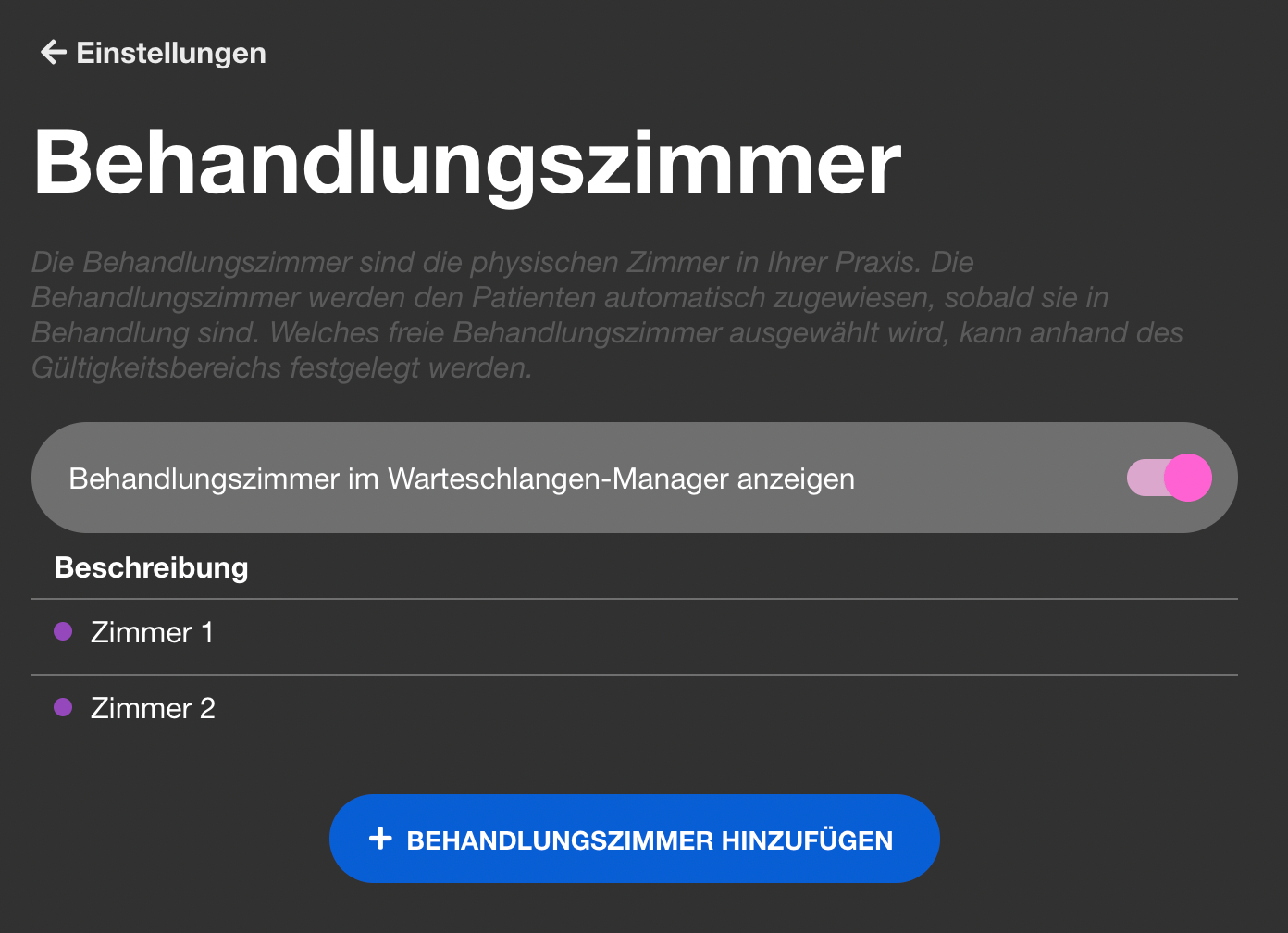 | Treatment room list | Treatment room settings list. Recapture — check if validity scope UI has changed. | |
| 7 | 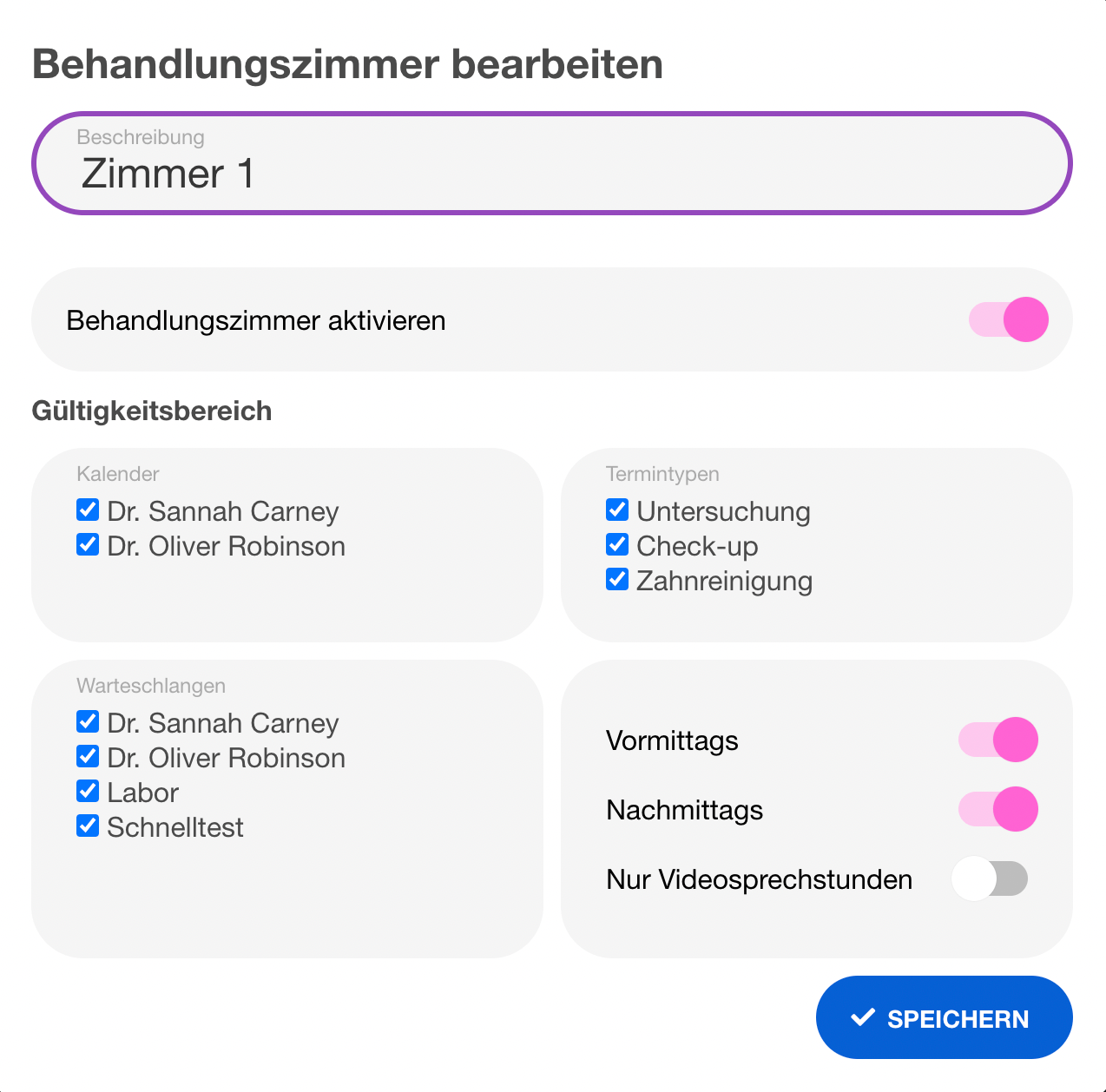 | Treatment room edit dialog | Room edit with validity scope (queue/time restrictions). Recapture showing a configured room. | |
| 8 | 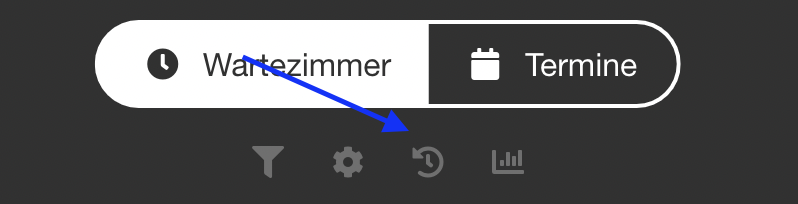 | Archive view | Shows archived patients (last 24h). Very simple view — recapture with 1-2 archived entries. | |
| 9 | 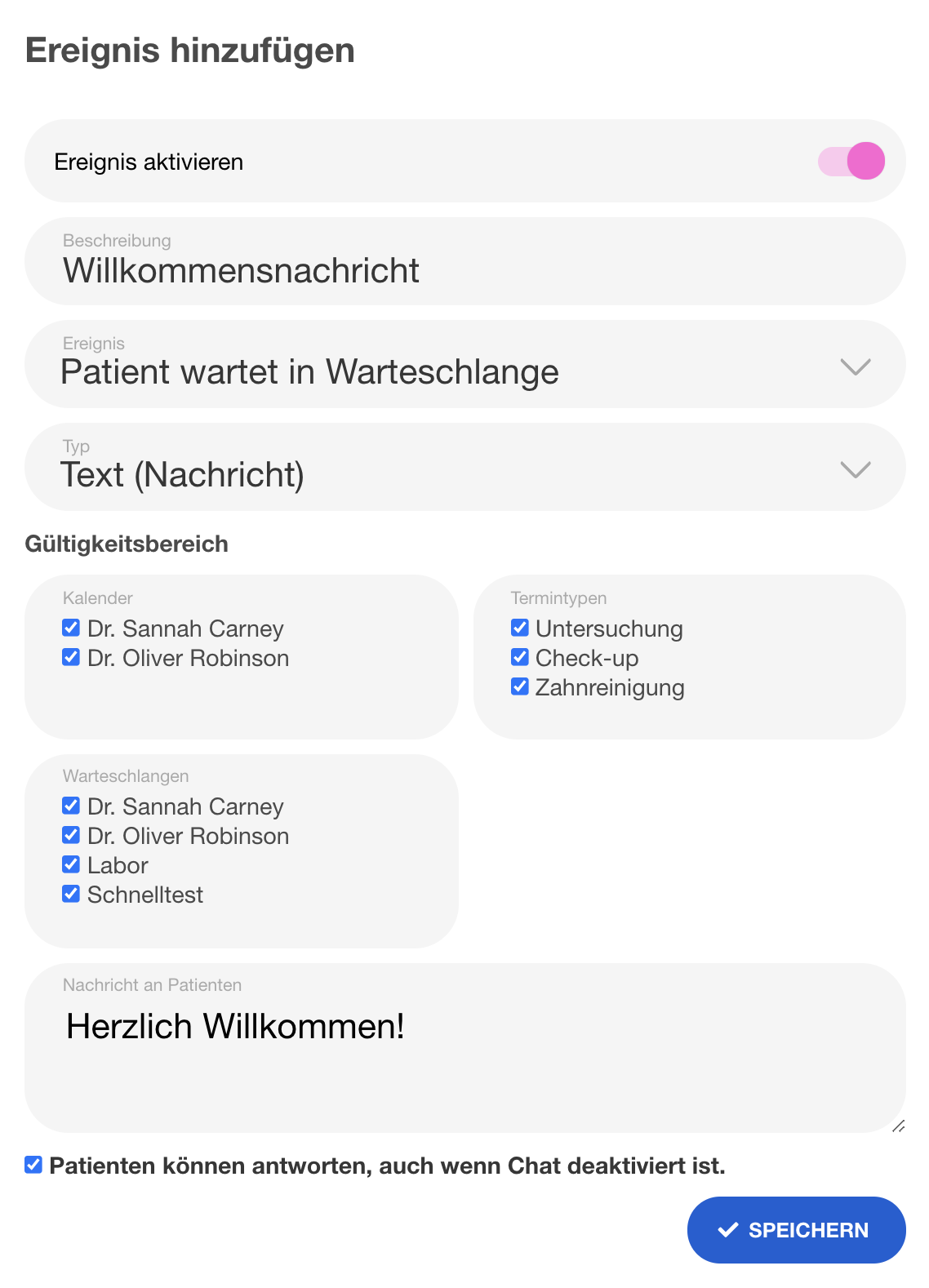 | Welcome message / event settings | Shows an event (Ereignis) configuration for auto-welcome message. The events system now has many more event types (see doc). Recapture showing the current event editor UI. |
Chat
| # | Current | Description | Notes | New |
|---|---|---|---|---|
| 10 | 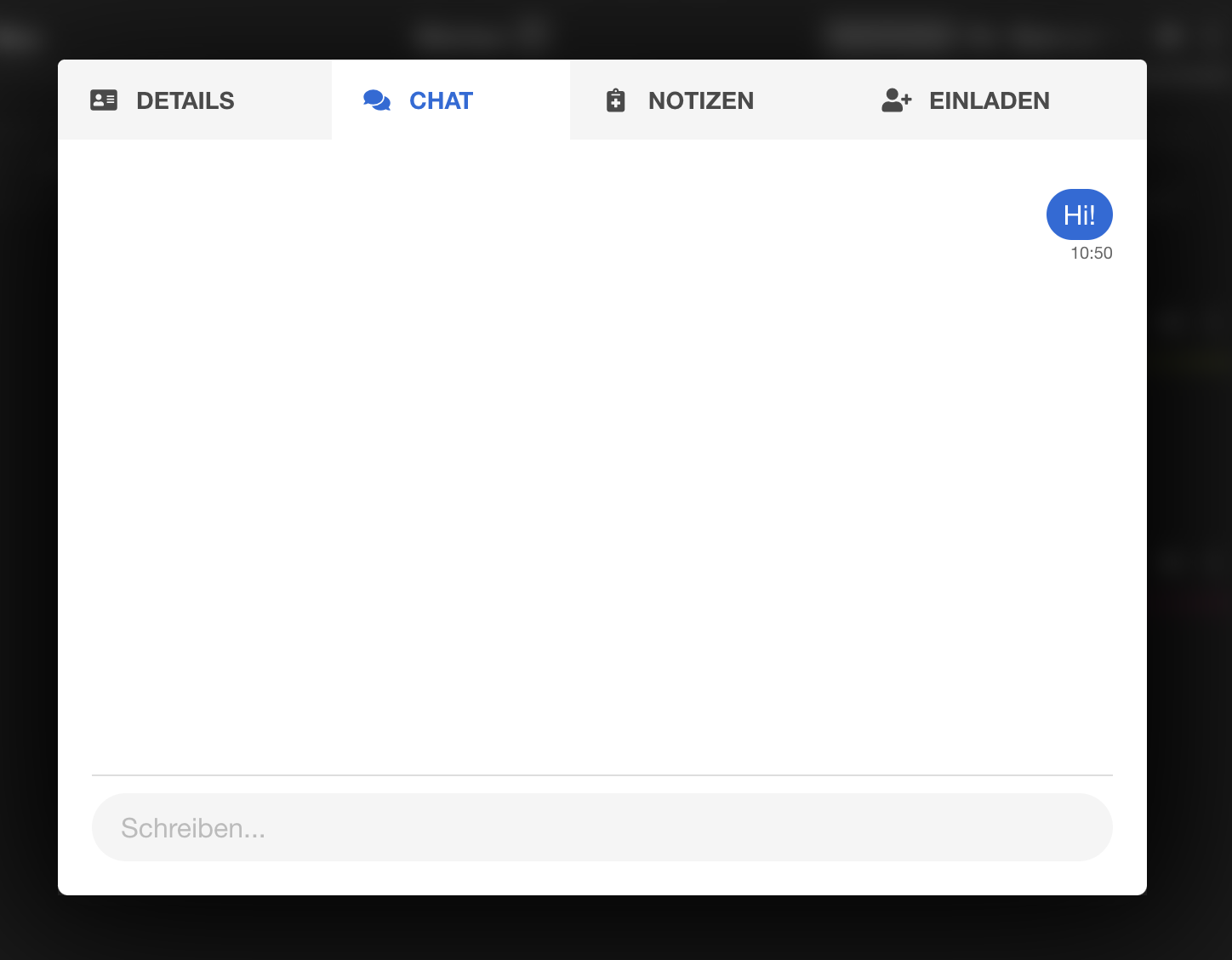 | Chat window (practice side) | Shows the chat panel inside queue manager. Recapture with a few test messages. | |
| 11 |  | Chat activation toggle | Settings toggle to enable chat. Verify location hasn't moved, recapture. | |
| 12 |  | Chat-only mode activation | Toggle for "Chat als eigene Warteschlange". Verify still exists, recapture. | |
| 13 | 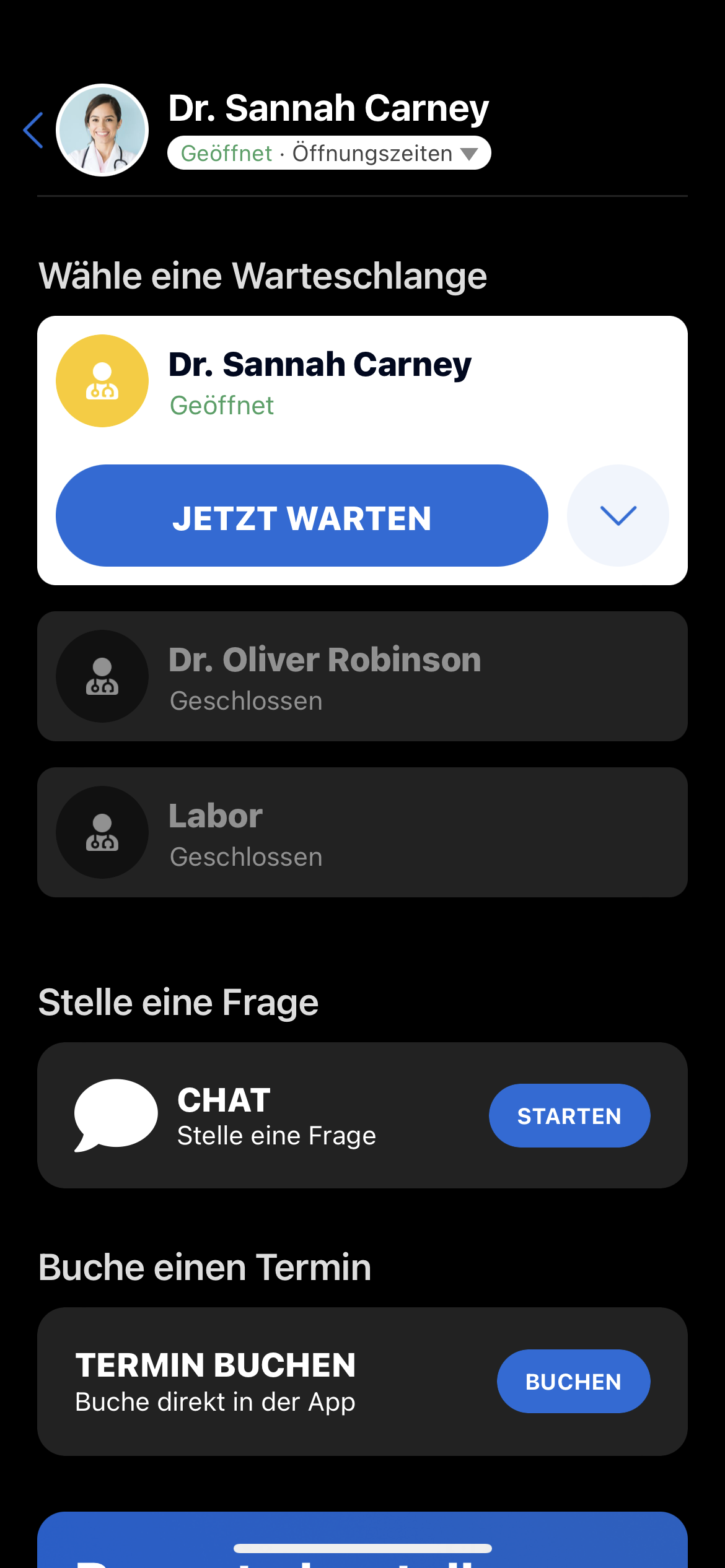 | Chat option in patient app | Shows the chat option appearing in the patient app. Patient app screenshot — needs Android sim. |
Einladungen
| # | Current | Description | Notes | New |
|---|---|---|---|---|
| 14 | 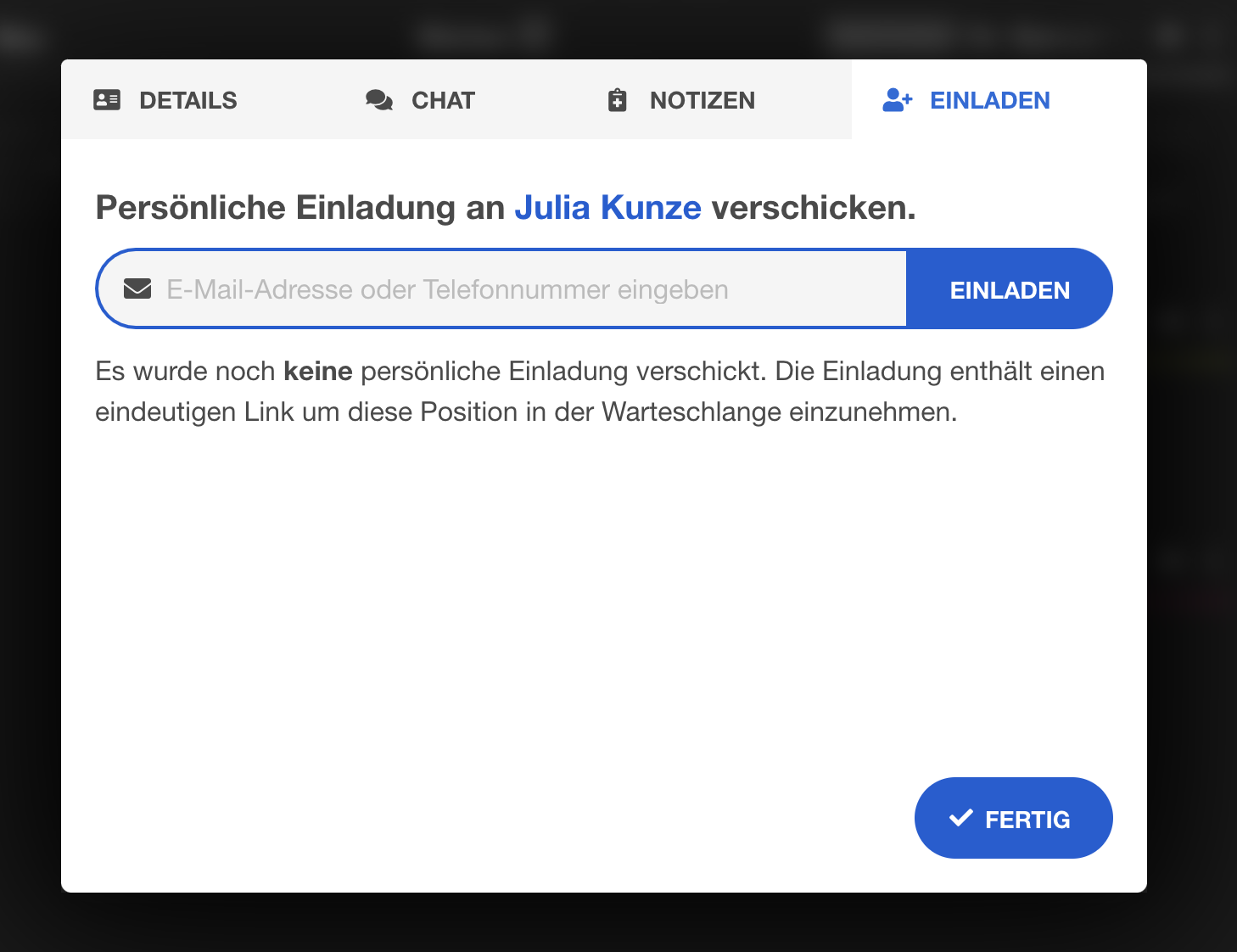 | Personal invitation UI | Shows the "Einladen" tab in patient detail. Recapture from queue manager patient view. | |
| 15 | 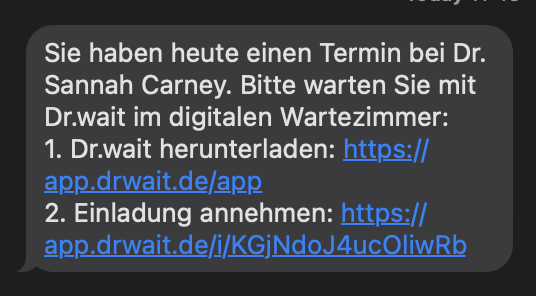 | Personal invitation SMS | Shows the SMS received by patient. Might be hard to recapture — could use a phone screenshot or mock. Consider keeping if SMS format hasn't changed. | |
| 16 | 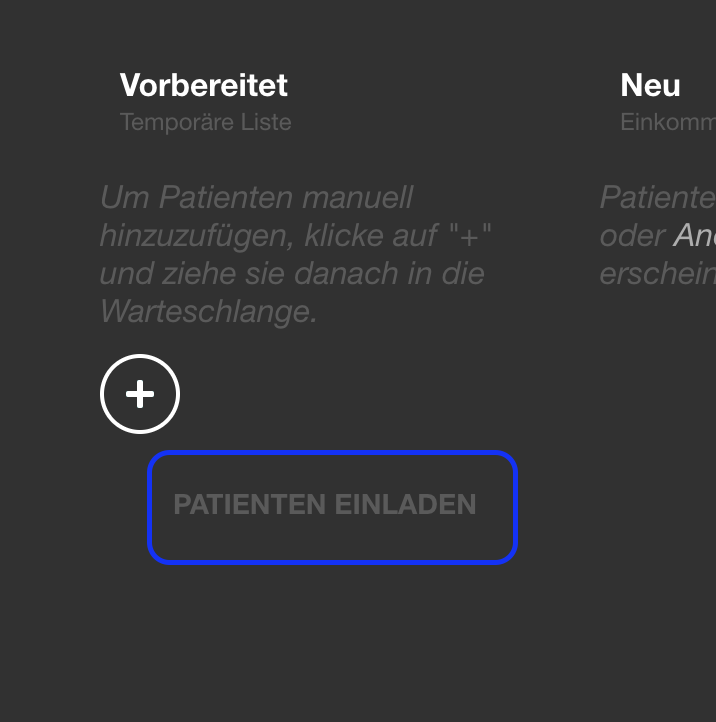 | Generic invitation link UI | Generic invitation panel in settings. Recapture. | |
| 17 | 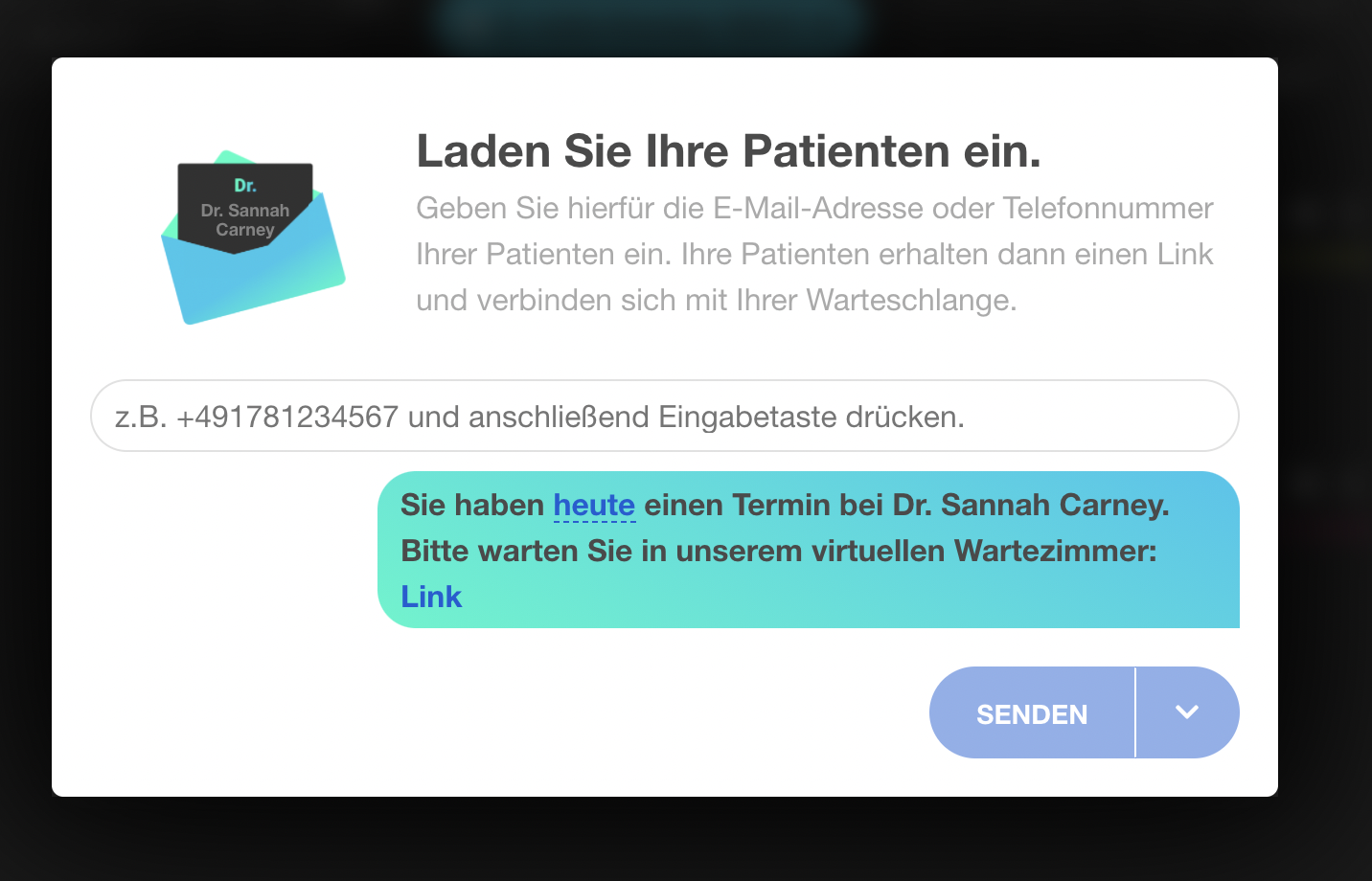 | Generic invitation send dialog | Send dialog for generic invite. Recapture. | |
| 18 | 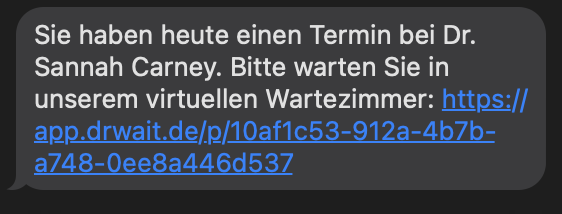 | Generic invitation received | Shows the SMS/notification received. Similar to #15 — hard to recapture, keep if format unchanged. |
Pager-Modus
| # | Current | Description | Notes | New |
|---|---|---|---|---|
| 19 | 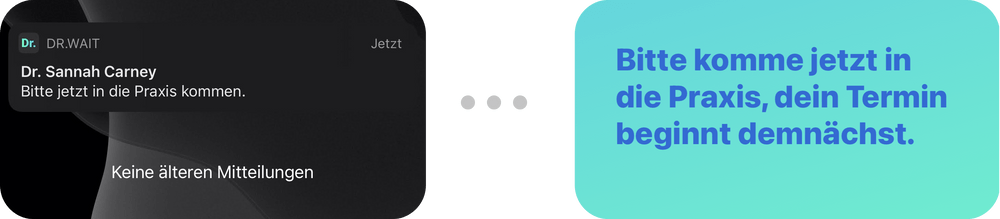 | Pager notification to patient | Shows the "Bitte kommen Sie zurück" notification. Patient app screenshot — needs Android sim. | |
| 20 |  | Pager mode toggle in settings | Settings toggle. Recapture from Wartezimmer settings. | |
| 21 | 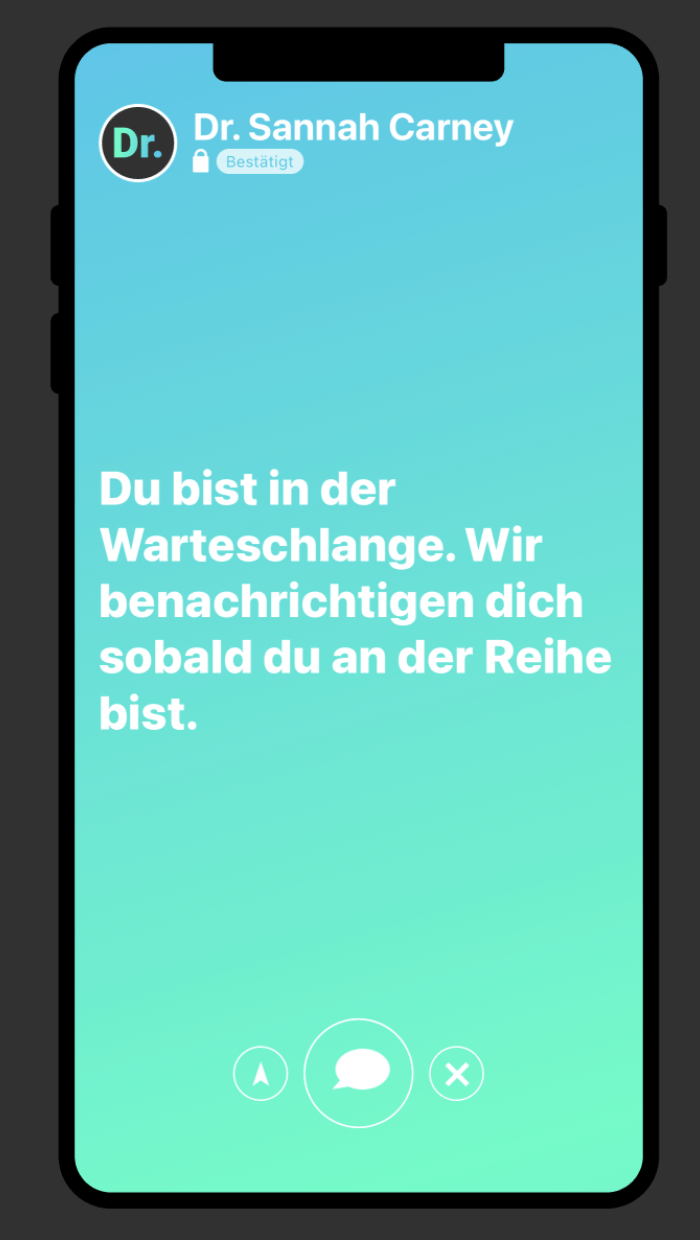 | Pager mode — patient connected | Patient app screenshot — shows patient waiting in pager mode. Needs Android sim. | |
| 22 | 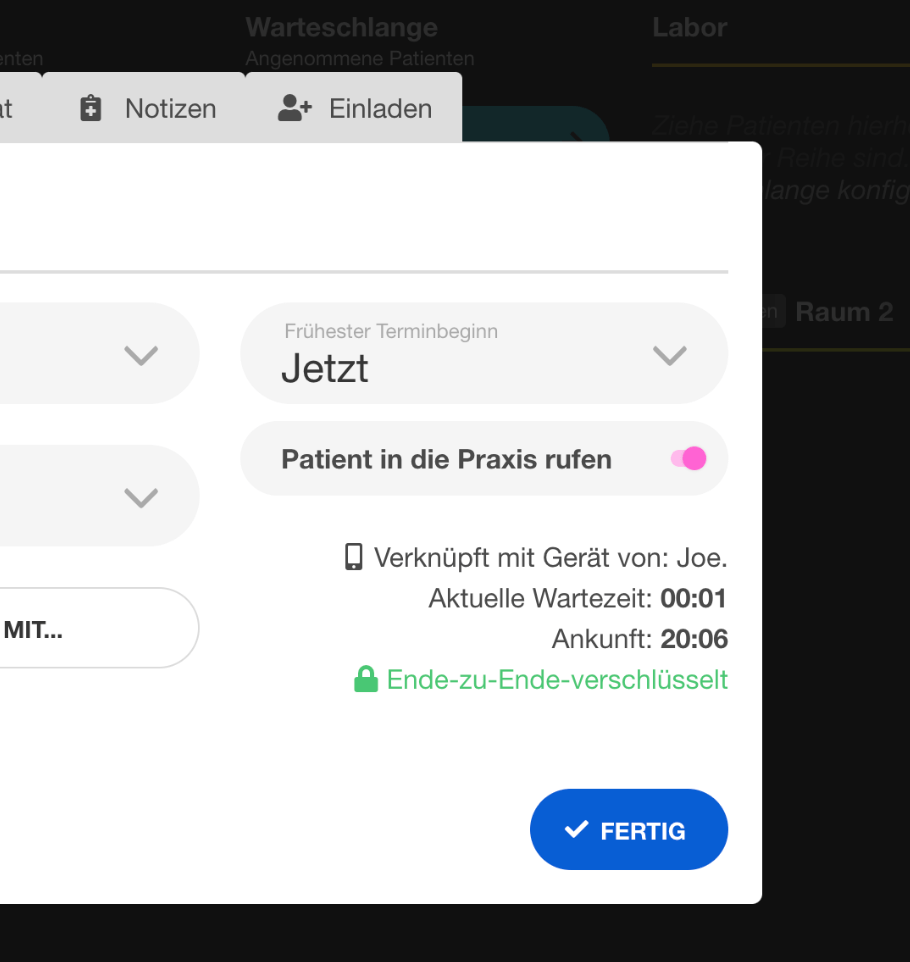 | "Call me" button in queue manager | Shows the "Jetzt rufen" button in the practice queue manager. Recapture from queue manager. | |
| 23 | 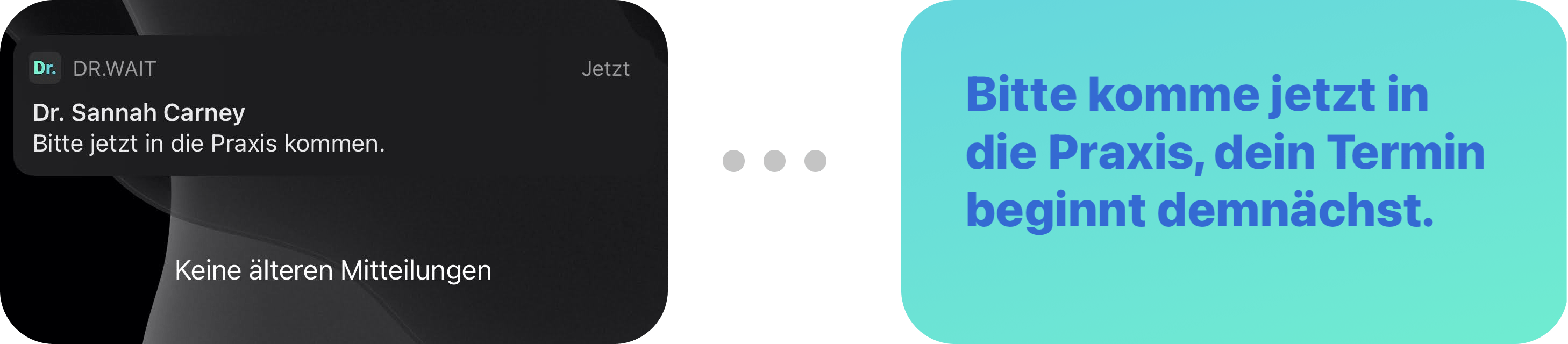 | Pager push notification | Push notification on patient phone. Patient app screenshot — needs Android sim. |
Notizen & Tags
| # | Current | Description | Notes | New |
|---|---|---|---|---|
| 24 | 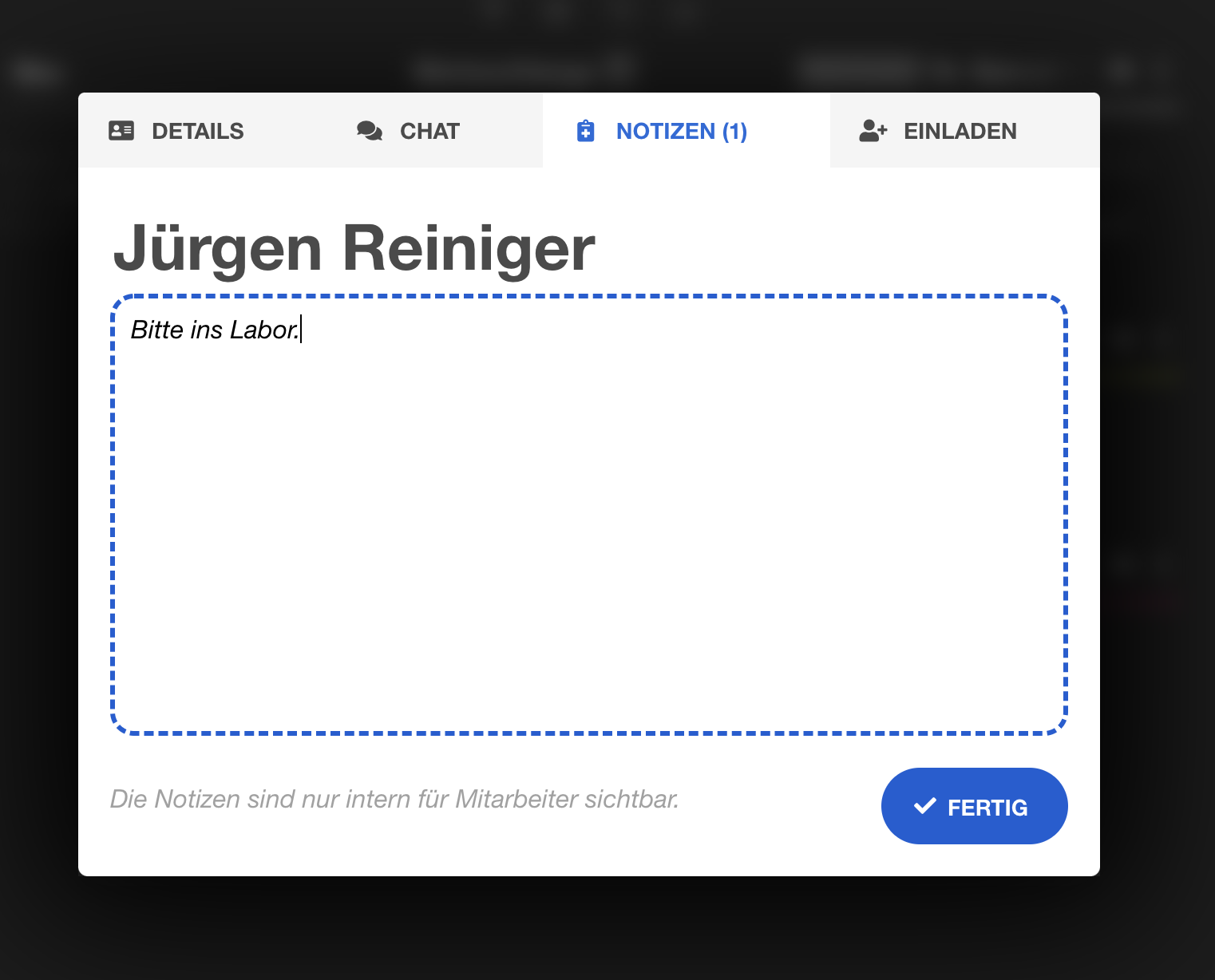 | Patient note detail | Notes tab in patient detail panel. Recapture with a sample note. | |
| 25 | 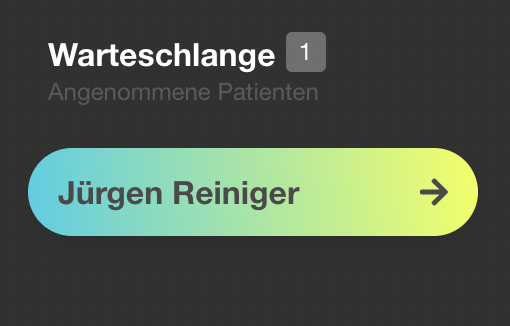 | Patient with note highlighted | Queue manager showing yellow-highlighted patient with note. Recapture. | |
| 26 | 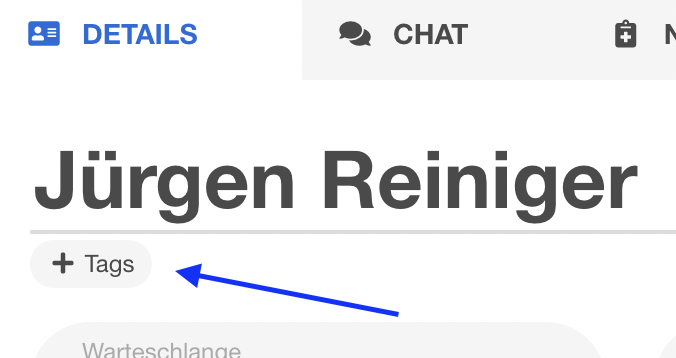 | Tag button on patient | Small "+ Tags" button below patient name. Recapture from patient detail. | |
| 27 | 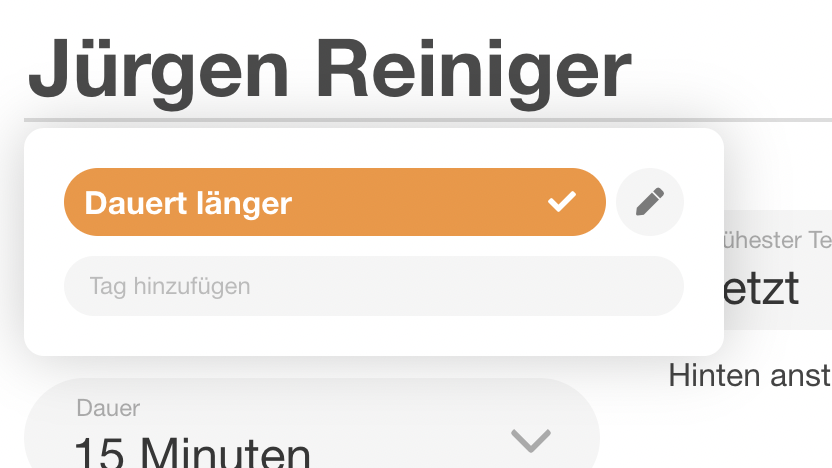 | New tag input field | Tag input field after clicking + Tags. Recapture. | |
| 28 | 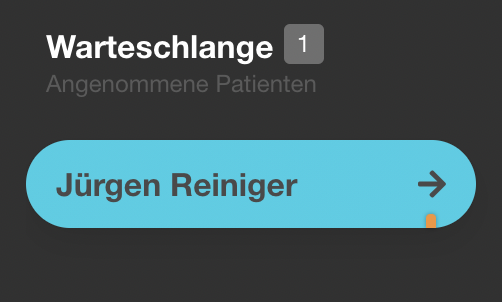 | Tags in queue overview | Shows colored tag stripes on patients in list. Recapture with 1-2 tagged patients. | |
| 29 | 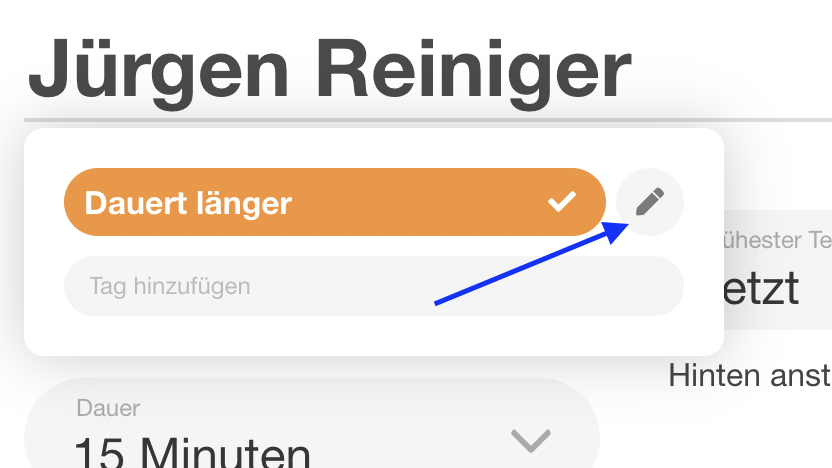 | Tag edit button | Edit icon next to a tag. Recapture. | |
| 30 | 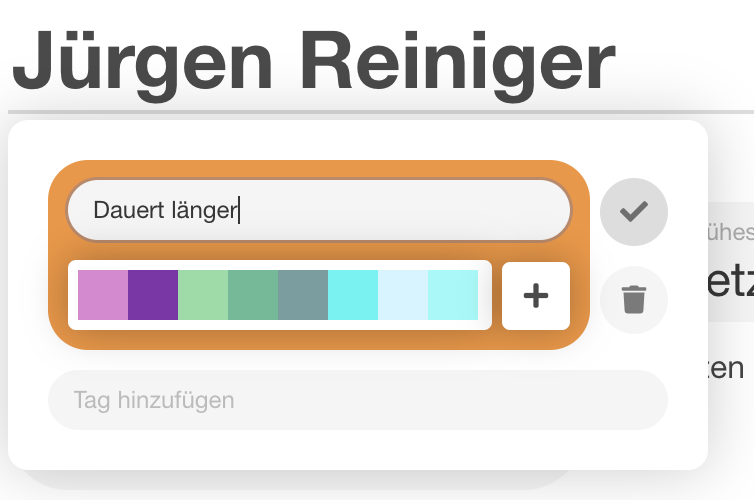 | Tag color/name editor | Tag edit dialog with color picker. Recapture. |
Termine / Kalender
| # | Current | Description | Notes | New |
|---|---|---|---|---|
| 31 | 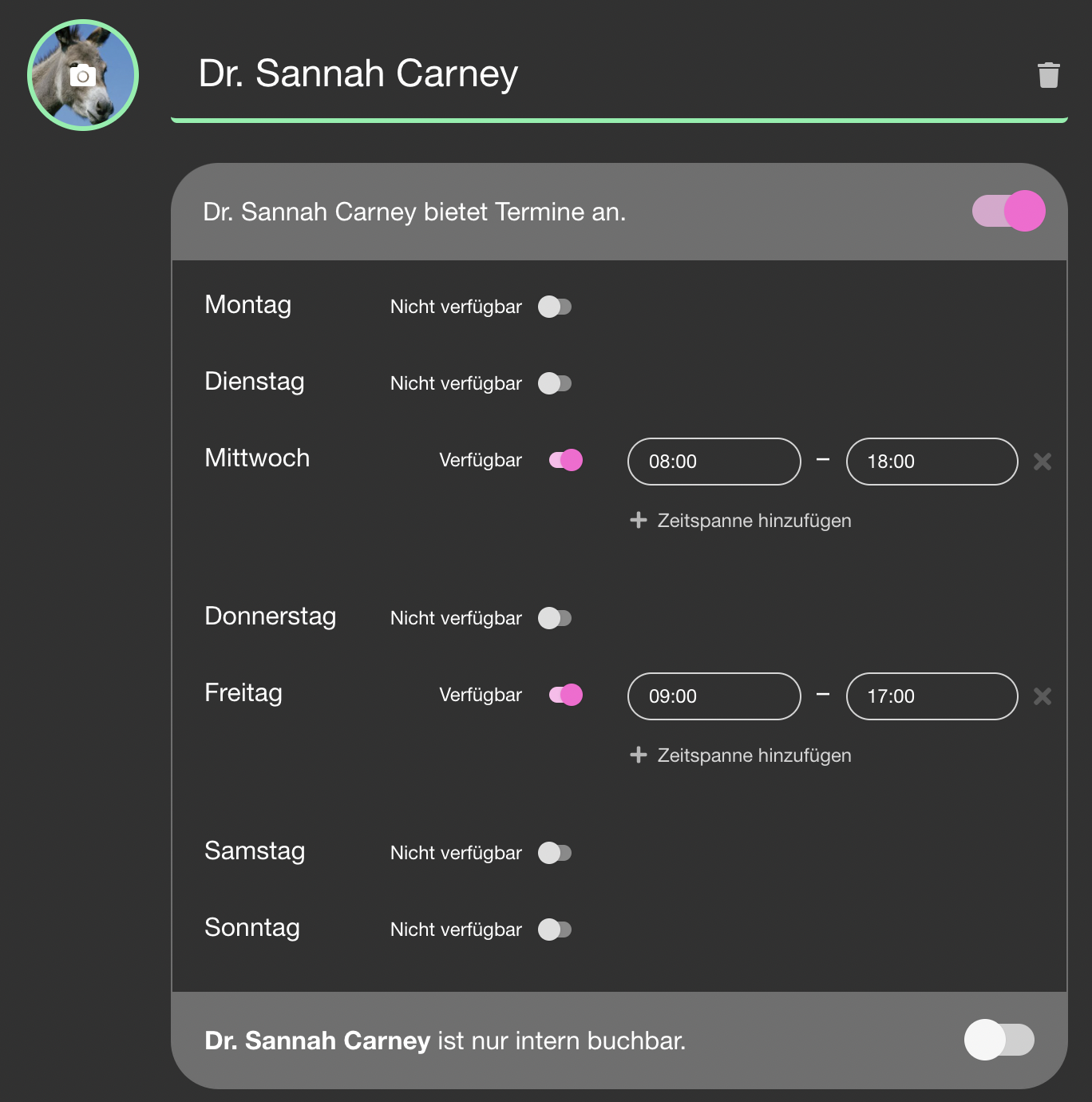 | Calendar available times | Weekly time grid for a calendar. The calendar UI has been significantly updated (drag/resize, color coding, 15-min zoom). Key screenshot to refresh. Recapture with realistic schedule. | |
| 32 | 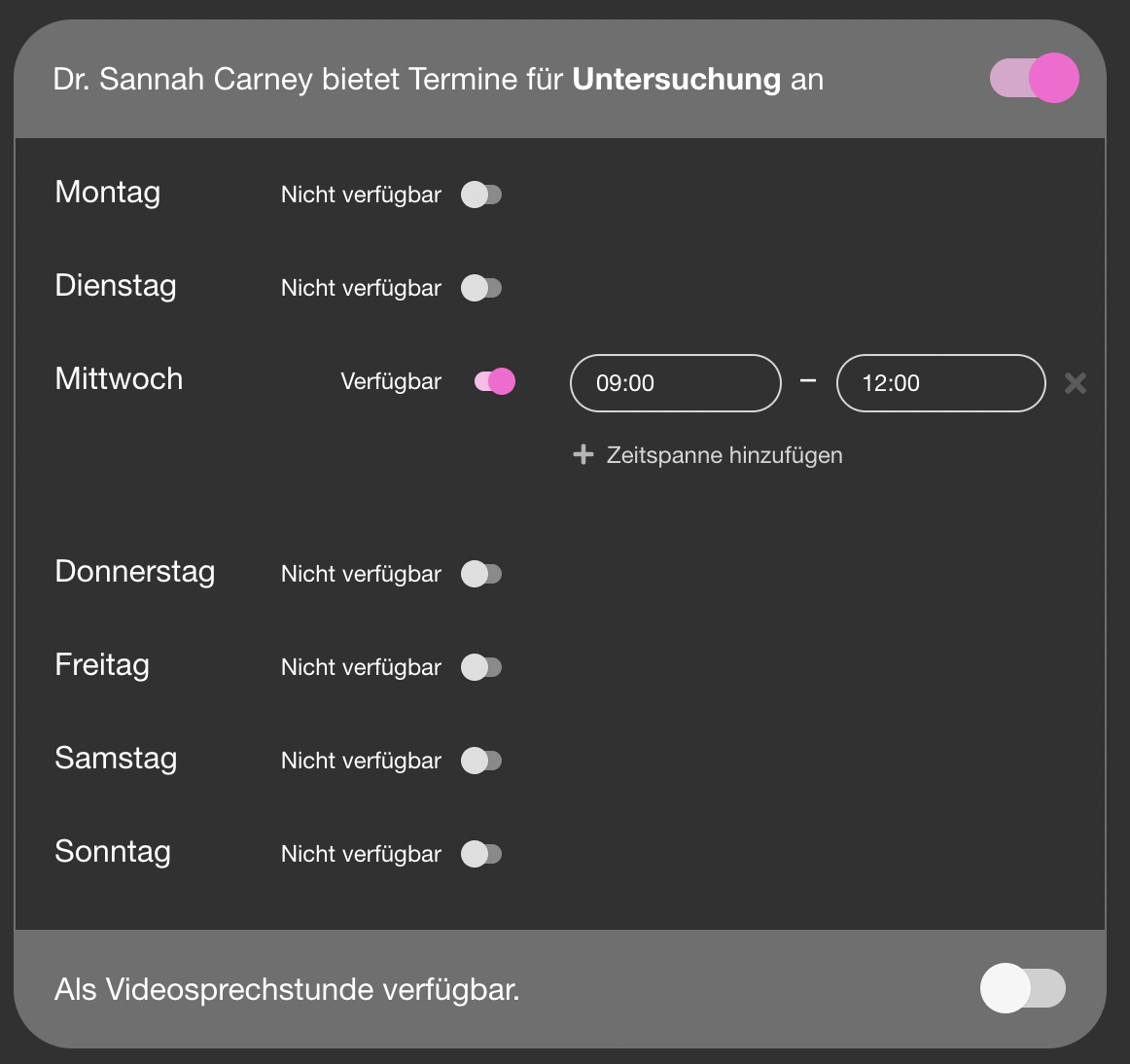 | Appointment type time restrictions | Per-type time restriction within a calendar. Used on 2 pages. Recapture. | |
| 33 |  | Calendar export button | Small "Kalender exportieren..." link. Recapture — verify button still exists. | |
| 34 | 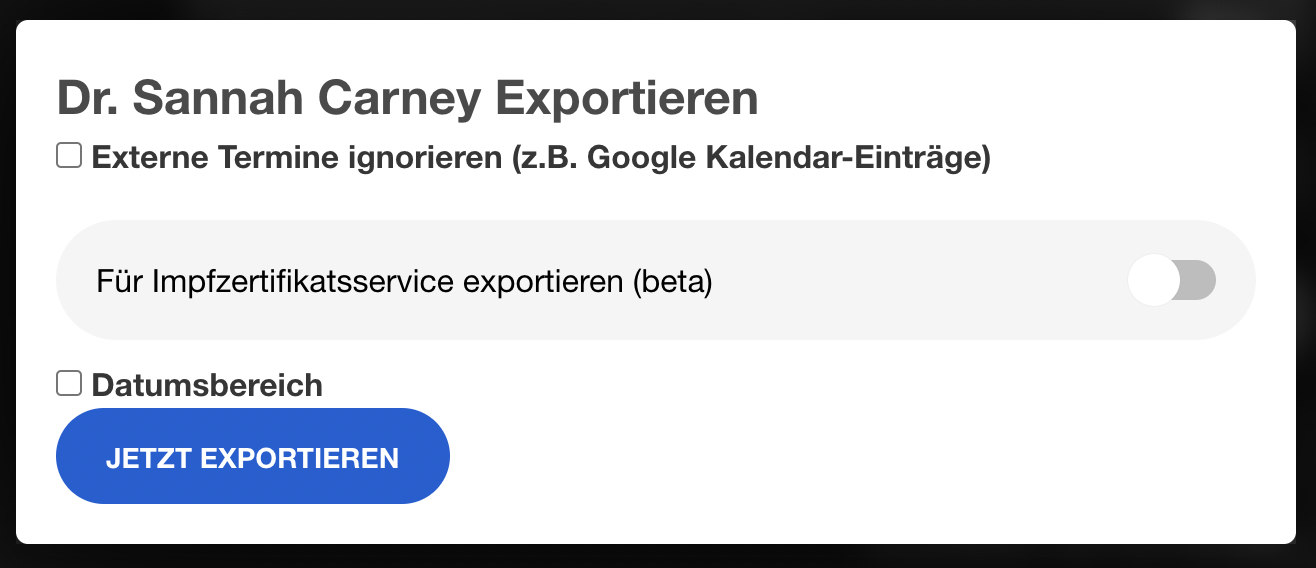 | Calendar export modal | Export dialog (iCal/CSV). Recapture. | |
| 35 |  | "Termintyp hinzufügen" button | Button to add new appointment type. Recapture. | |
| 36 | 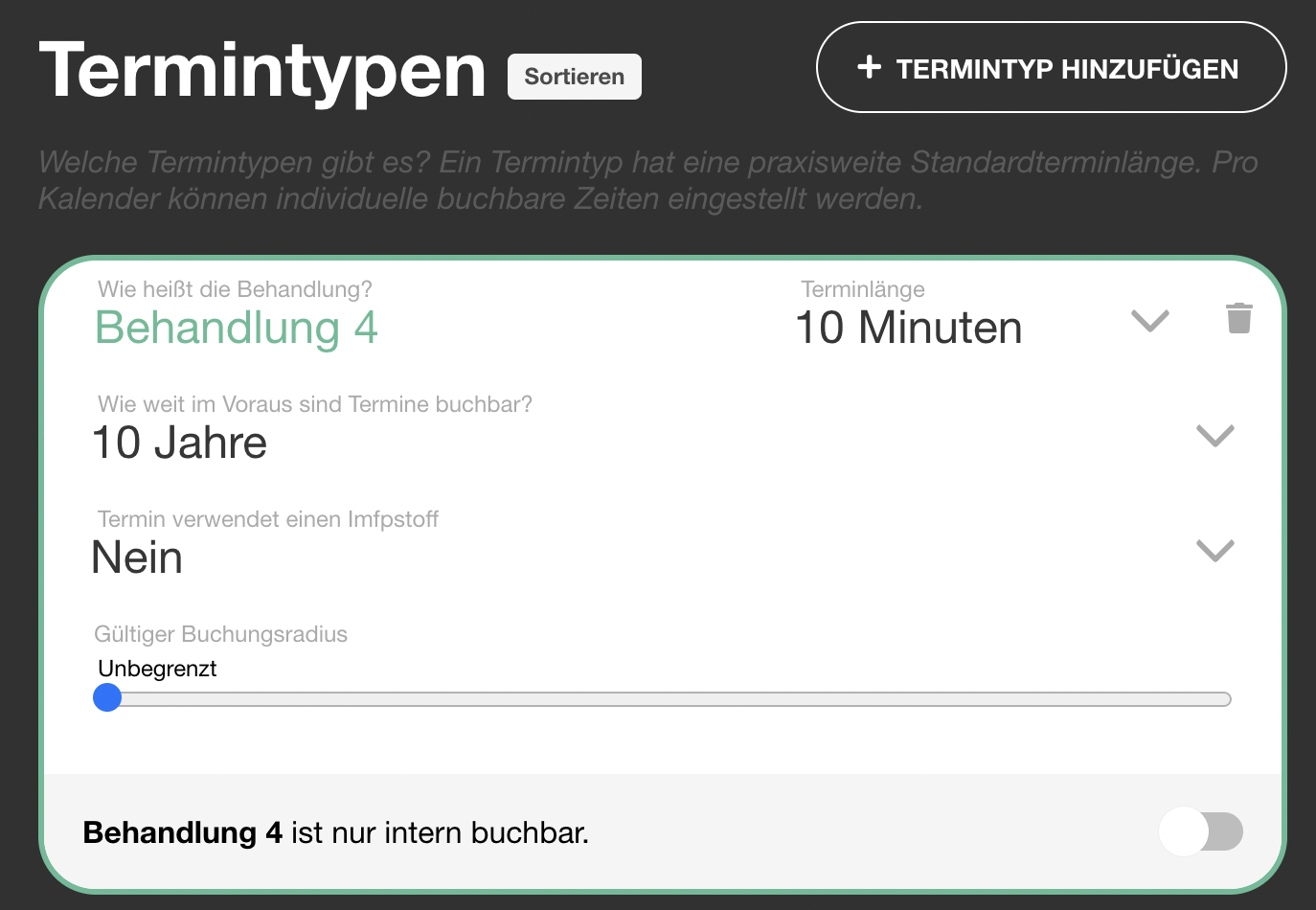 | New appointment type form | Inline form for new type (name, length, radius). Recapture. | |
| 37 |  | Appointment types in calendar settings | Shows types listed under a calendar. Recapture. | |
| 38 | 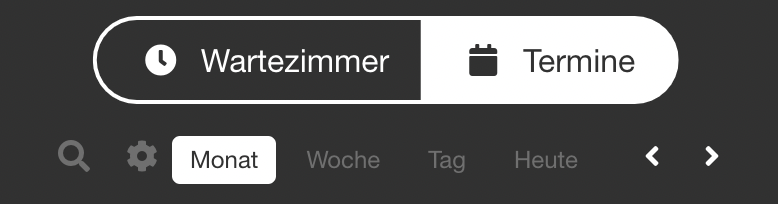 | "Abwesenheit" button in calendar | Monthly view with +Abwesenheit button. Recapture in month view. | |
| 39 | 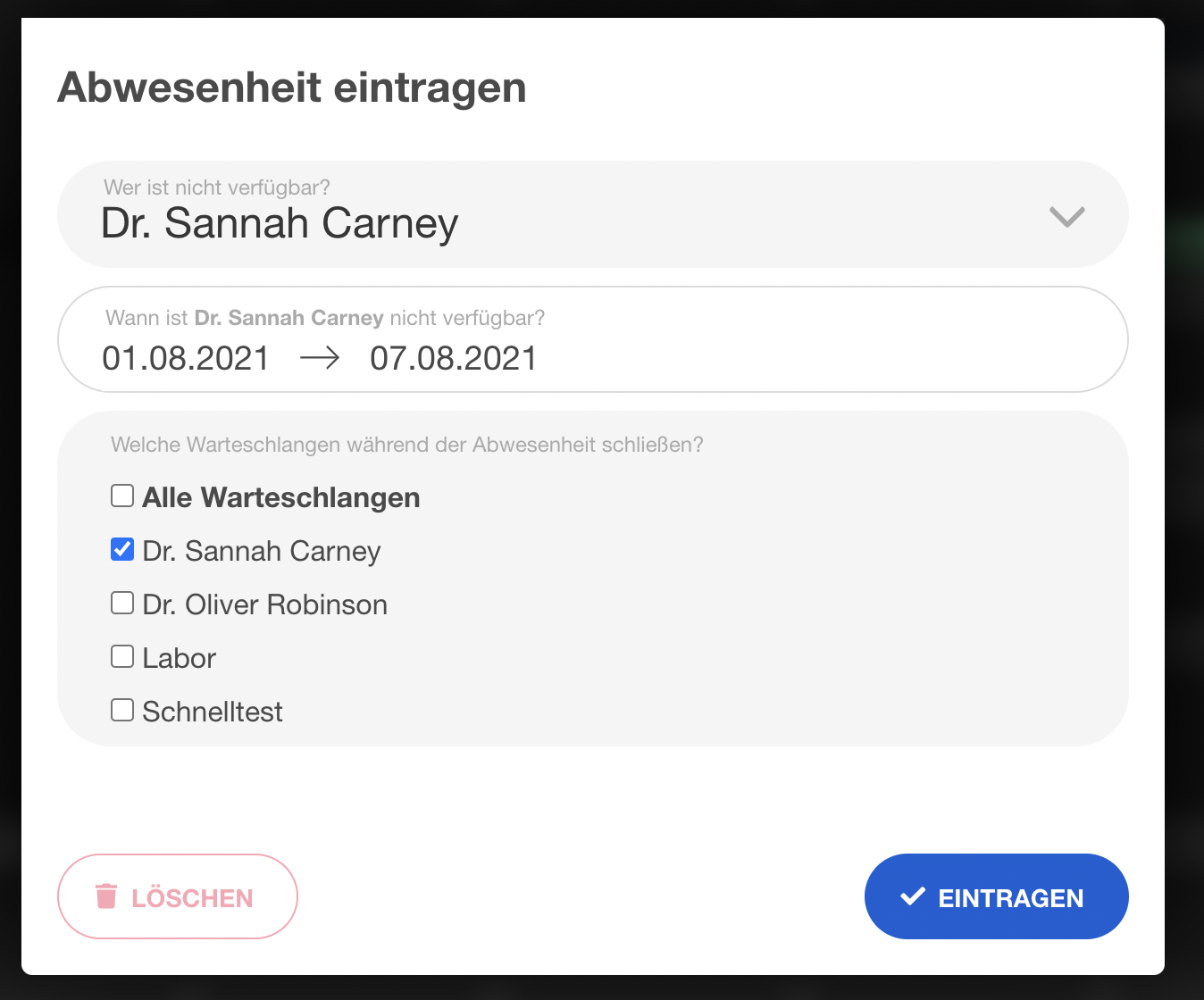 | Absence date range modal | Modal to set absence dates + linked queues. Recapture. | |
| 40 |  | "Hinzufügen +" button for templates | Button in Terminvorlagen settings. Recapture. | |
| 41 | 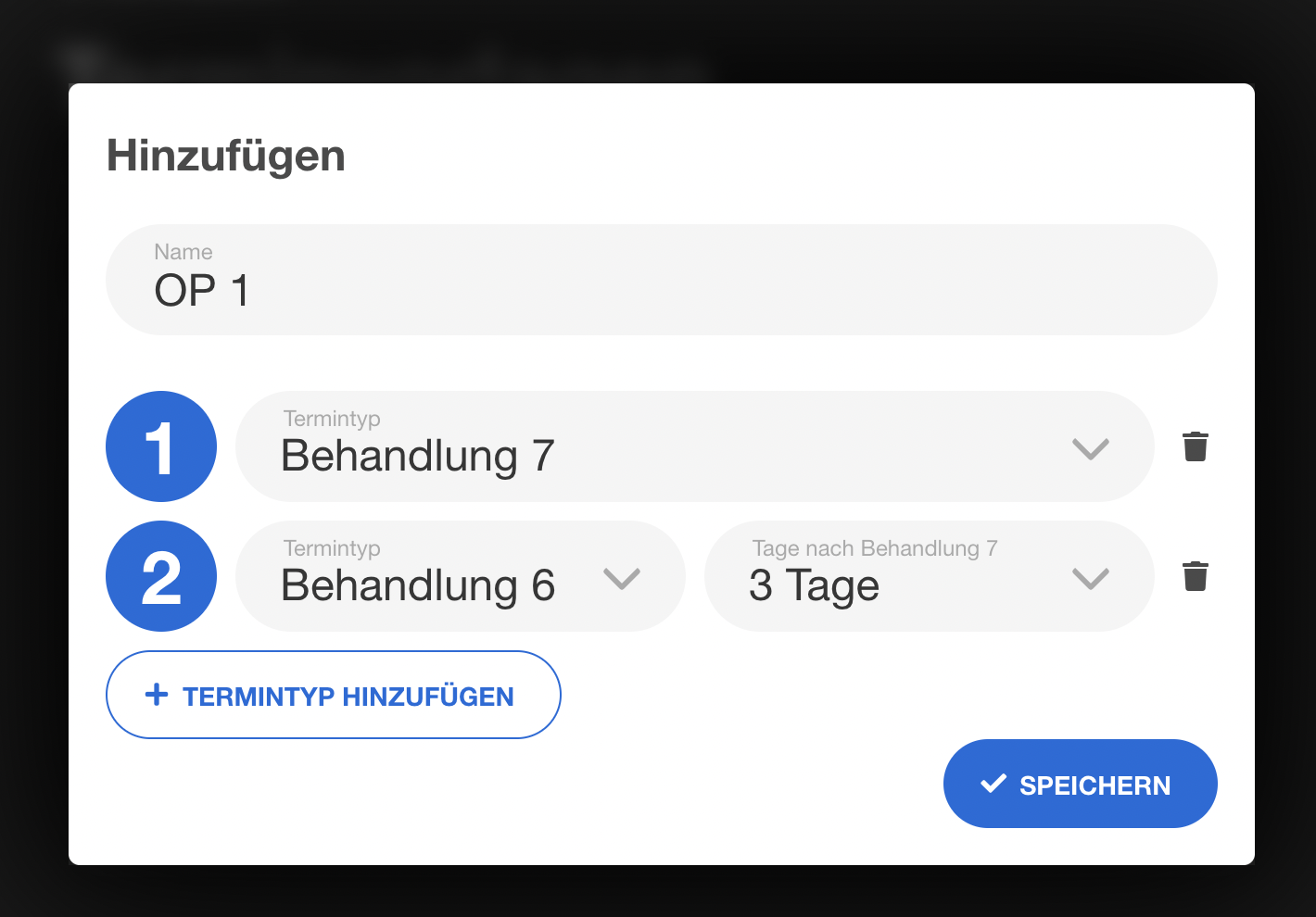 | Template creation form | Shows multi-step template with types and day gaps. Recapture with example data. | |
| 42 | 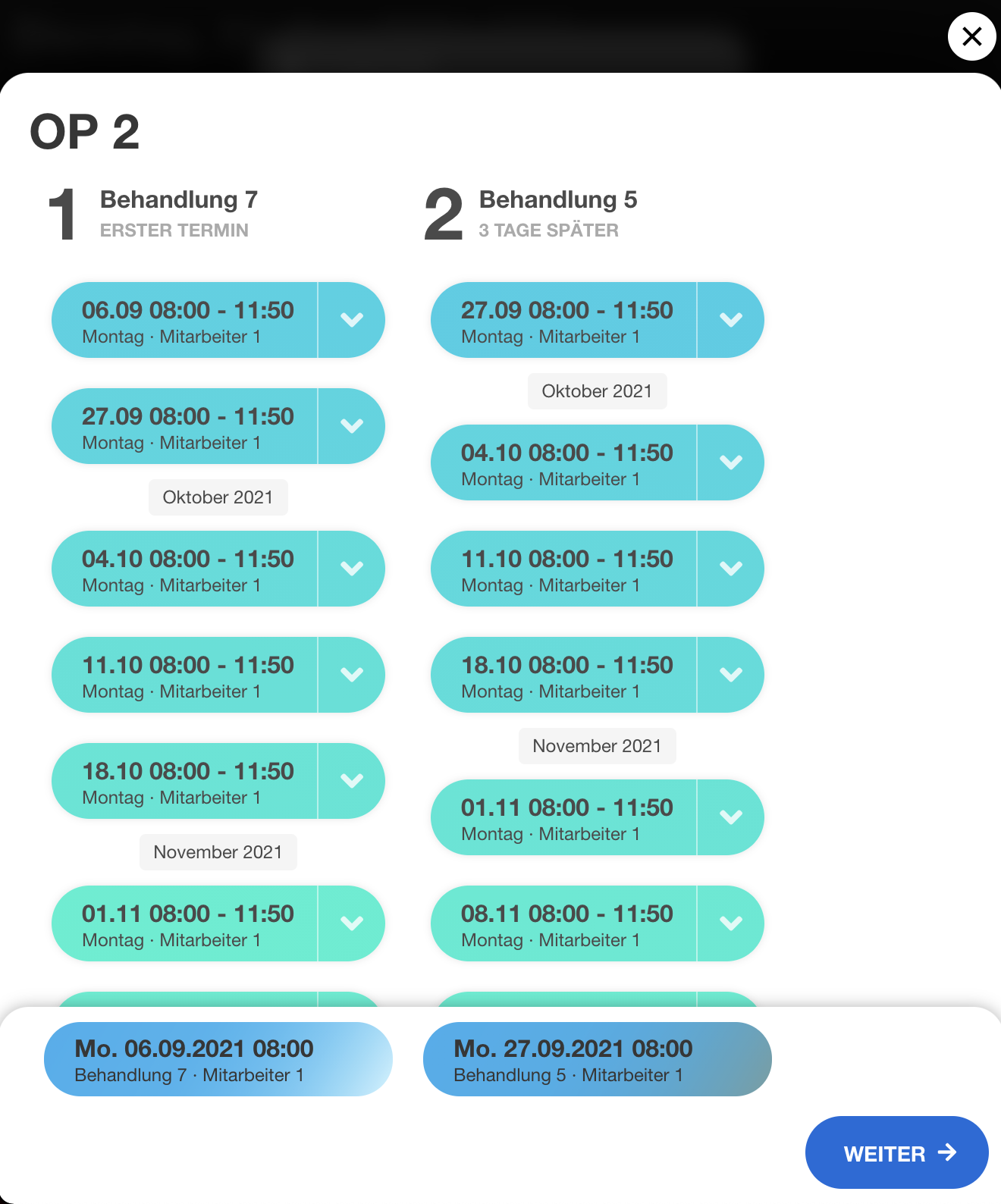 | Using template — slot selection | Pop-up showing available time slots for a template. Recapture. | |
| 43 | 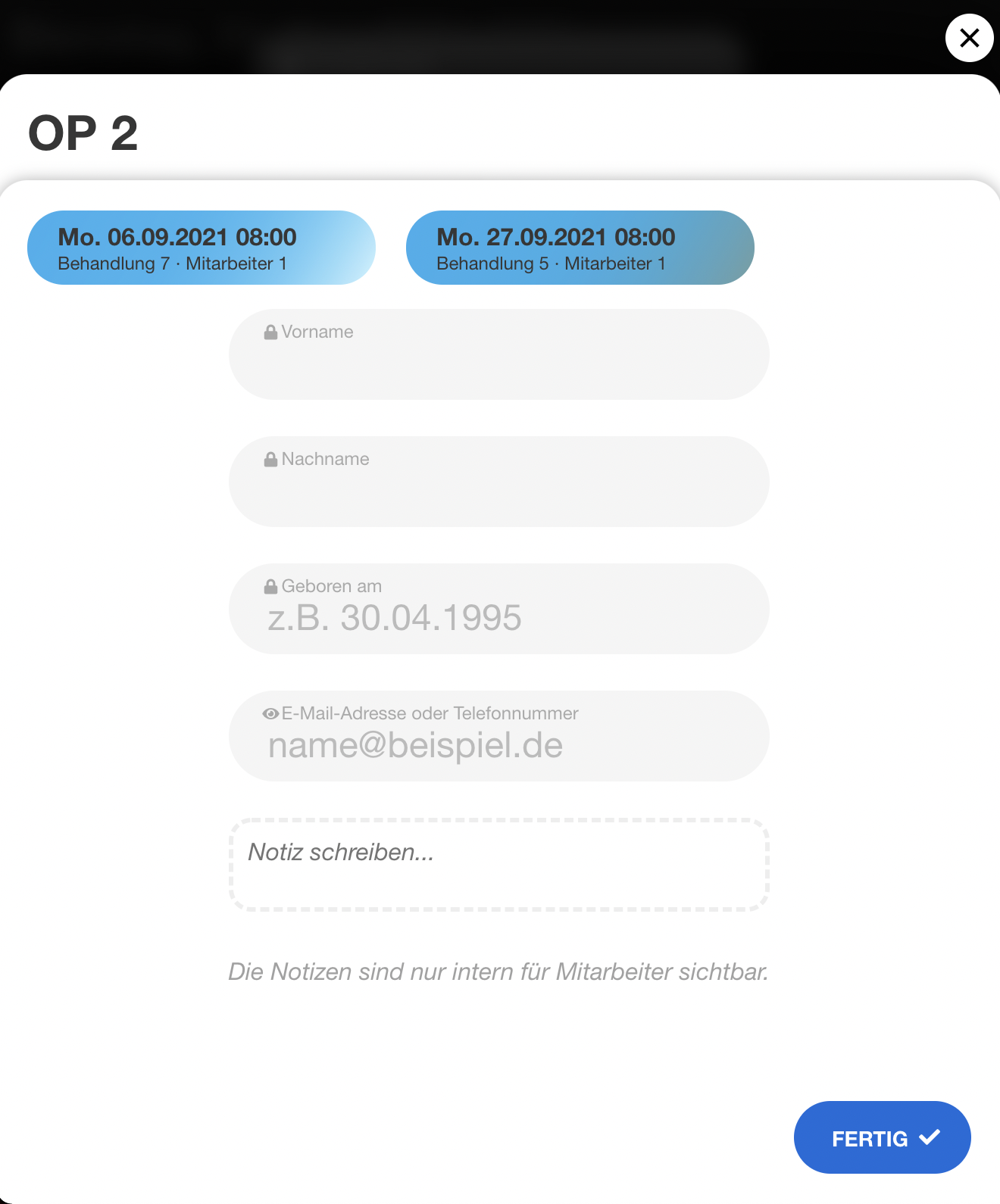 | Using template — patient data | Patient data entry form when booking via template. Recapture. |
Termine Setup
| # | Current | Description | Notes | New |
|---|---|---|---|---|
| 44 | 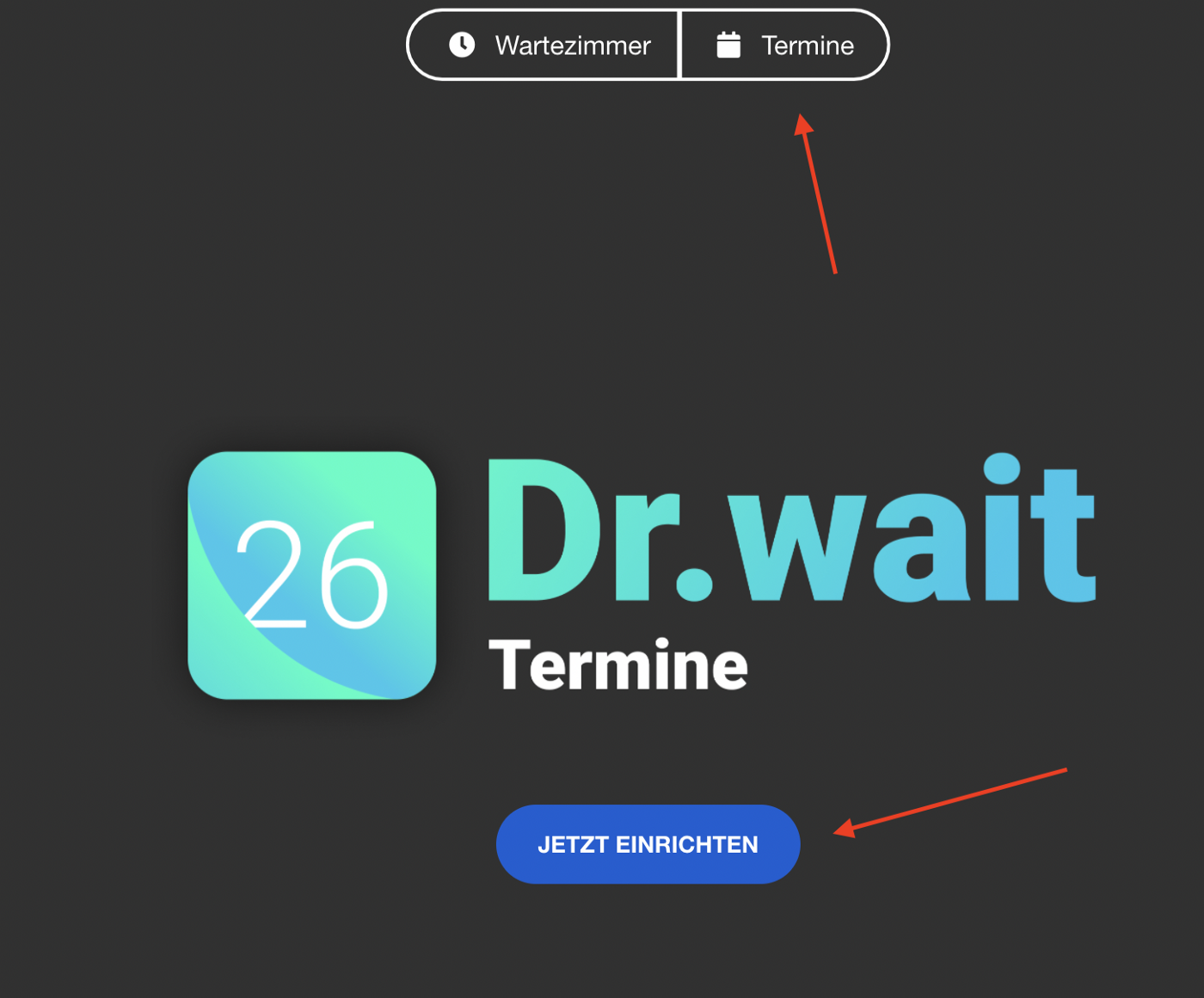 | Calendar setup start | "Jetzt einrichten" onboarding screen. May be hard to trigger — only shows on first-time setup. Check if there's a way to reset or if this flow still exists. Possibly obsolete if setup has changed. | |
| 45 | 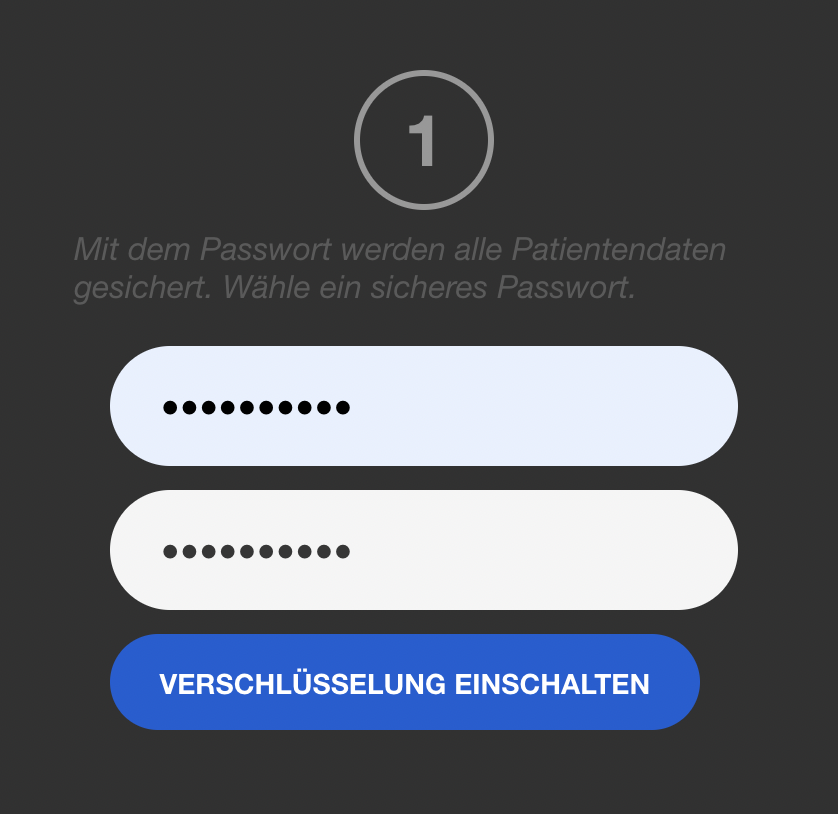 | Set calendar password | E2EE password setup during onboarding. Same concern as above — first-time flow only. | |
| 46 | 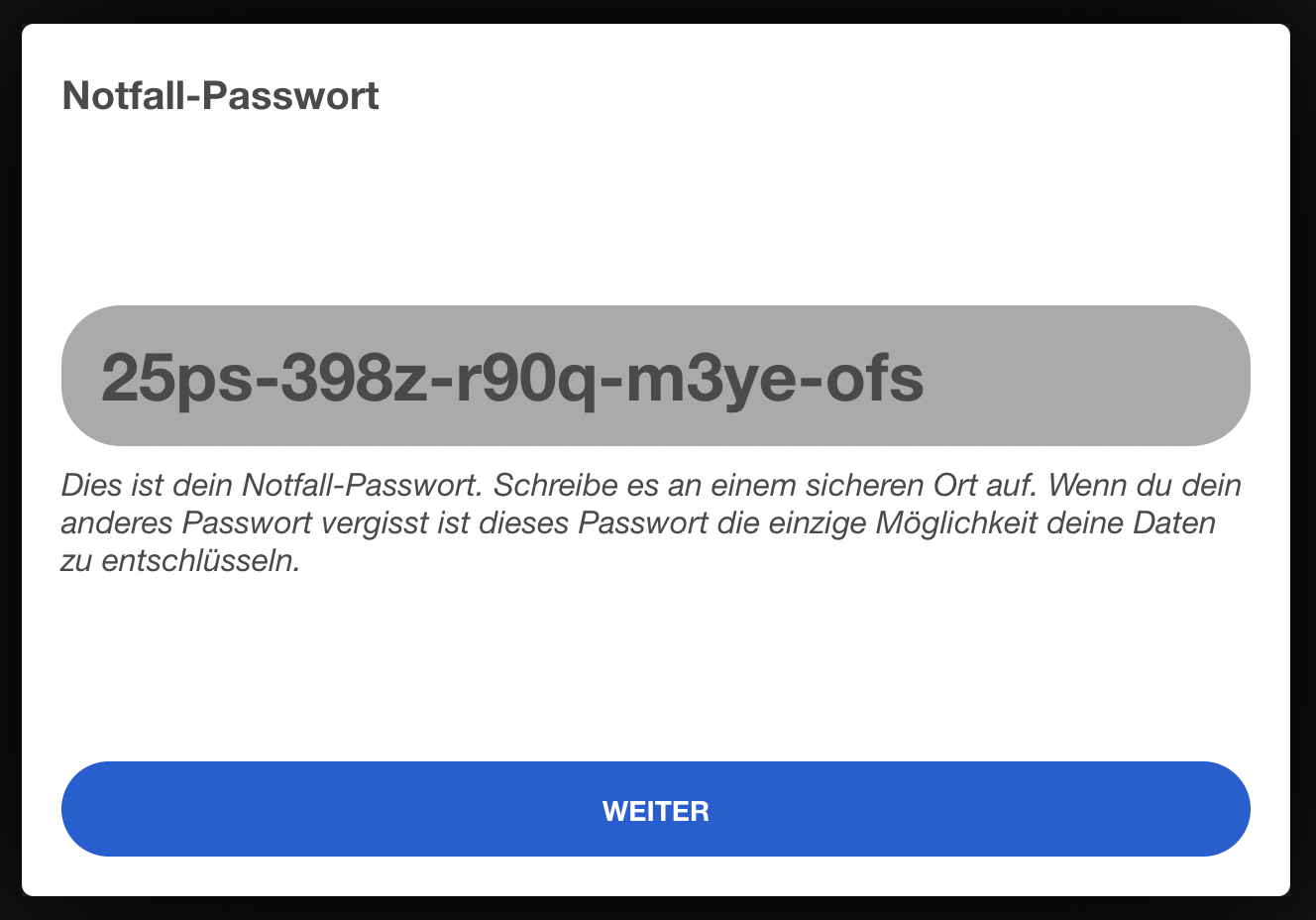 | Backup password display | Shows generated backup password. First-time flow only. | |
| 47 | 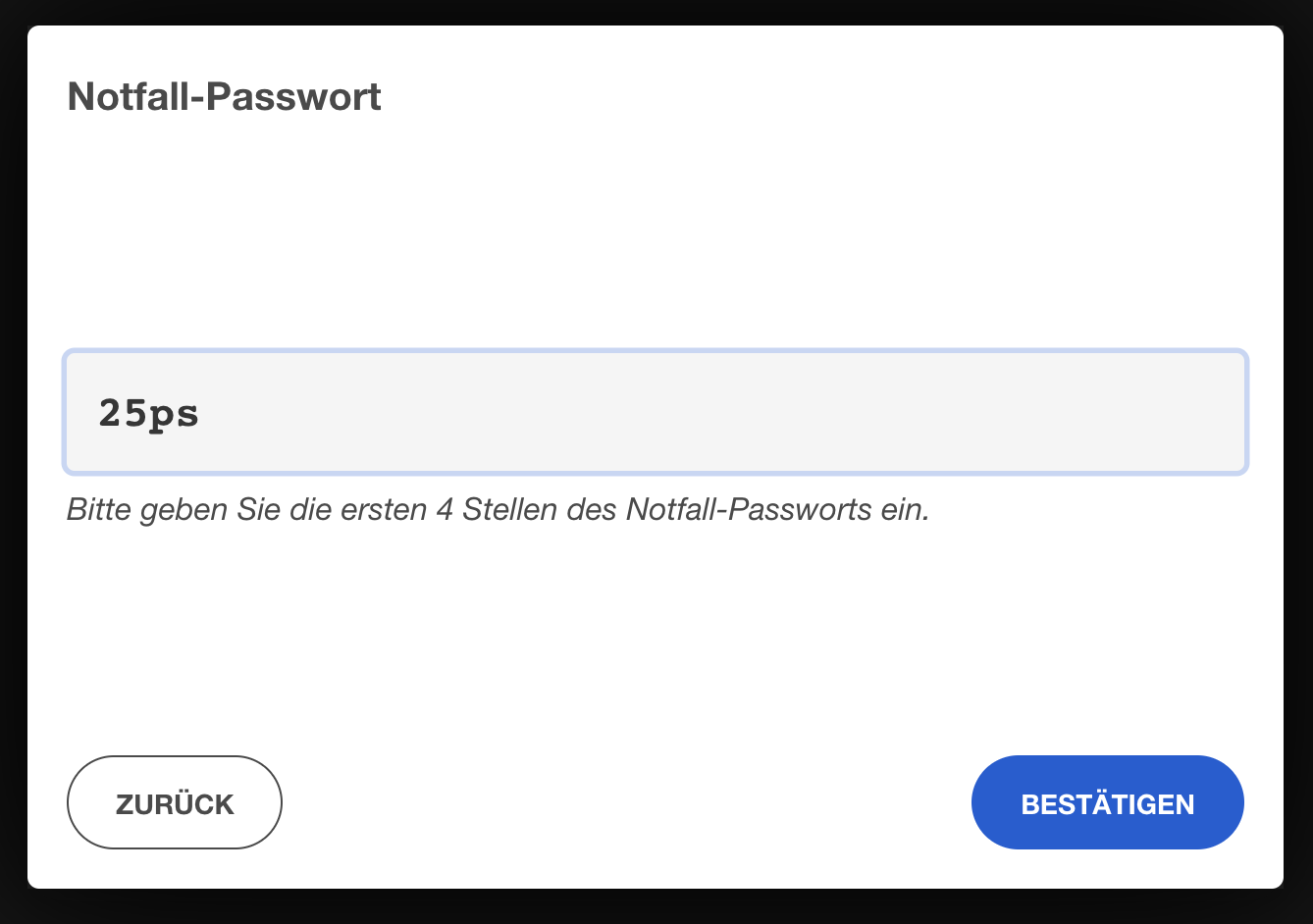 | Backup password confirmation | Enter first 4 digits of backup pw. First-time flow only. | |
| 48 | 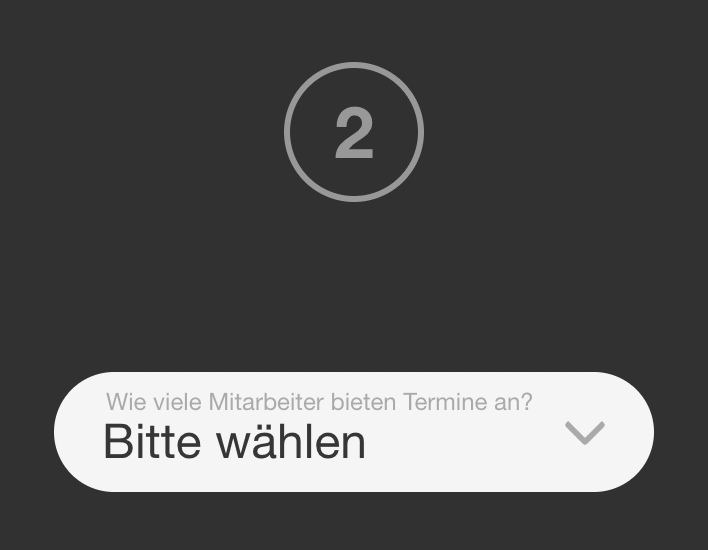 | Select number of calendars | Onboarding step to choose calendar count. First-time flow only. | |
| 49 |  | Calendar setup complete | "Fertig" success screen. First-time flow only. | |
| 50 |  | Google Calendar sync button | "Mit Google Kalender verbinden" link in calendar settings. Recapture — verify this integration still exists. |
Impftermine
| # | Current | Description | Notes | New |
|---|---|---|---|---|
| 51 | 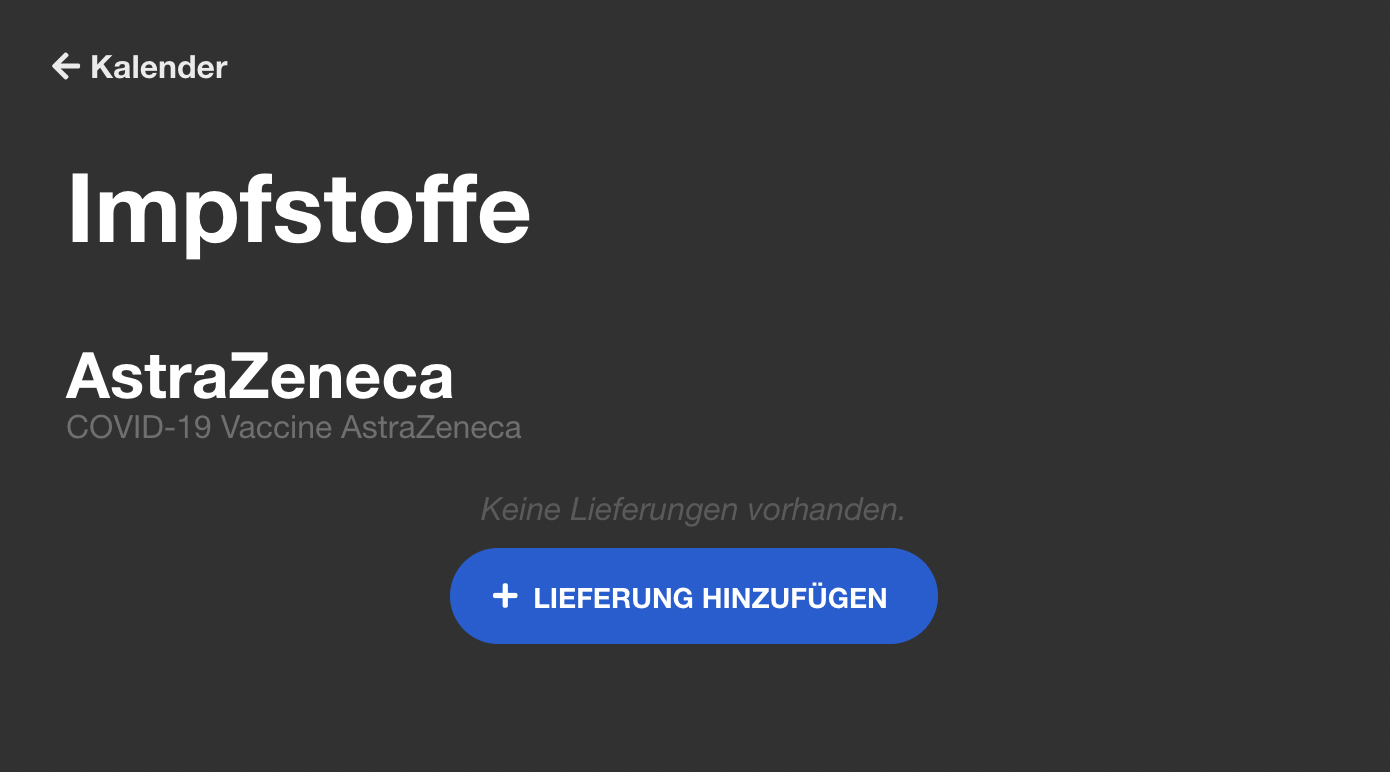 | Create vaccine entry | Vaccine management UI. Possibly obsolete — COVID vaccination rush is over. Check if this feature is still actively used/maintained. If so, recapture. | |
| 52 | 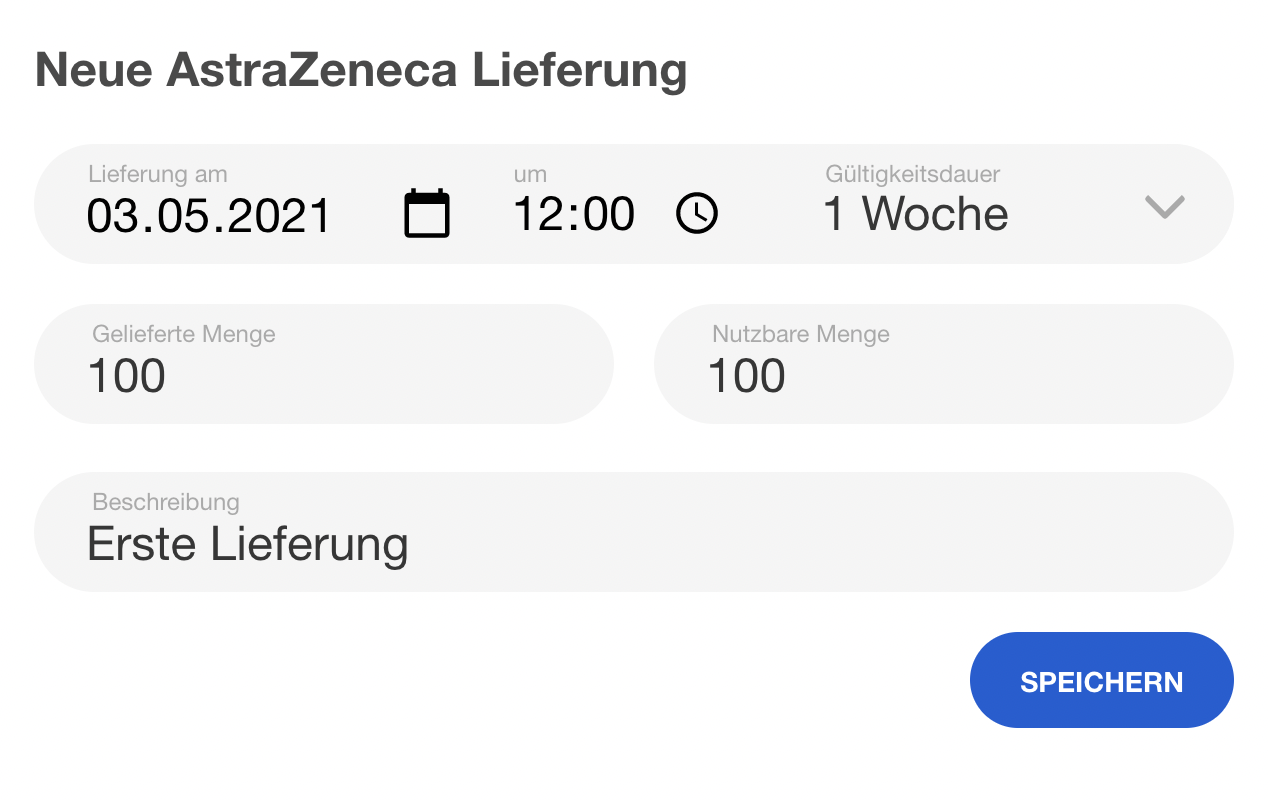 | Vaccine delivery settings | Delivery date, expiry, quantity settings. Same concern — check if feature still active. | |
| 53 | 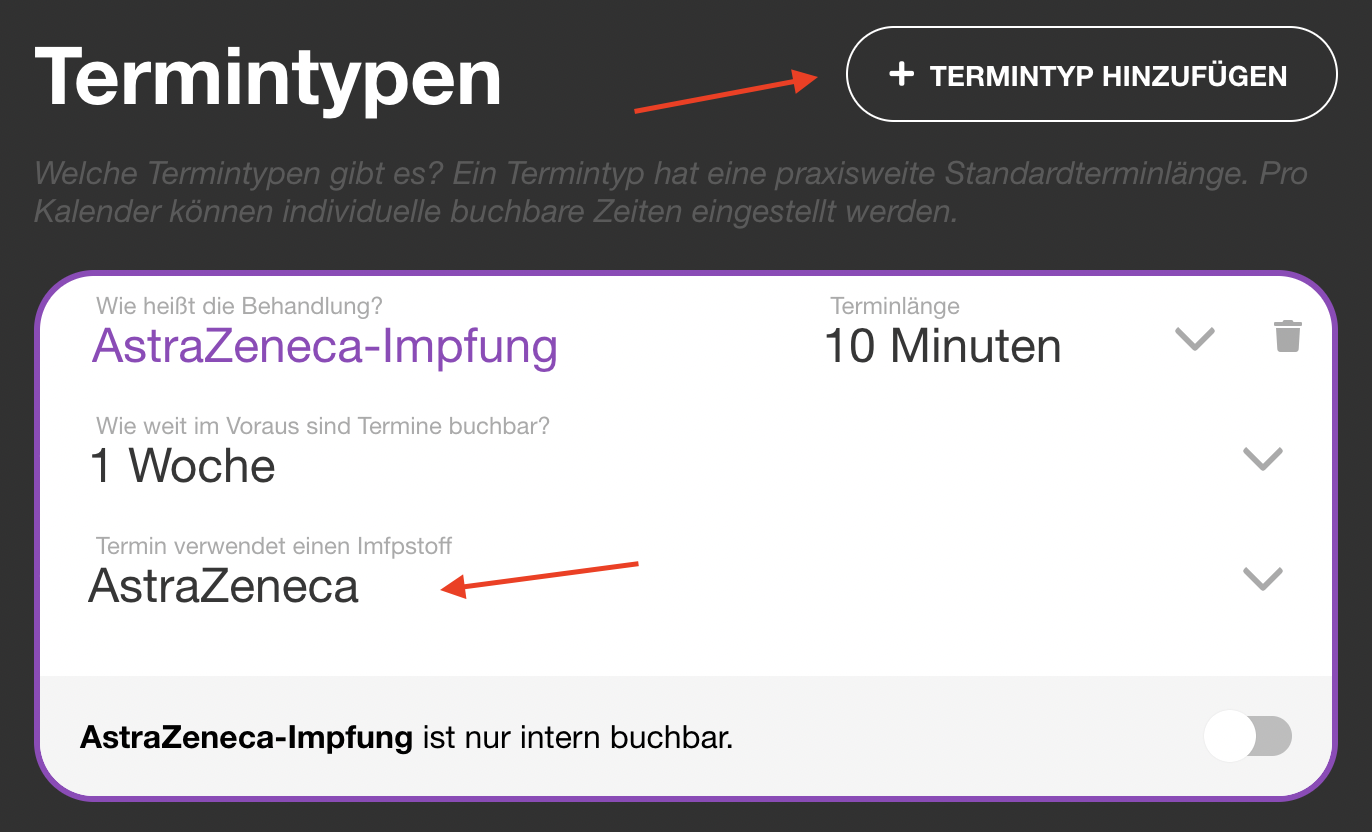 | Appointment type with vaccine | Type config with "Termin verwendet einen Impfstoff" toggle. Could be recaptured as part of general Termintypen screenshots. | |
| 54 | 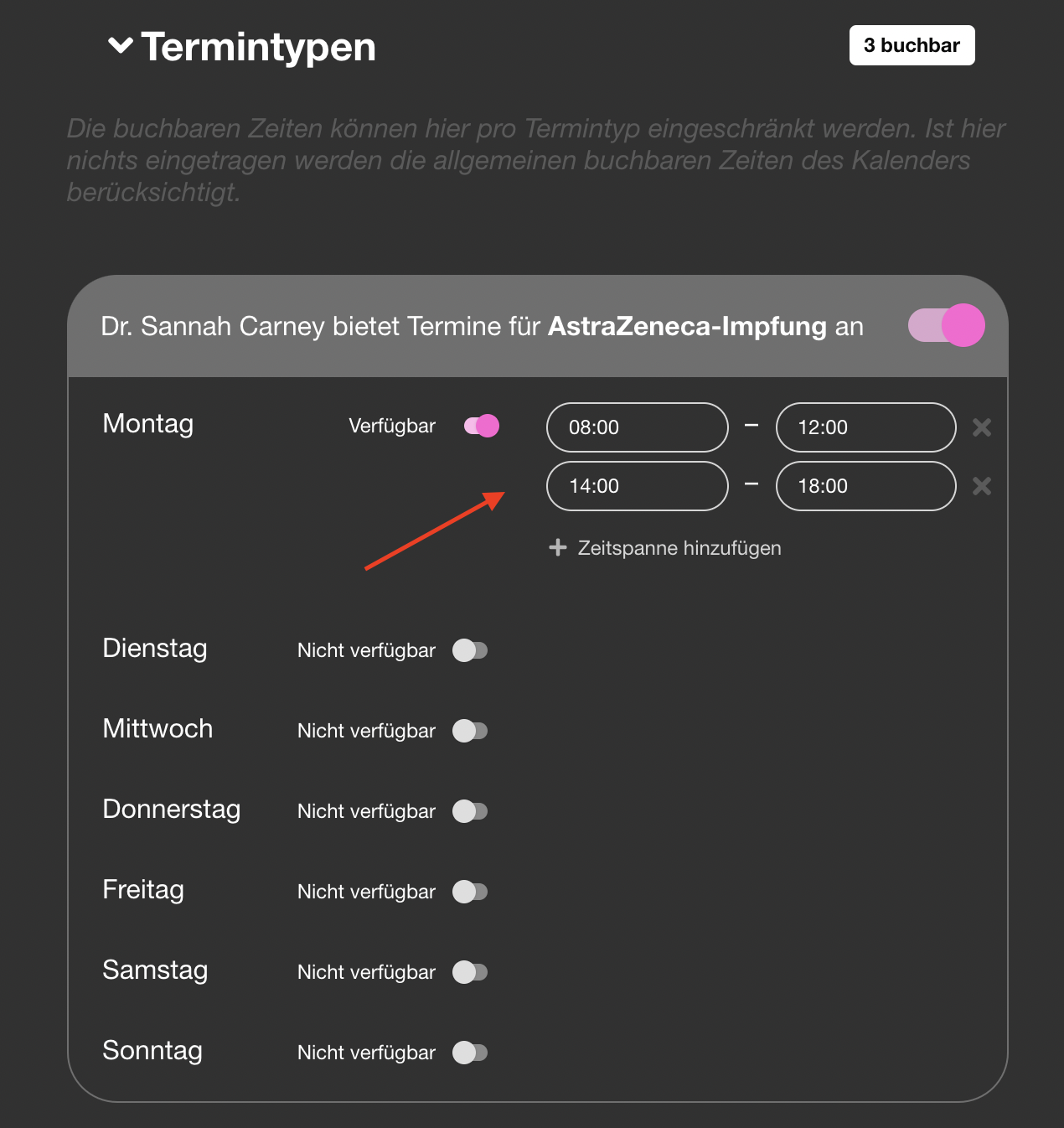 | Vaccine slots in calendar | Calendar showing vaccine-specific time slots. Check if still relevant. | |
| 55 |  | Activate online booking toggle | Main toggle to enable online appointments. Still relevant even without vaccines — recapture as general booking activation. |
Statistiken
| # | Current | Description | Notes | New |
|---|---|---|---|---|
| 56 | 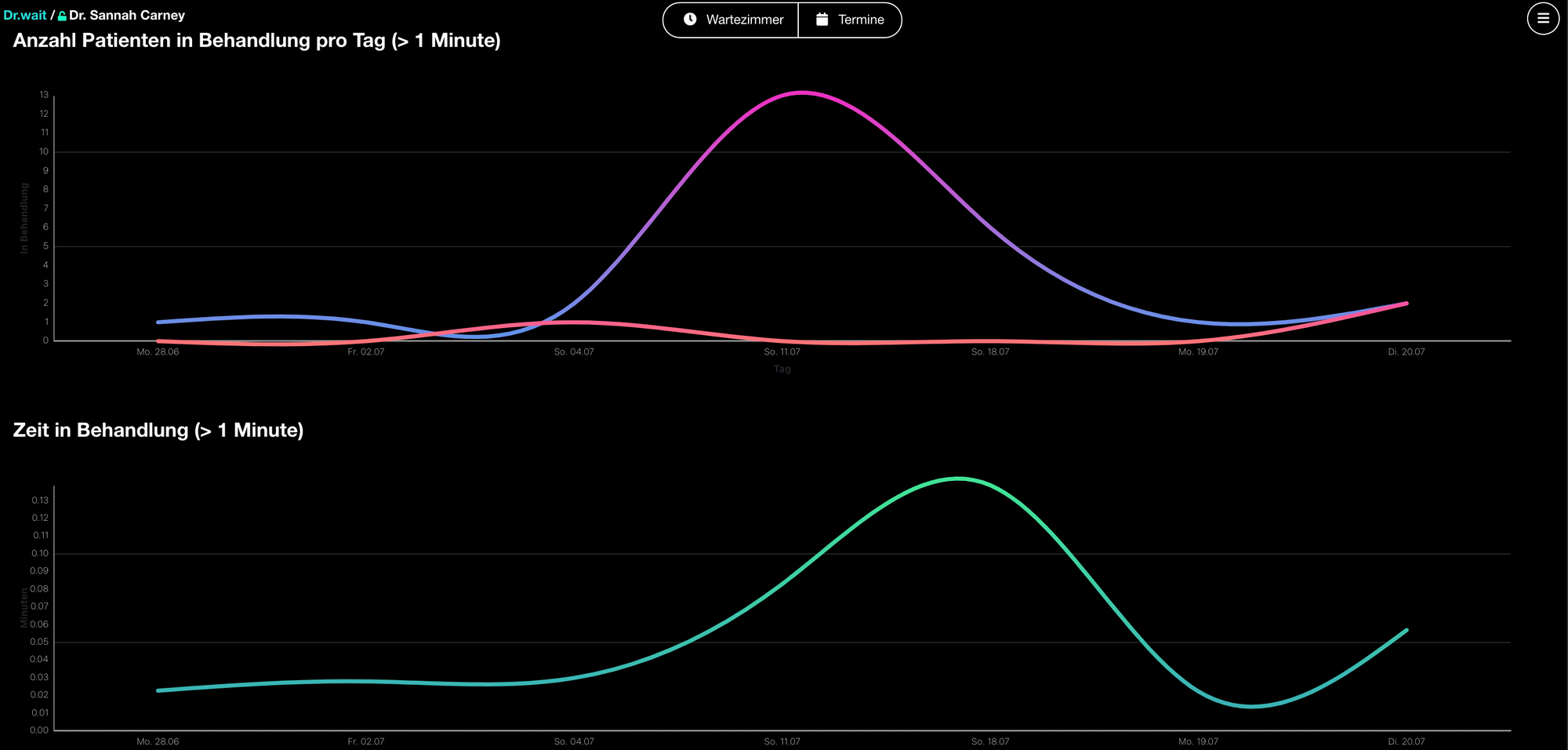 | Waiting room statistics | Bar charts for patients/day and treatment duration. Recapture — verify chart library/style hasn't changed. | |
| 57 | 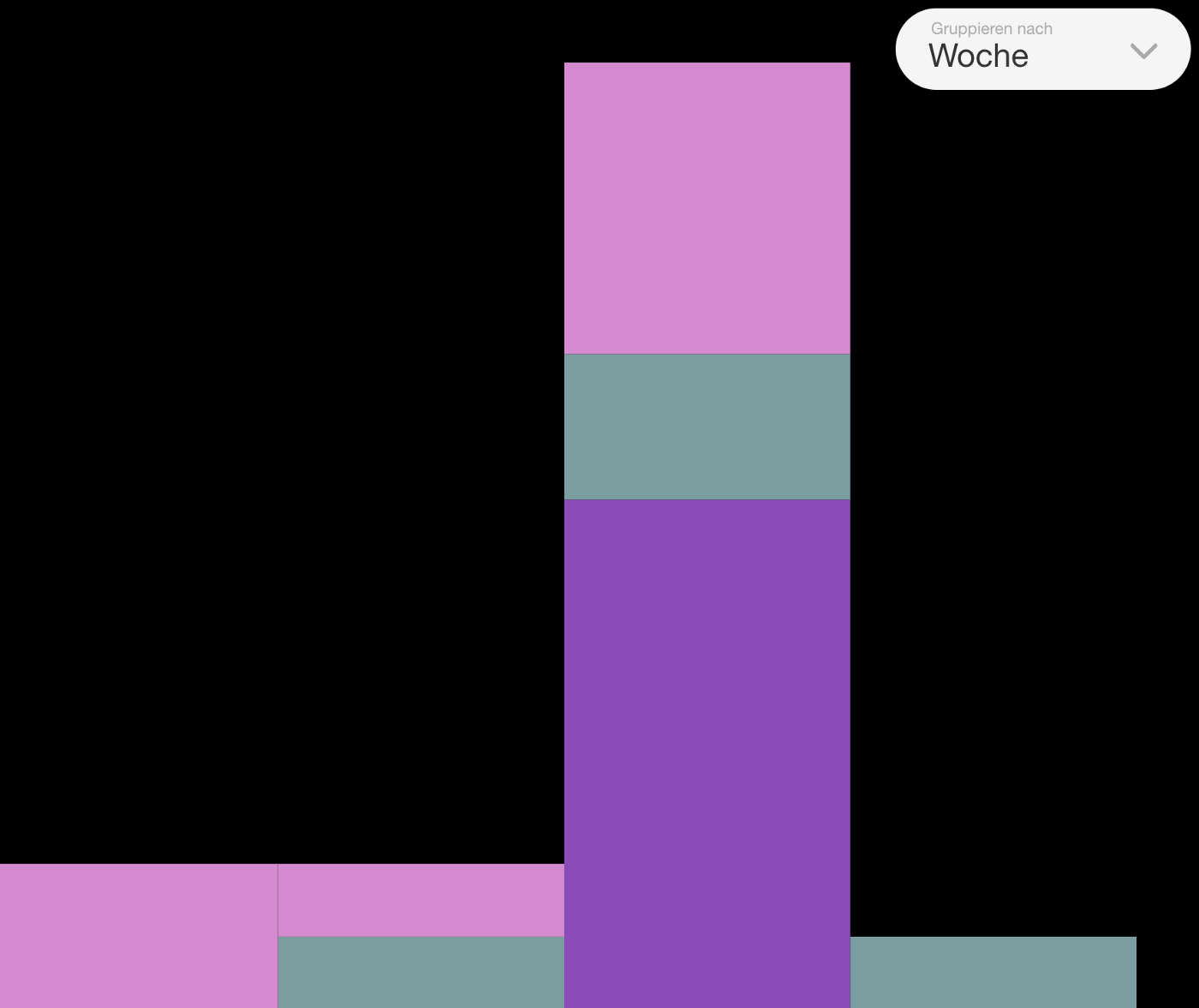 | Appointment statistics | Appointment booking stats with day/week/month toggle. Recapture with realistic data. Note: doc still mentions "Impfstoff-Vials planen" context which may be outdated. |
Workflows / Automatisierung
| # | Current | Description | Notes | New |
|---|---|---|---|---|
| 58 |  | Workflow list icon | Small icon used as h1 decoration. Not really a screenshot — could keep as-is or replace with current icon if changed. | |
| 59 | 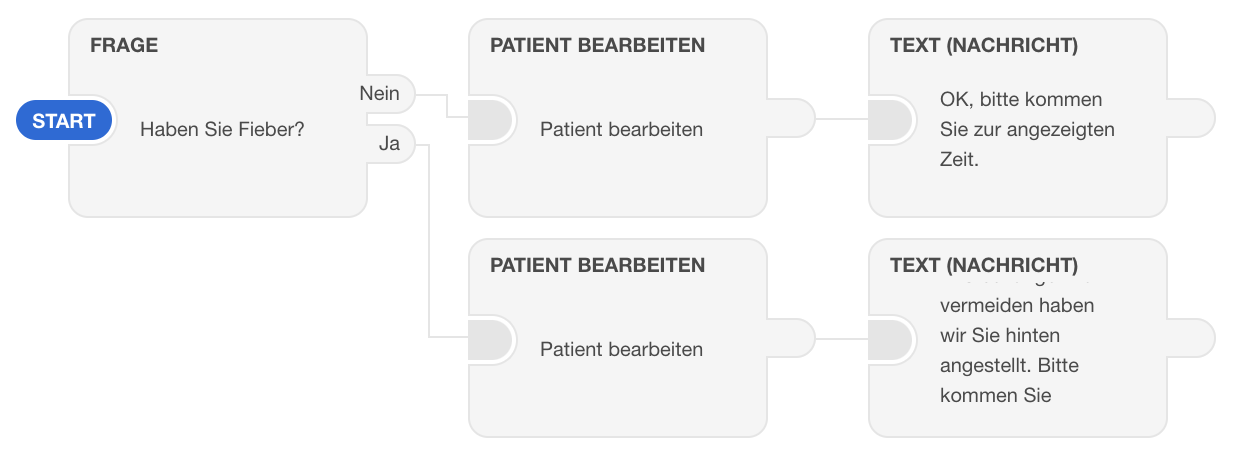 | Complete workflow example | Full workflow graph (Fieber example). The workflow editor UI may have changed significantly. Key screenshot — recapture. | |
| 60 | 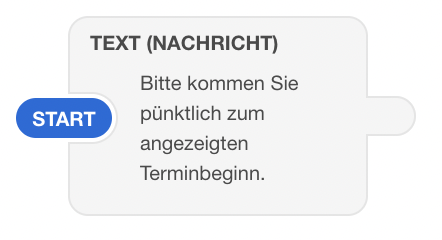 | Text/message node | Single node detail showing text message config. Recapture. | |
| 61 | 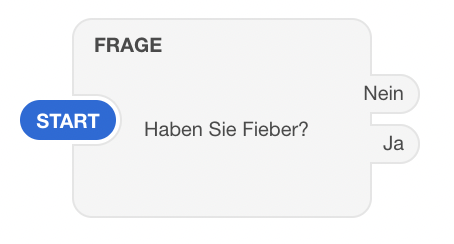 | Question node | Node detail with question + answer options. Recapture. | |
| 62 | 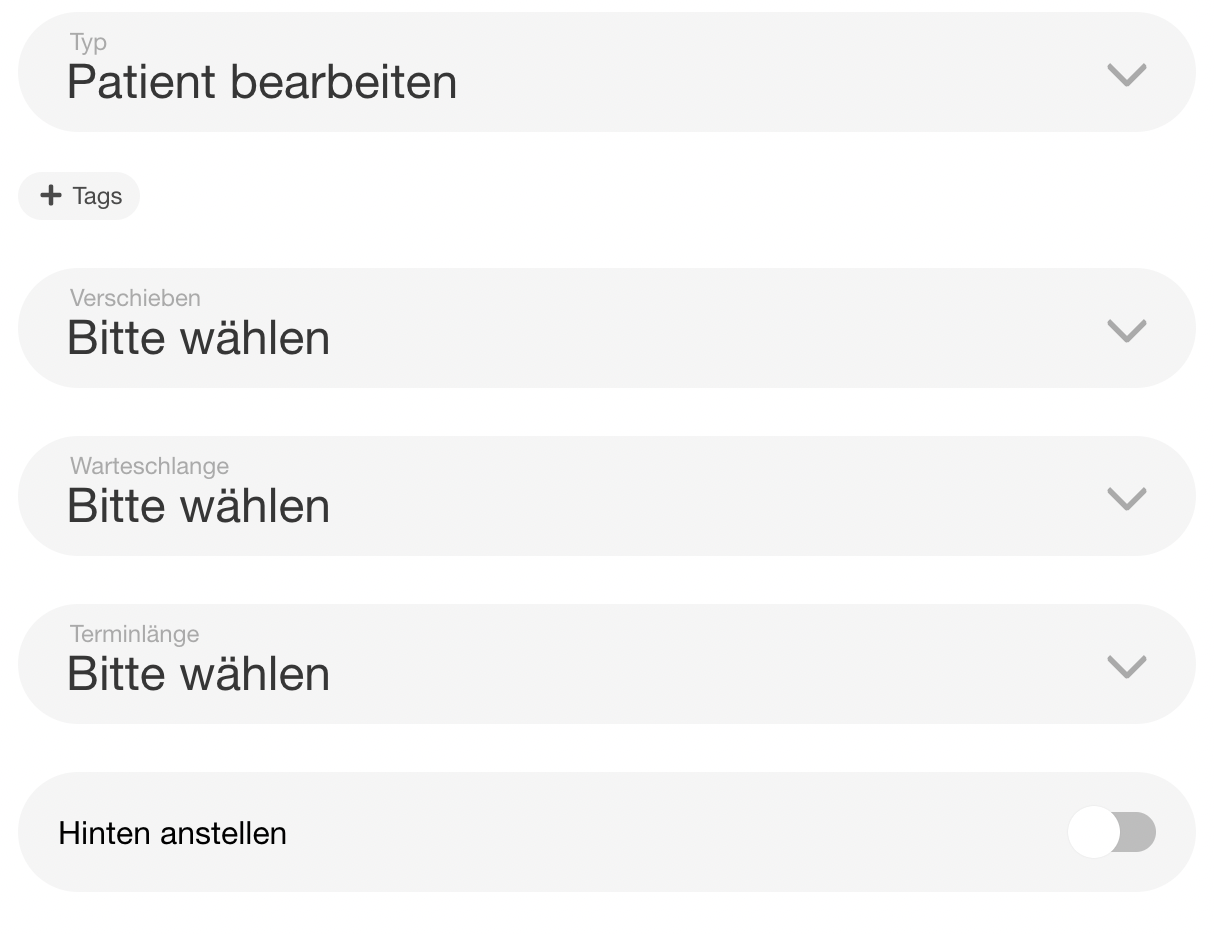 | "Patient bearbeiten" node | Node with tag/queue/move options. Recapture. | |
| 63 |  | "Workflow hinzufügen" button | Button in workflow list. Recapture. | |
| 64 | 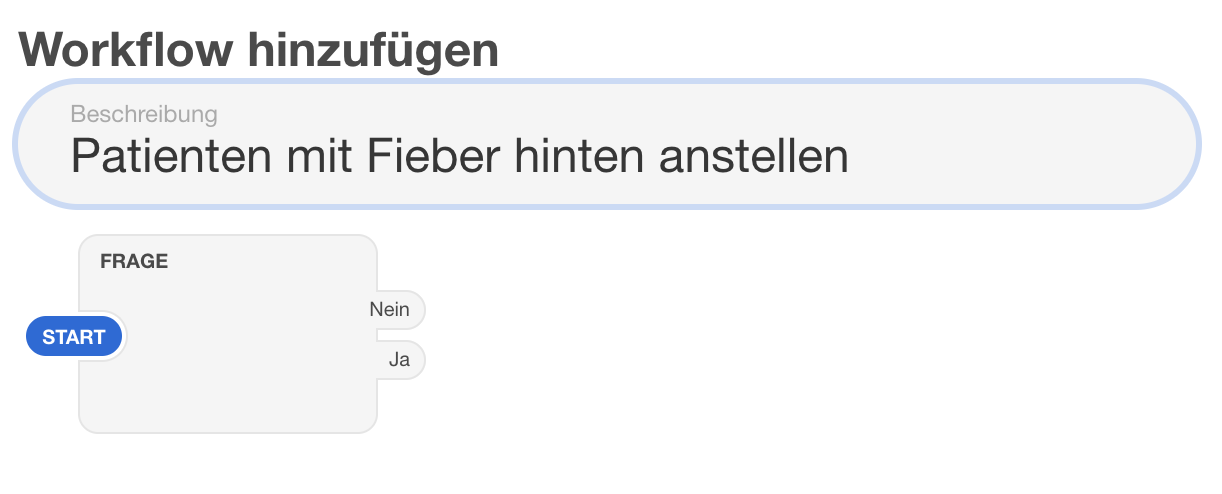 | Workflow name input | Empty workflow with name field. Recapture. | |
| 65 | 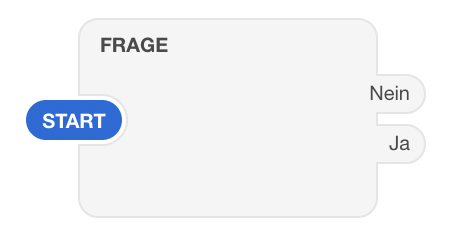 | First node (empty) | Empty first step to click on. Recapture. | |
| 66 | 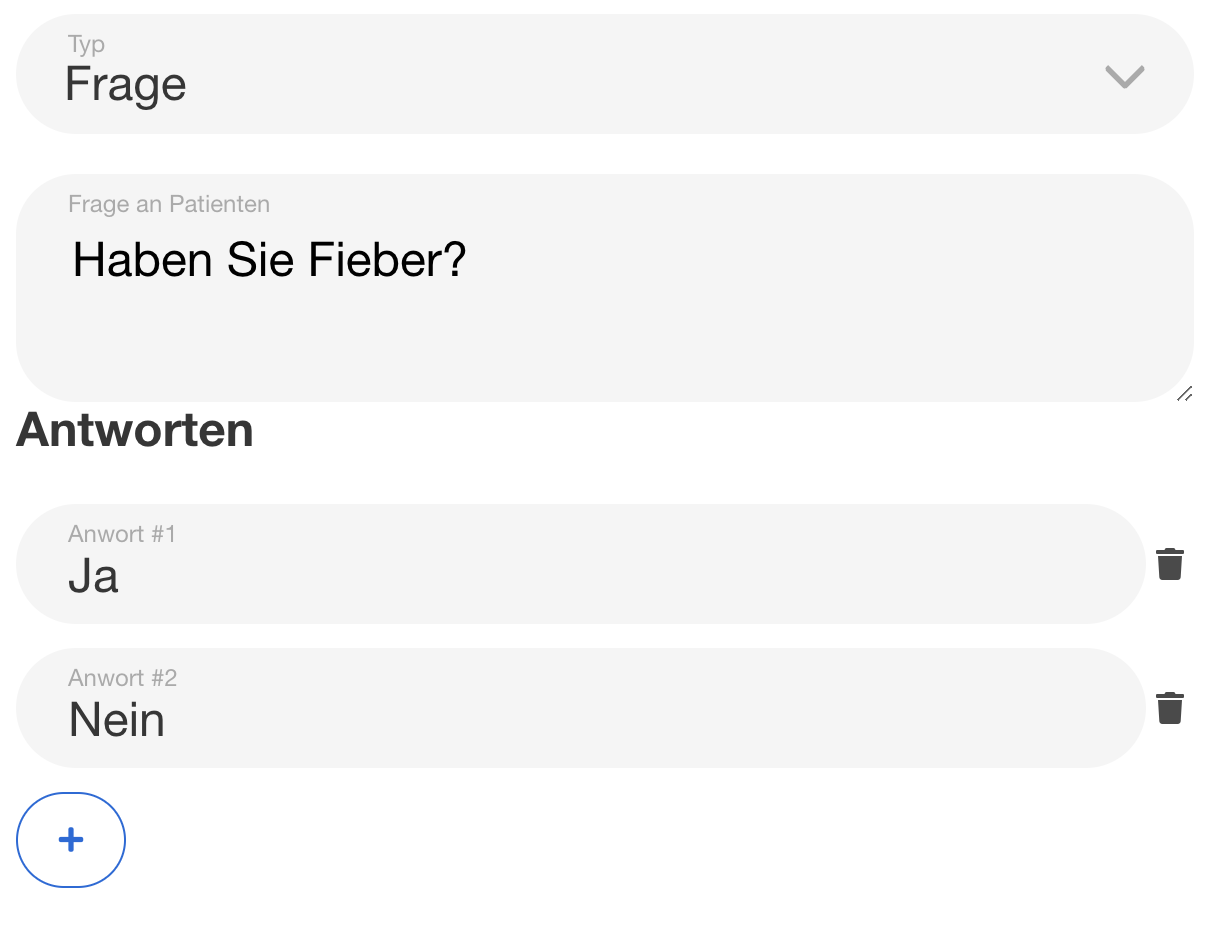 | "Haben Sie Fieber?" question | Configured question node. Recapture with same example. | |
| 67 | 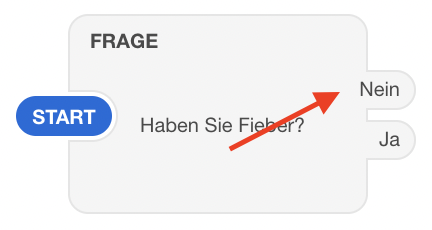 | "Nein" branch | Workflow showing Nein branch. Recapture as part of full workflow build. | |
| 68 | 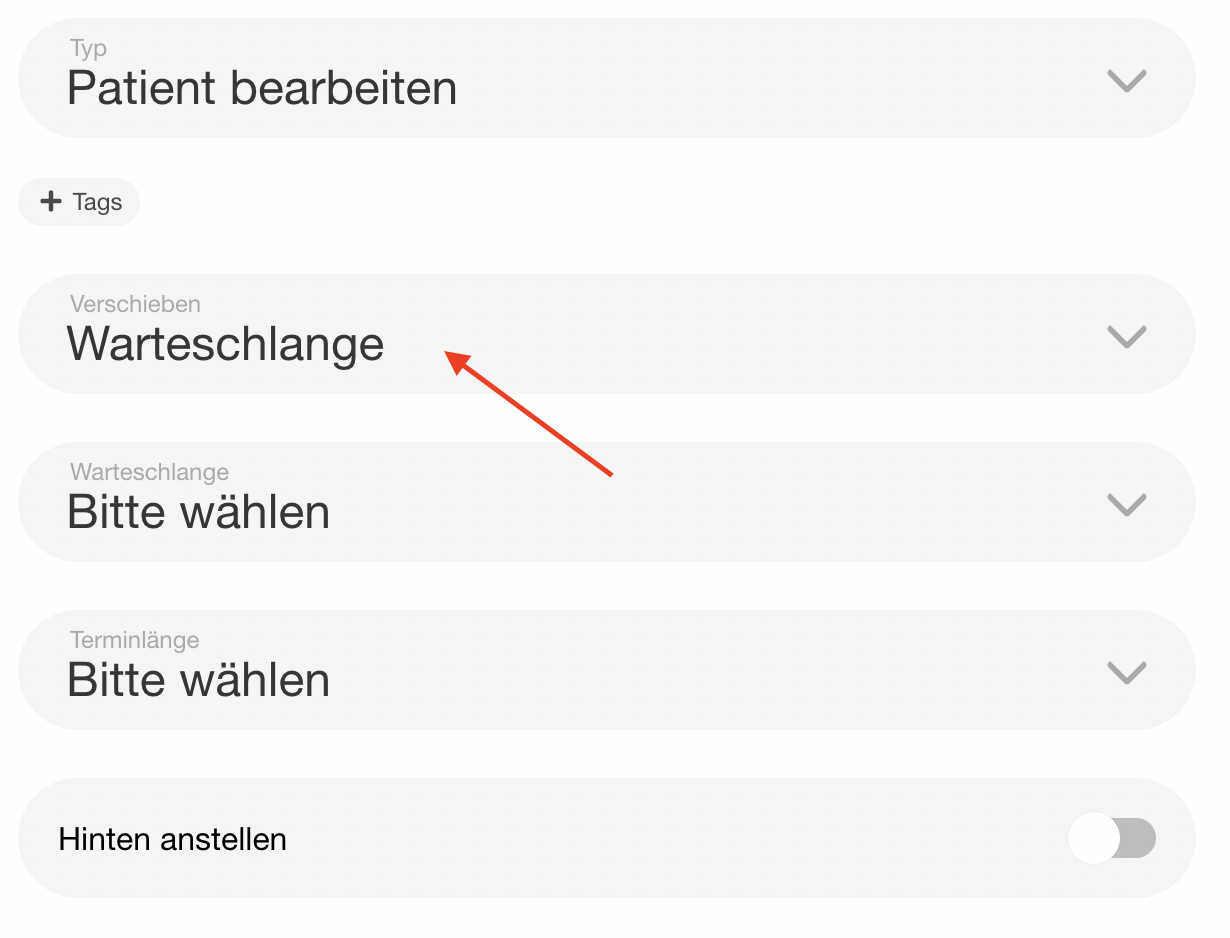 | Move patient to queue | "Patient bearbeiten" config for Nein path. Recapture. | |
| 69 | 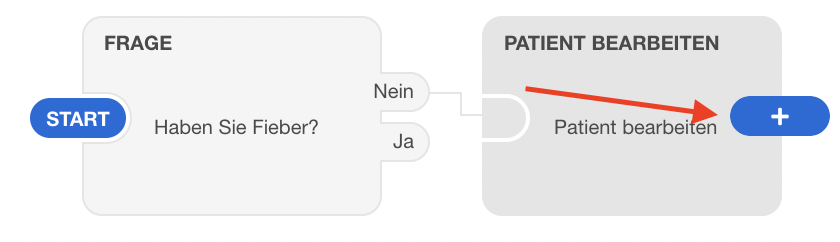 | Add next step (+ button) | Shows + button after a node. Recapture. | |
| 70 | 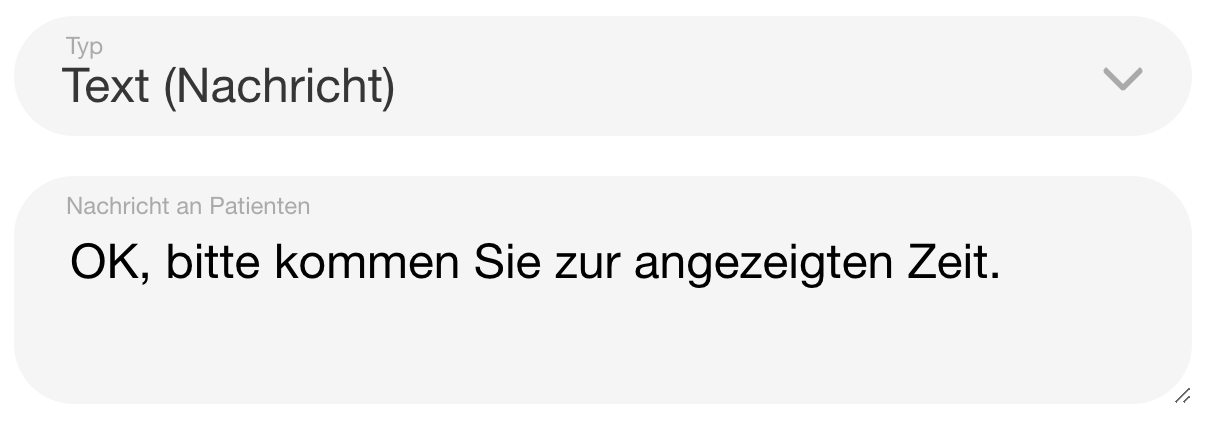 | Text response "Alles klar" | Message node for Nein branch. Recapture. | |
| 71 |  | "Ja" branch | Workflow showing Ja branch. Recapture. | |
| 72 | 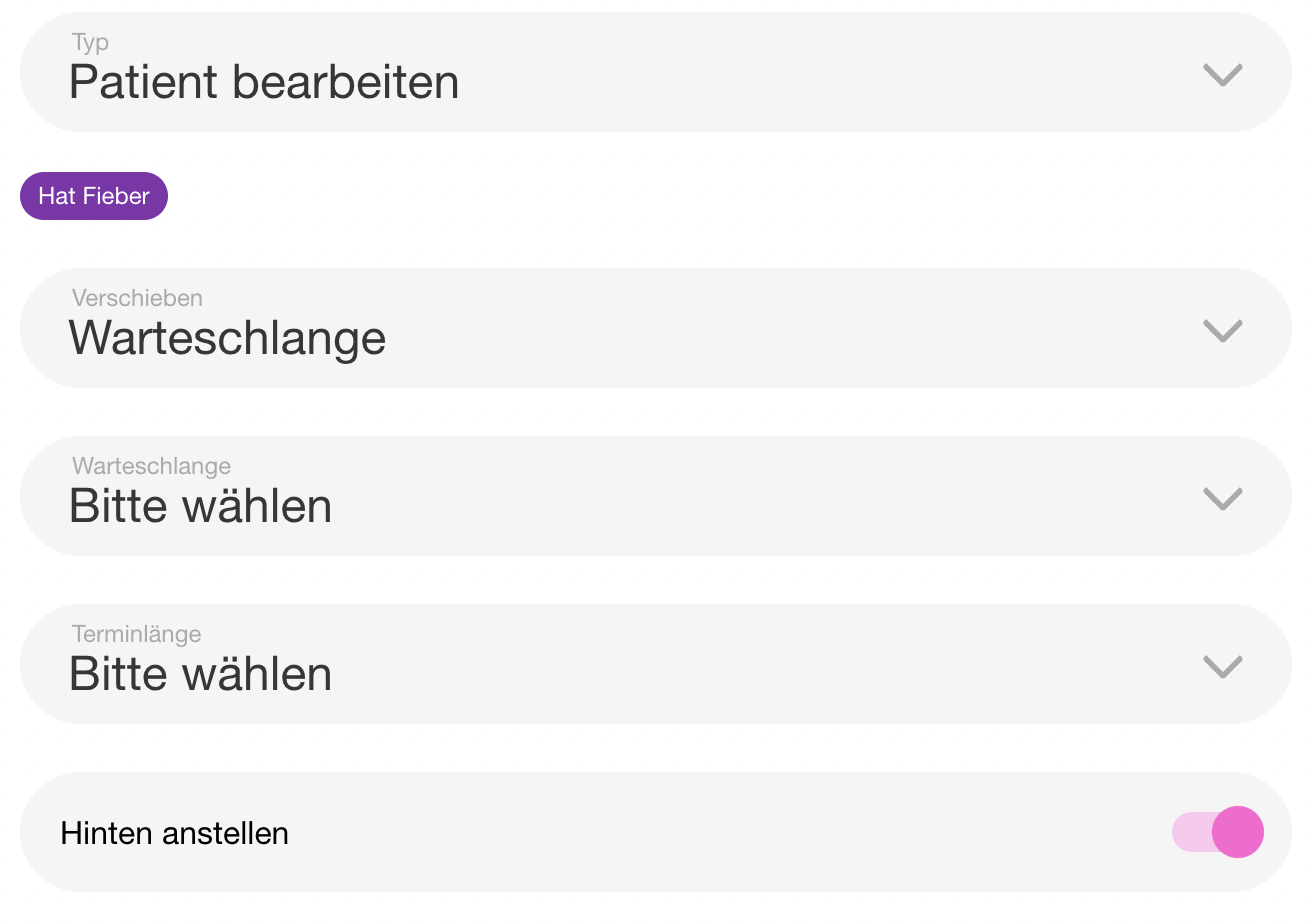 | Move to last + tag | Patient bearbeiten with tag + hinten anstellen. Recapture. | |
| 73 | 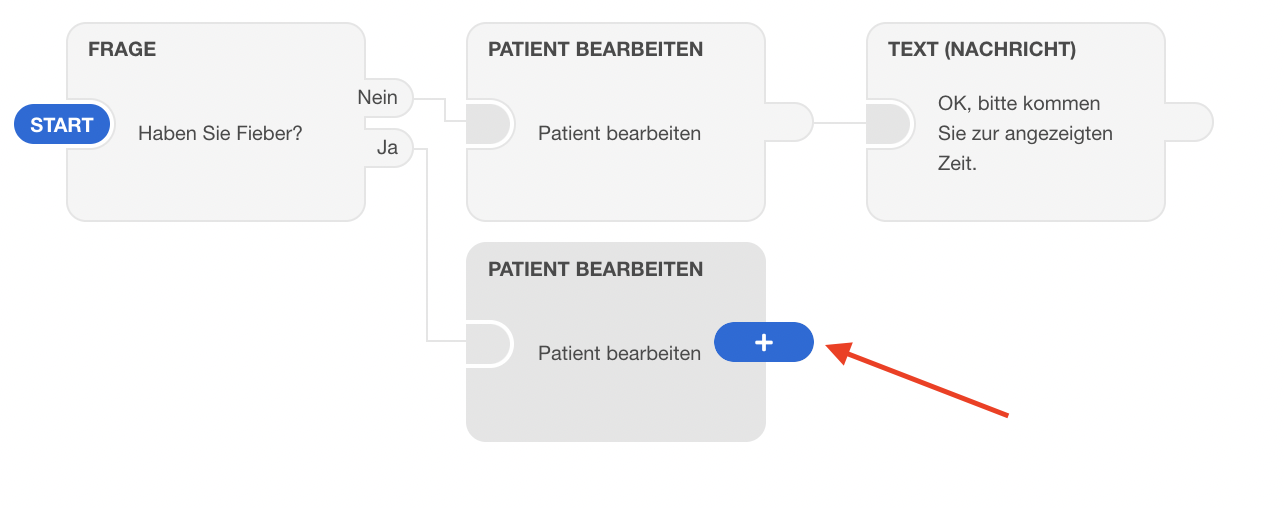 | Yes branch add text | + button after Ja path. Recapture. | |
| 74 | 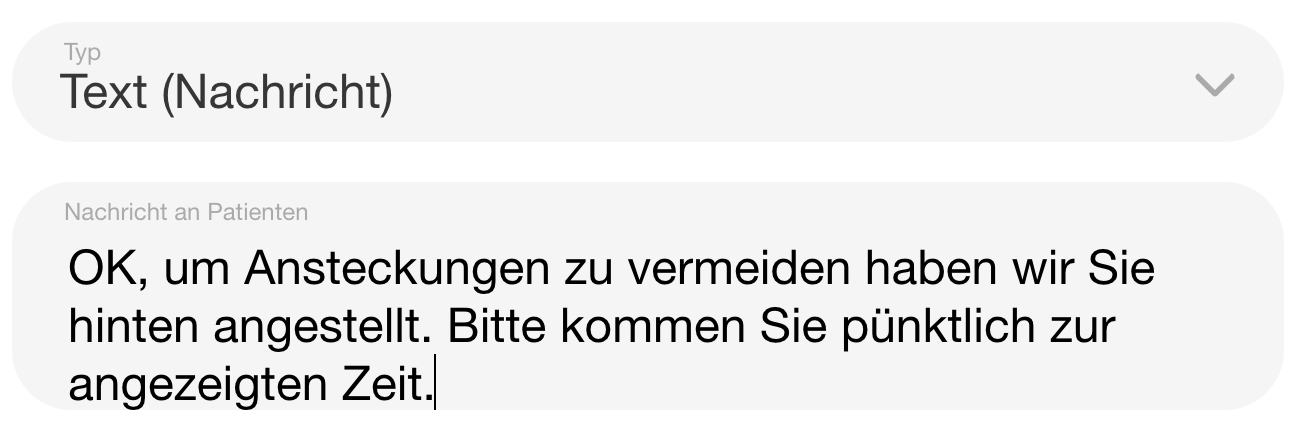 | Final text node | Last message node in Ja path. Recapture. | |
| 75 |  | "Ereignis hinzufügen" button | Button in events list. Recapture. | |
| 76 | 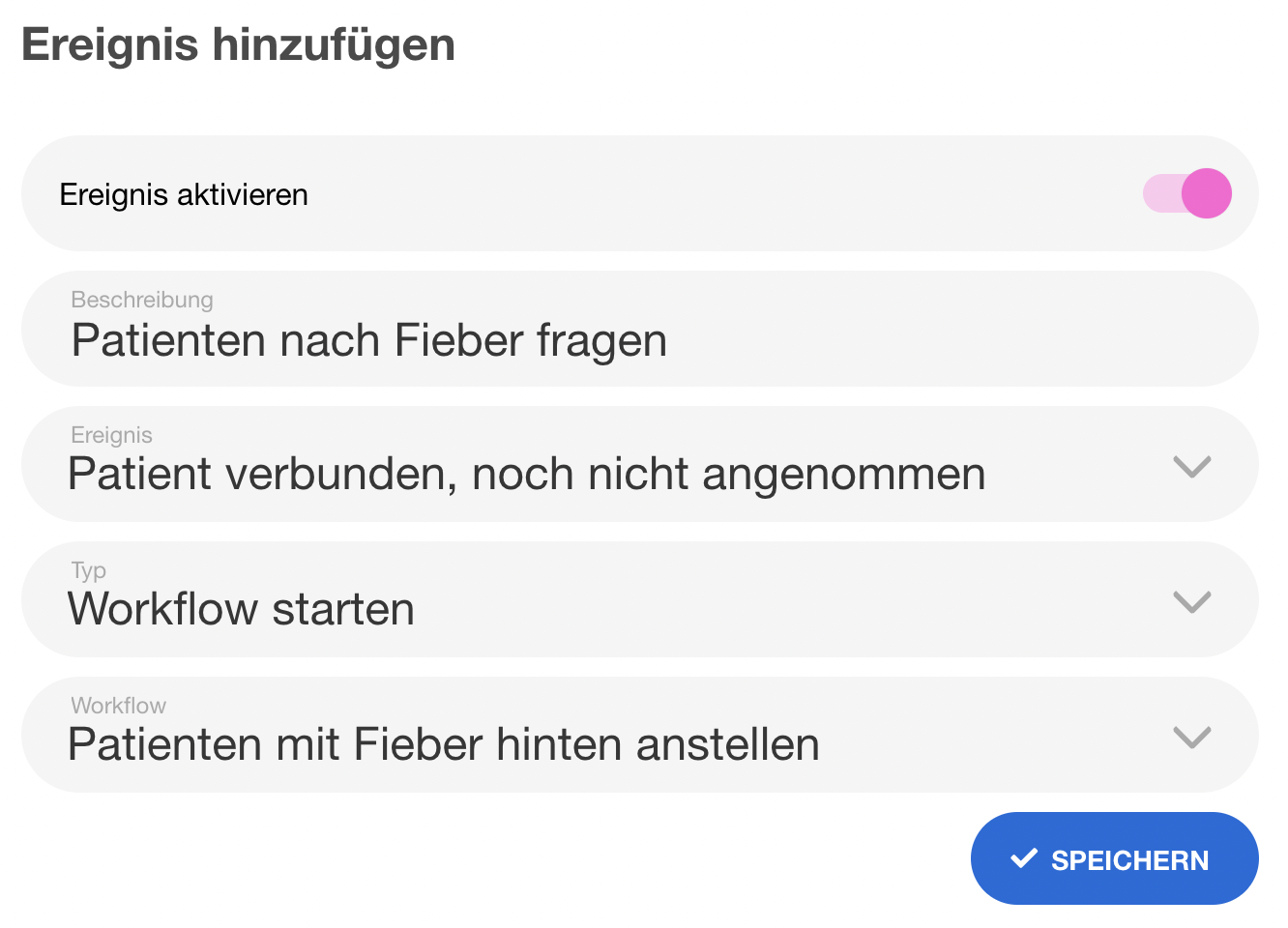 | Event trigger configuration | Event config linking to workflow. Recapture. |
Daily Briefing
| # | Current | Description | Notes | New |
|---|---|---|---|---|
| 77 | 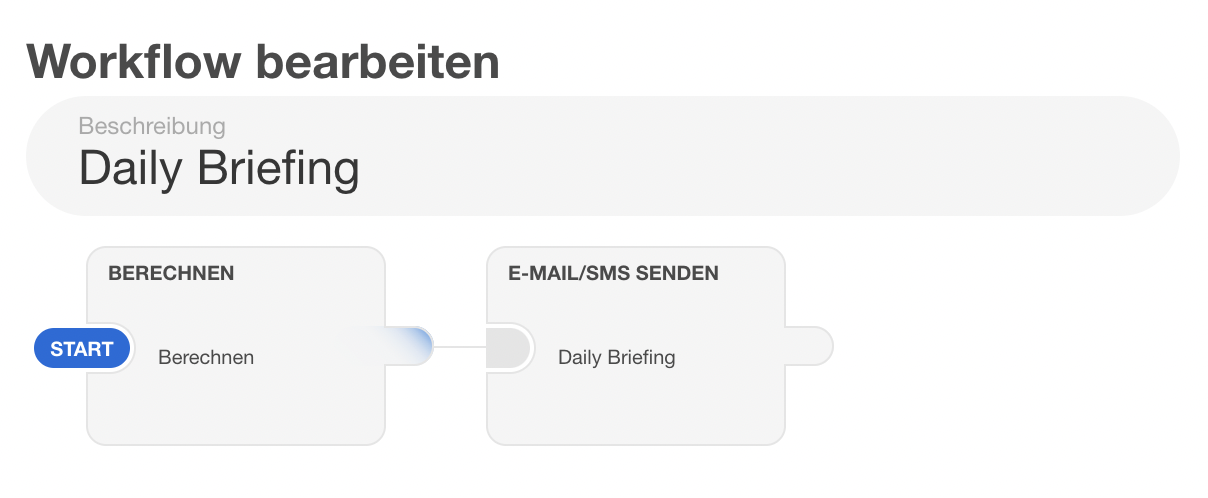 | Daily briefing workflow | Workflow with "Berechnen" step and email step. Niche feature — recapture if workflow editor has changed, otherwise low priority. | |
| 78 | 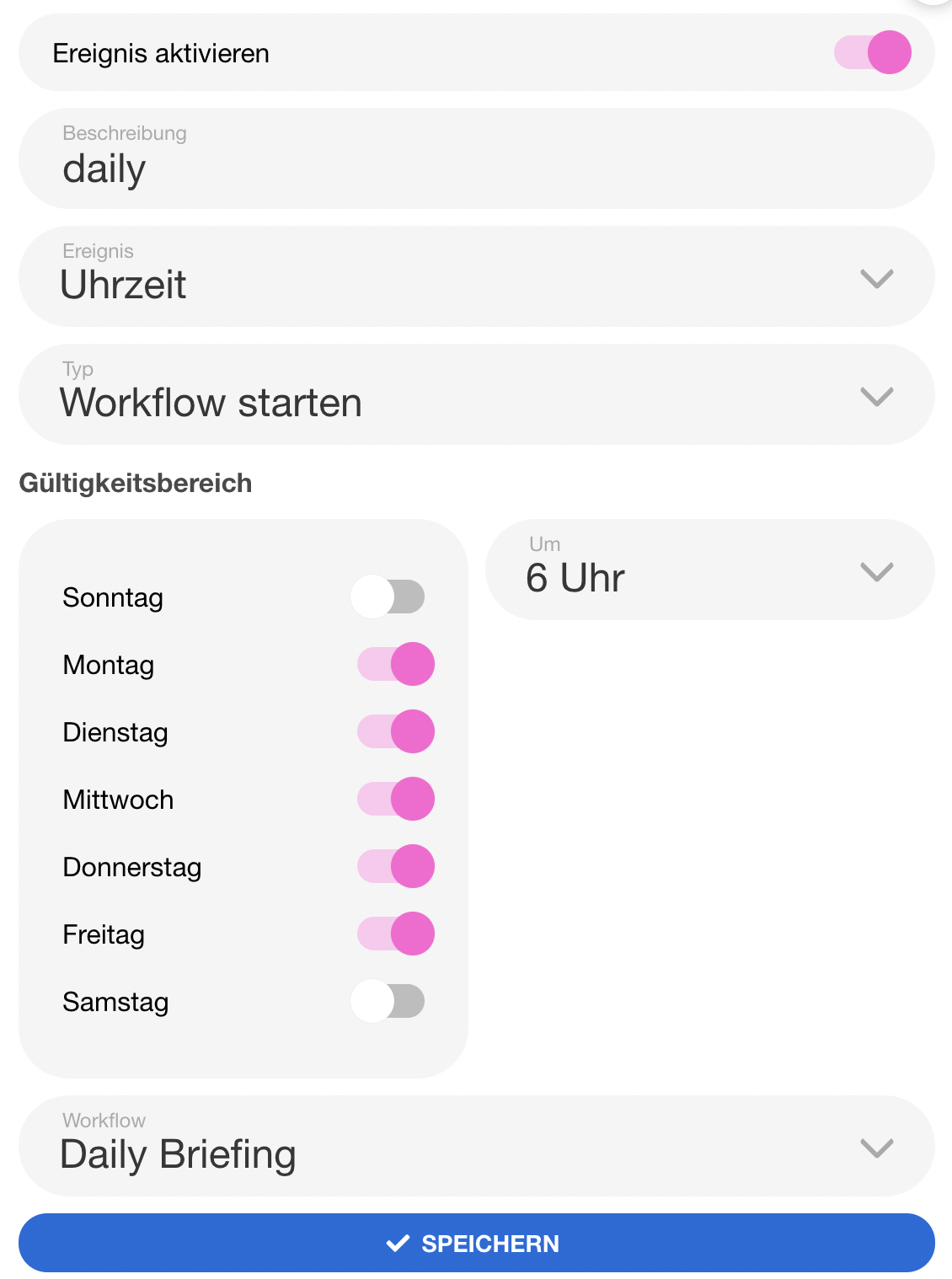 | Daily briefing event trigger | Event set to "Uhrzeit" triggering the workflow. Recapture alongside #76 since similar UI. |
E-Rezepte
| # | Current | Description | Notes | New |
|---|---|---|---|---|
| 79 | 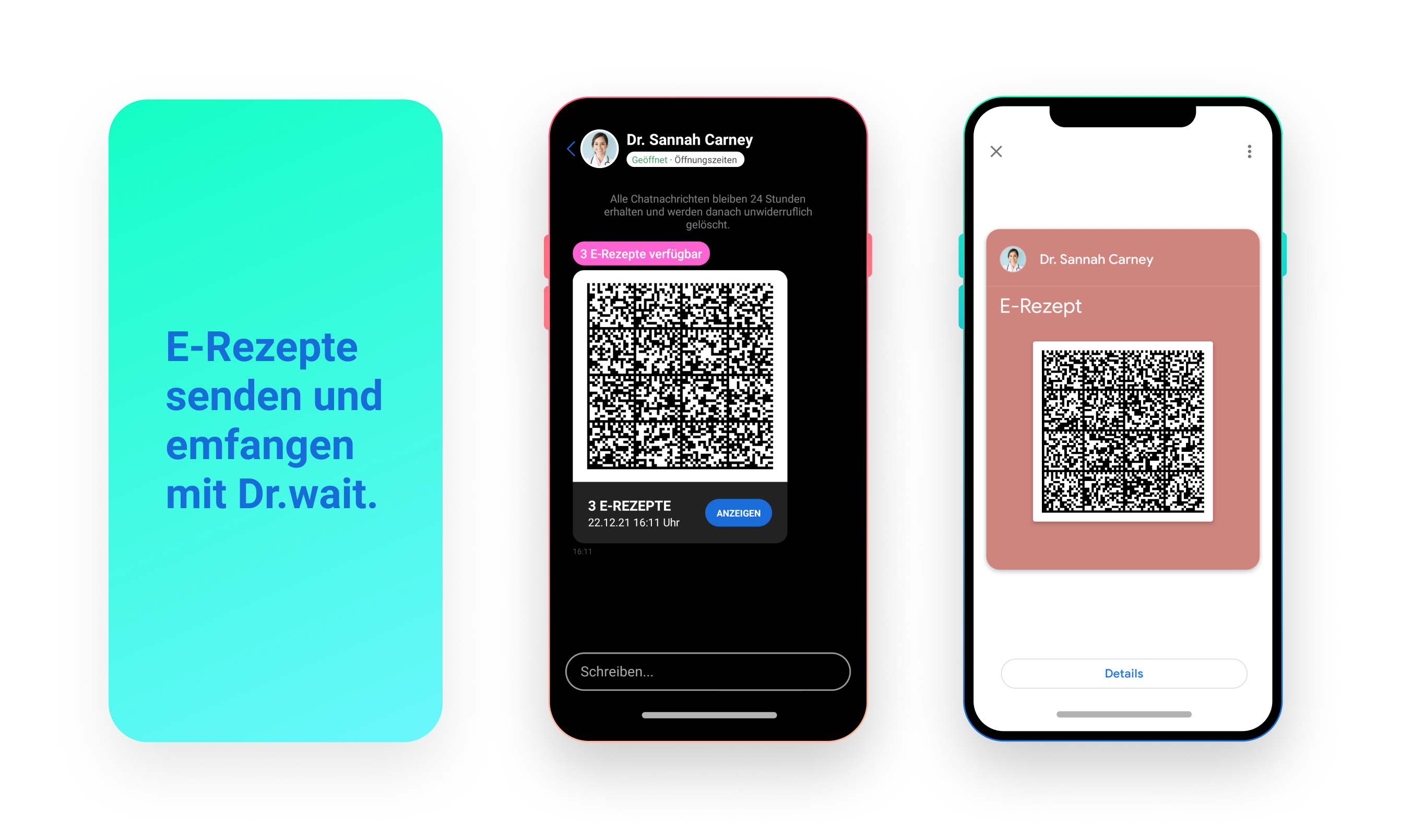 | E-Rezepte overview | Patient app showing e-prescription in chat. Patient app screenshot. Also used as image frontmatter for 2 pages. Page still says "beta" — check if feature graduated. | |
| 80 | 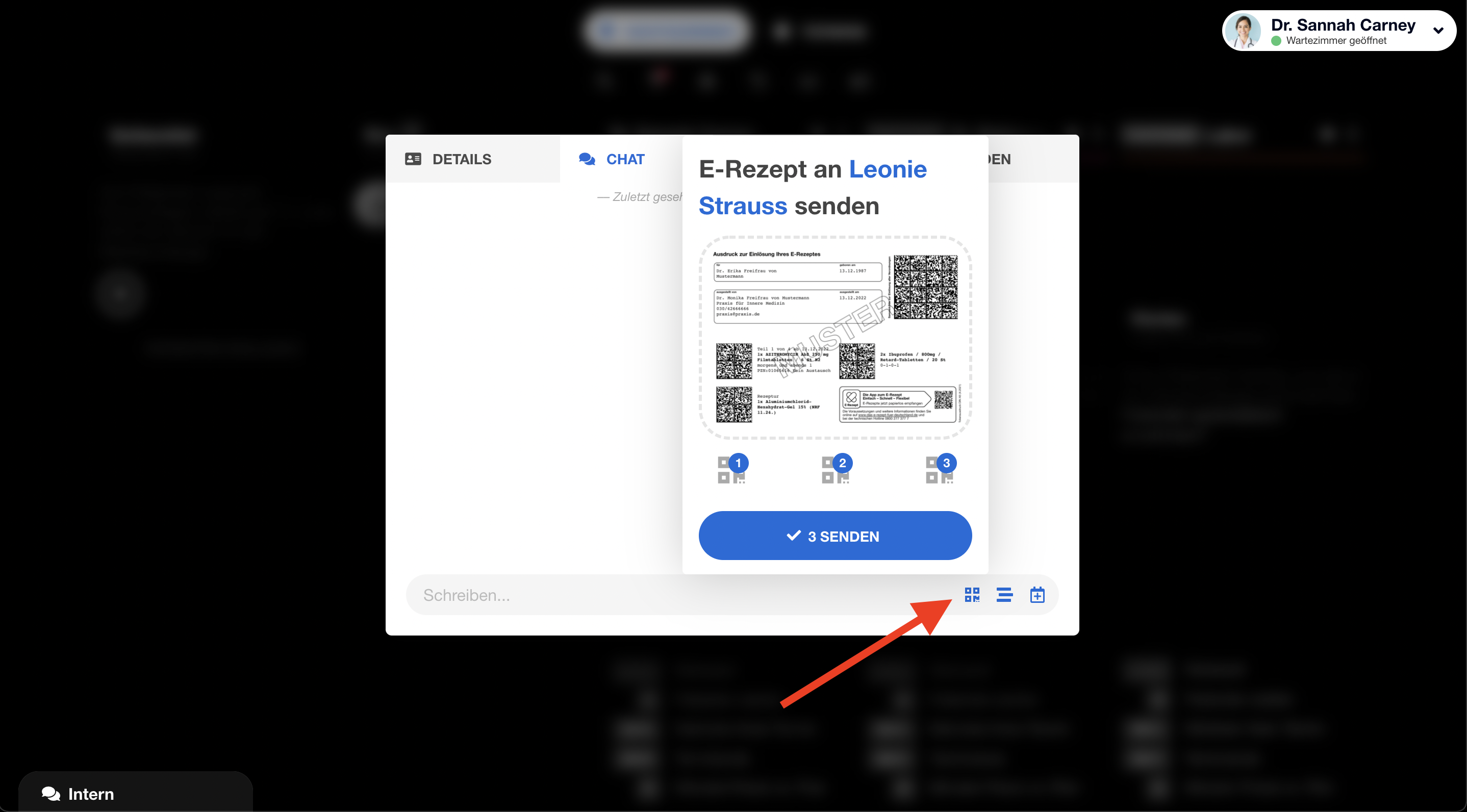 | Send e-prescription (practice) | QR code upload in chat panel. Recapture from queue manager chat. | |
| 81 | 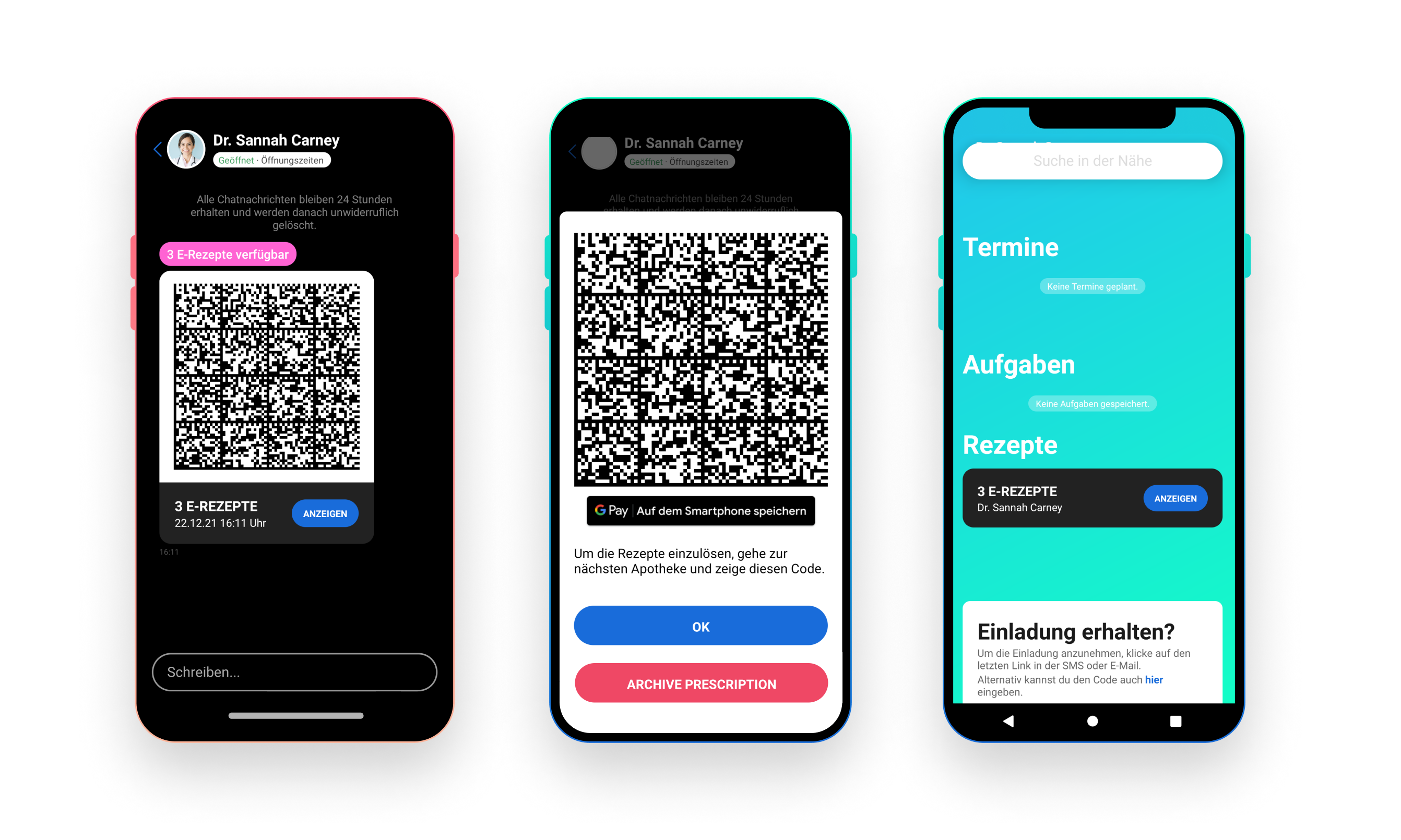 | E-Rezepte in GPay wallet | Patient app screenshot — shows GPay integration. Needs Android sim with GPay. Possibly hard to capture realistically. |
Patientenformulare
| # | Current | Description | Notes | New |
|---|---|---|---|---|
| 82 | 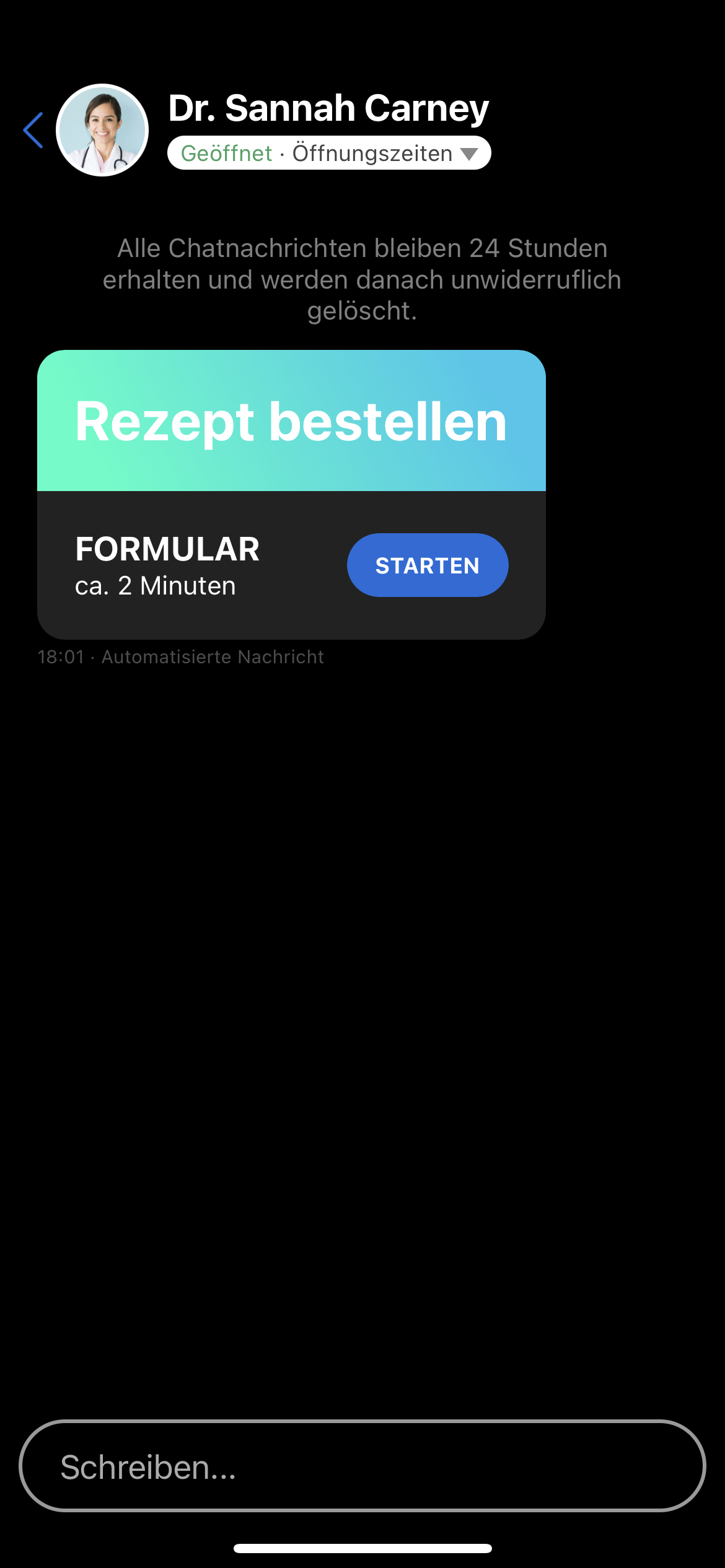 | Chat with form action button | Patient app showing form action in chat. Patient app screenshot. Used on 2 pages. | |
| 83 | 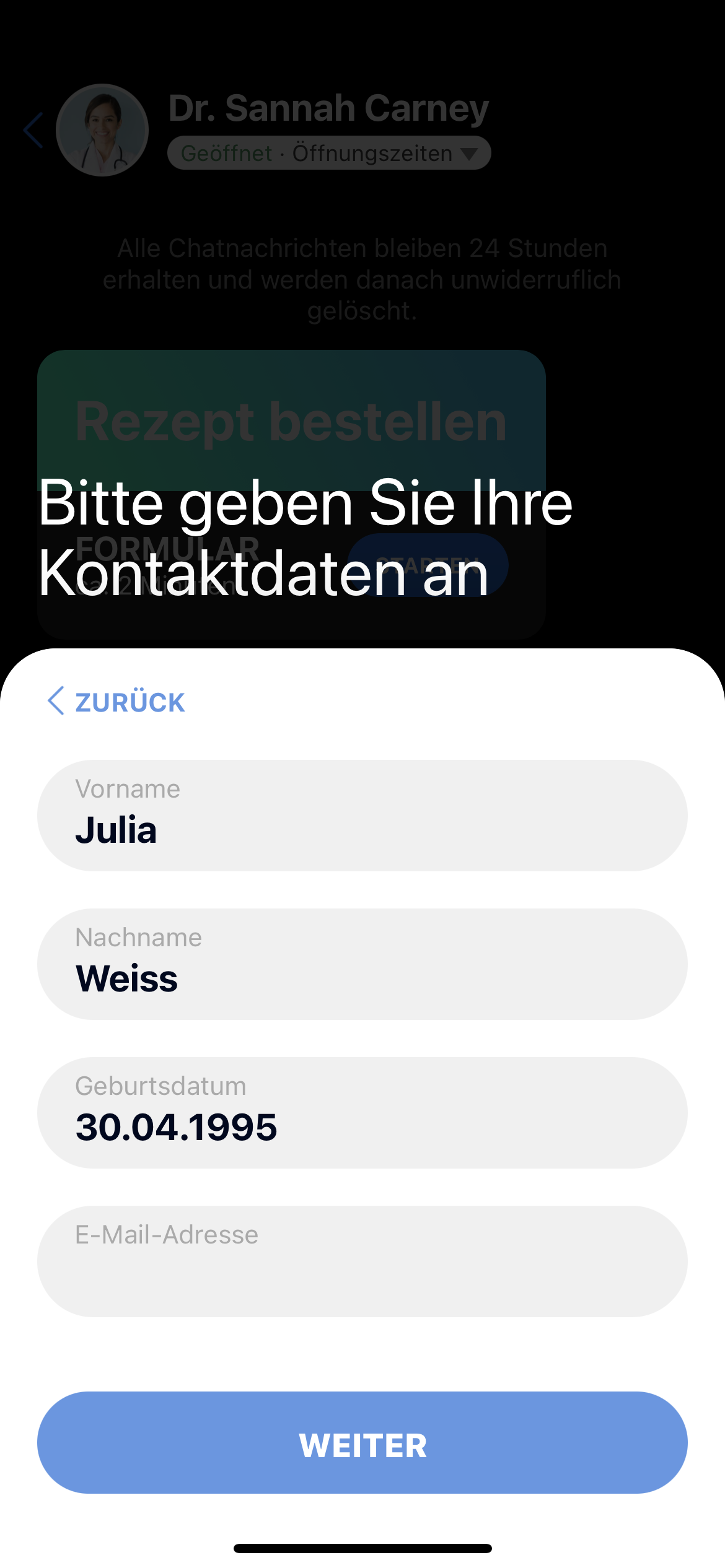 | Form input view (patient) | Patient filling out a form. Patient app screenshot. Used on 2 pages. | |
| 84 | 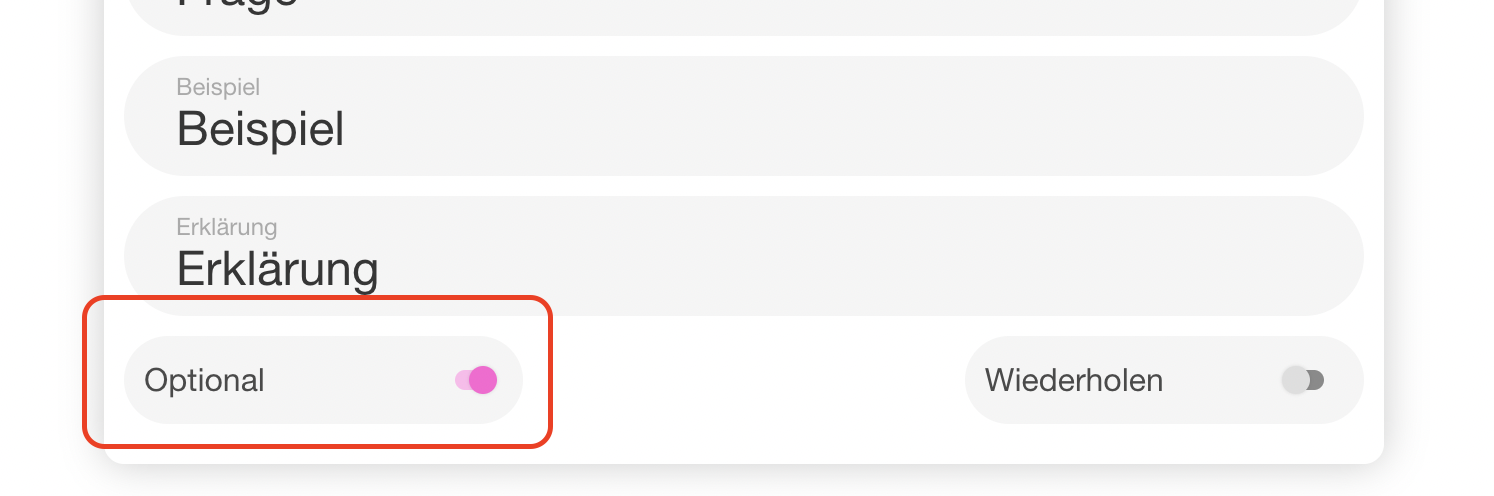 | Optional question toggle | Practice-side form editor showing "optional" toggle. Recapture from form editor. | |
| 85 | 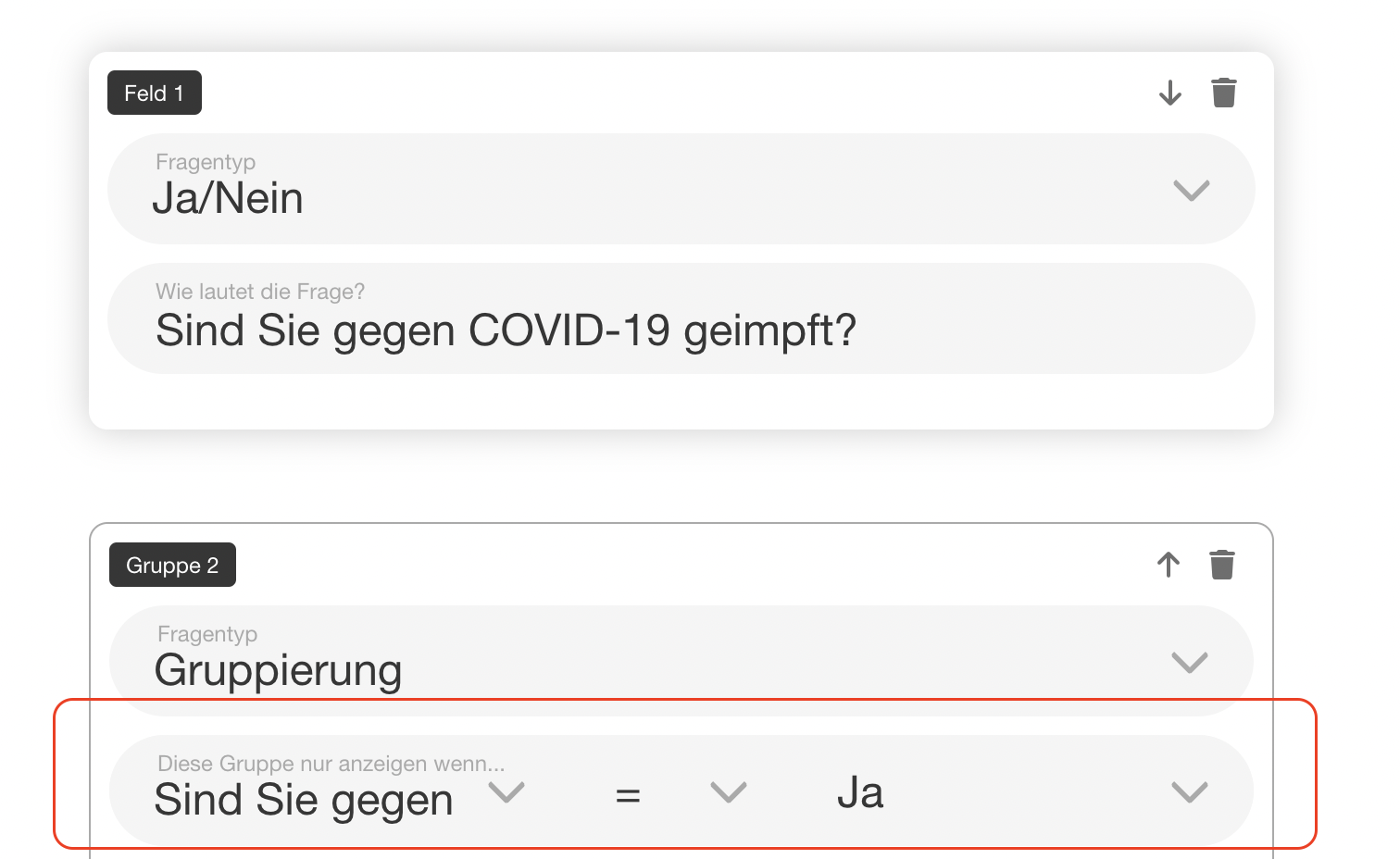 | Conditional question | Form editor showing "nur anzeigen wenn" condition. Recapture. | |
| 86 | 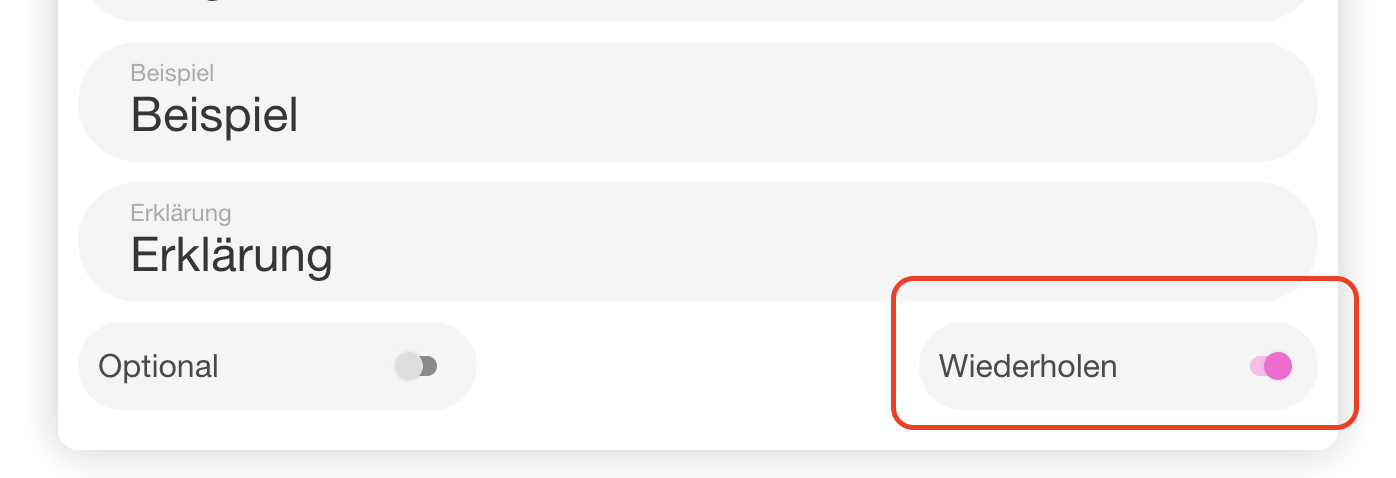 | Repeatable question toggle | Form editor showing "wiederholen" toggle. Recapture. | |
| 87 | 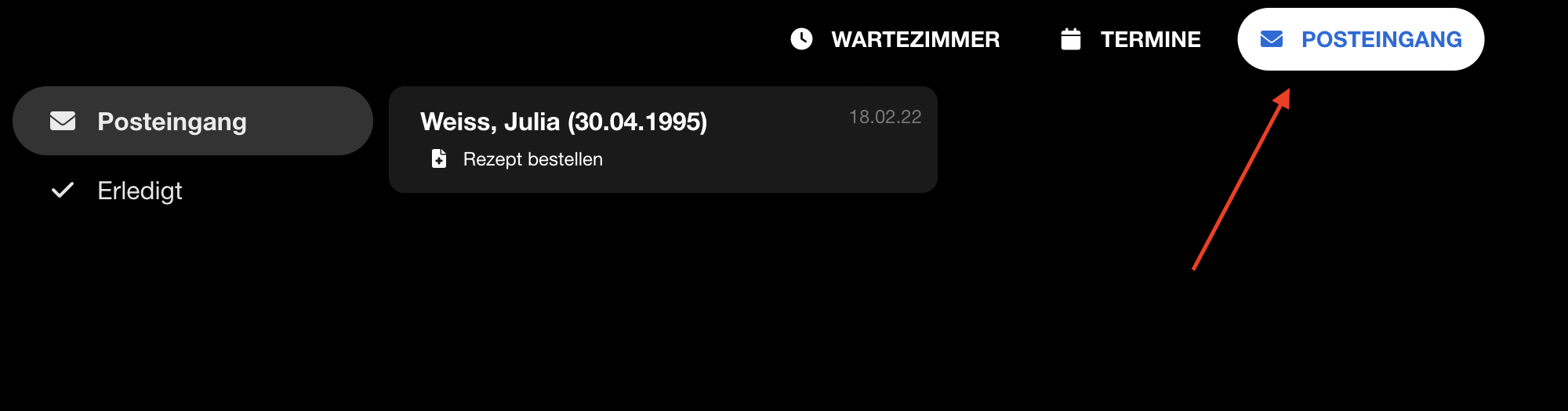 | Posteingang / inbox | Inbox view with submitted forms. Recapture with test submissions. | |
| 88 | 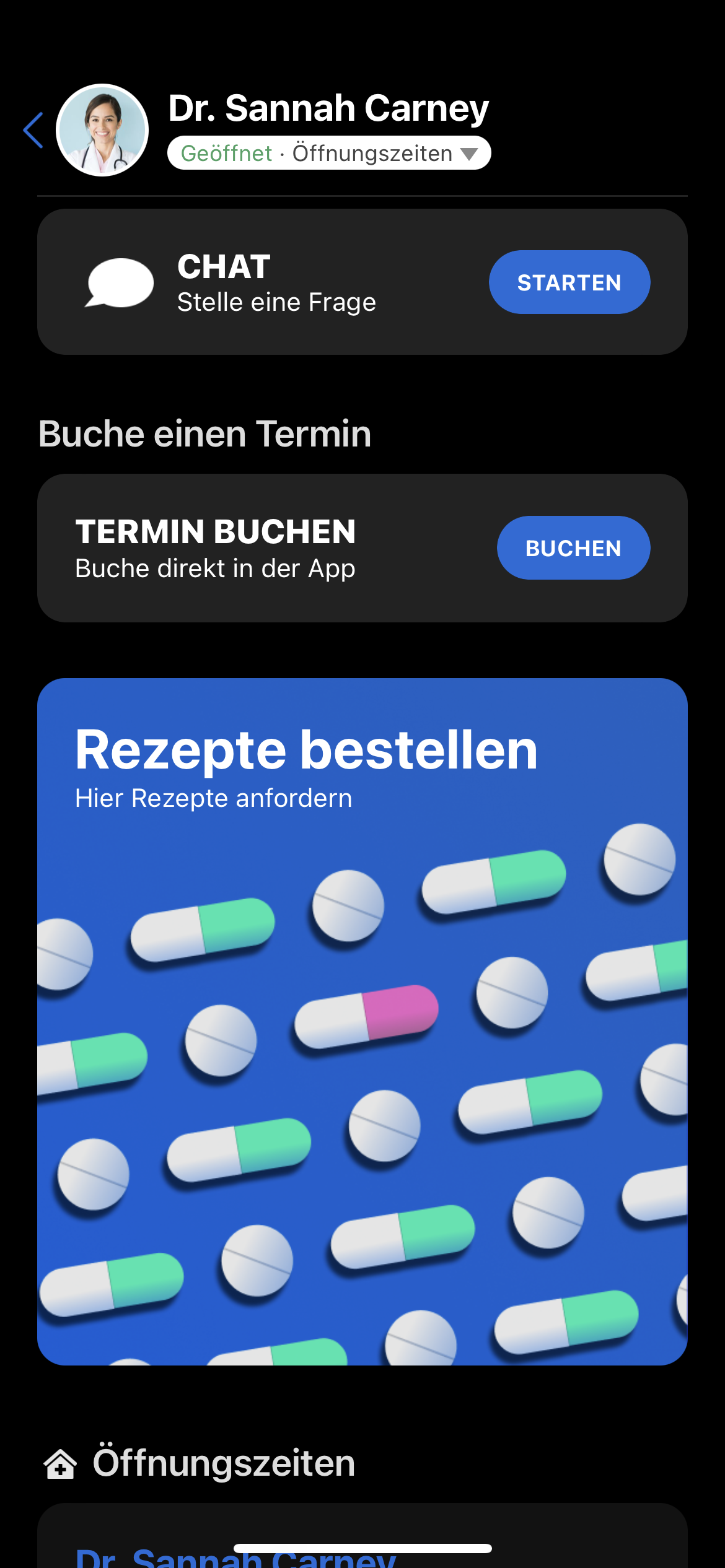 | Prescription reorder on profile | Patient app profile page showing "Rezept vorbestellen" action. Patient app screenshot. |
Profil & Sicherheit
| # | Current | Description | Notes | New |
|---|---|---|---|---|
| 89 | 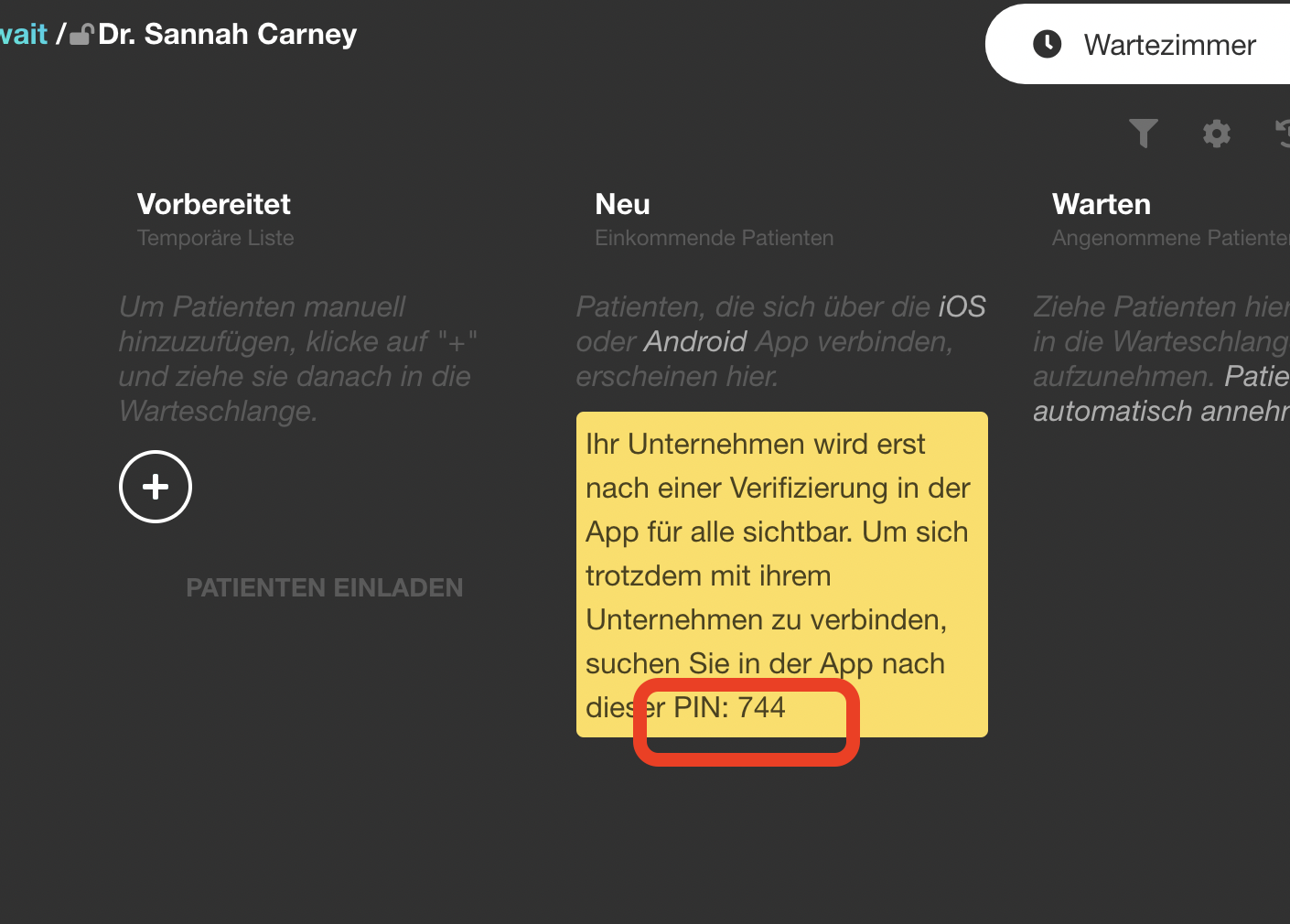 | Practice verification PIN | Shows 3-digit PIN in queue manager header. Recapture — verify PIN display still exists. | |
| 90 | 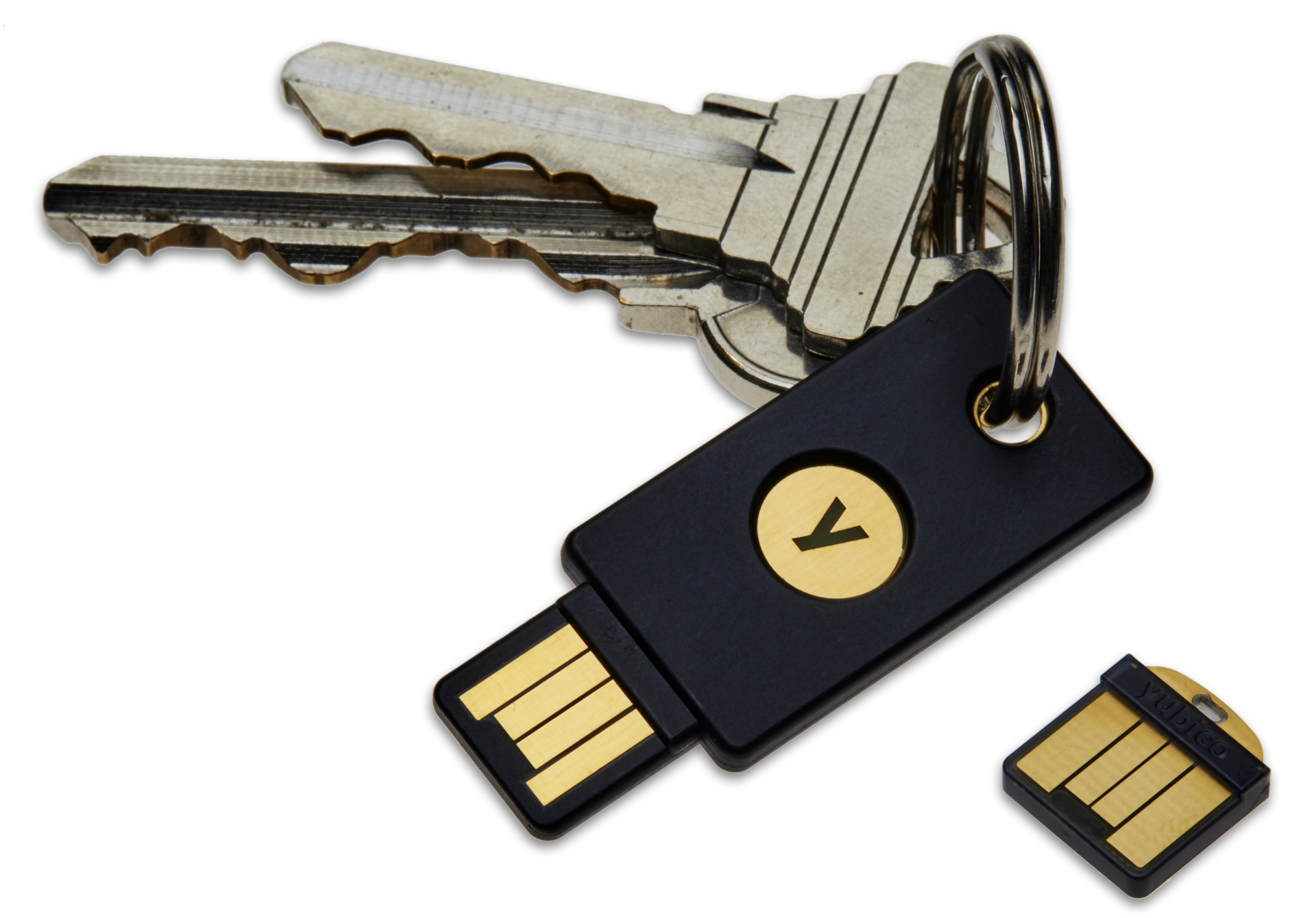 | YubiKey photo | Not a screenshot — it's a product photo of a YubiKey. Keep as-is, no need to recapture. |
Registrierung
| # | Current | Description | Notes | New |
|---|---|---|---|---|
| 91 | 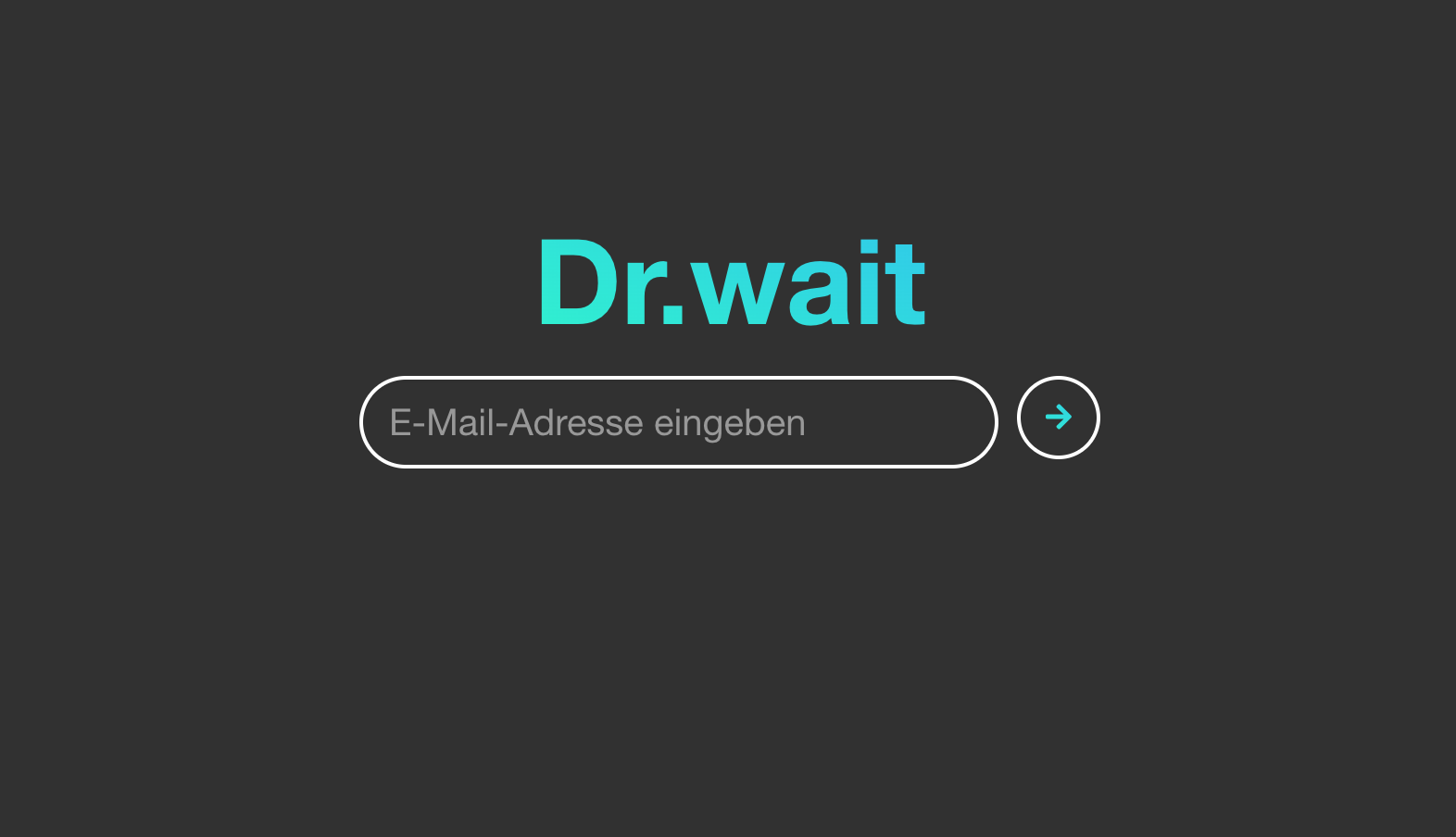 | Registration: enter email | Login/registration page. Hard to recapture — would need to log out or use incognito. Check if registration flow has changed. | |
| 92 | 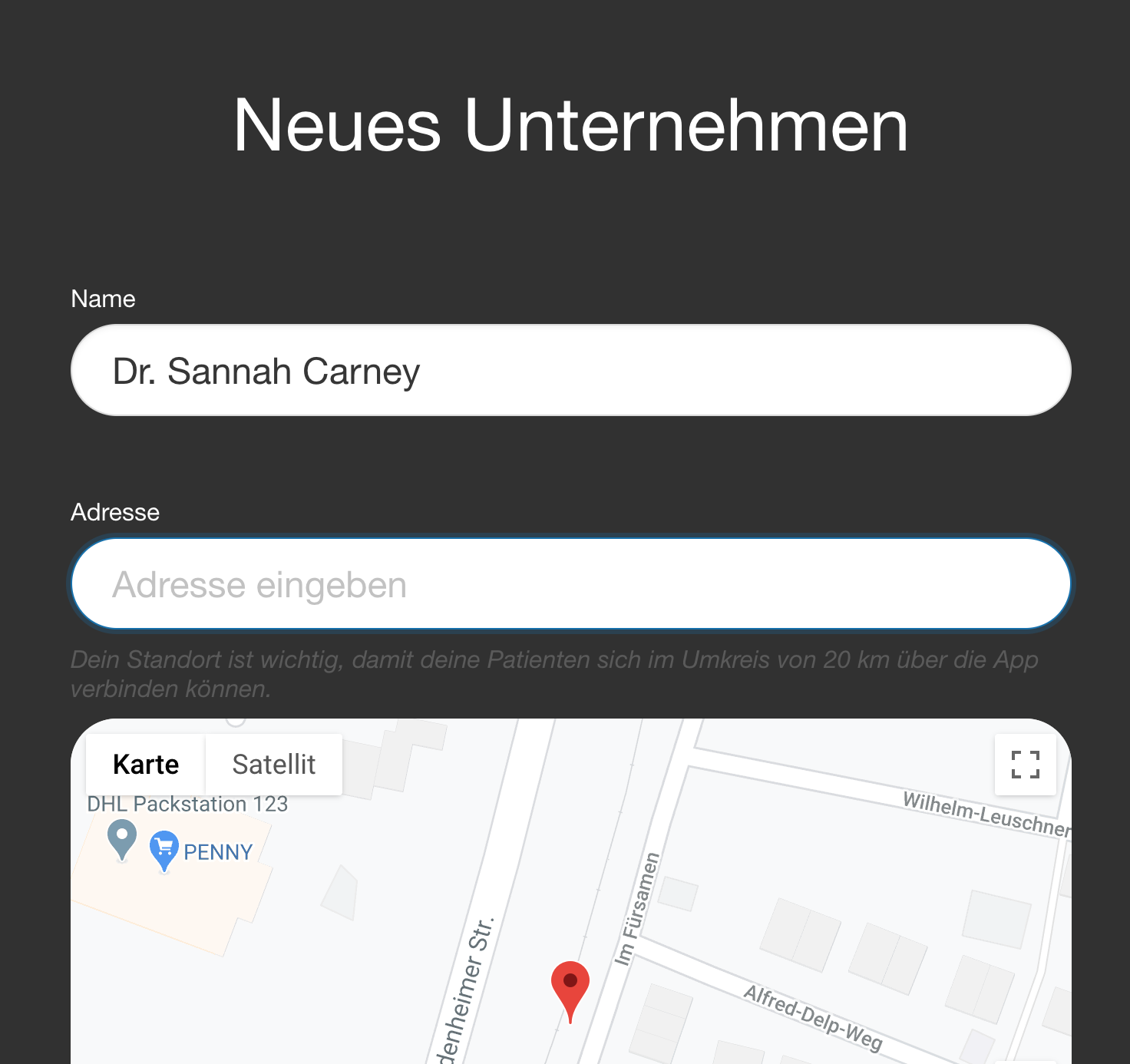 | Registration: create profile | Profile creation form (name + address). First-time flow only. | |
| 93 | 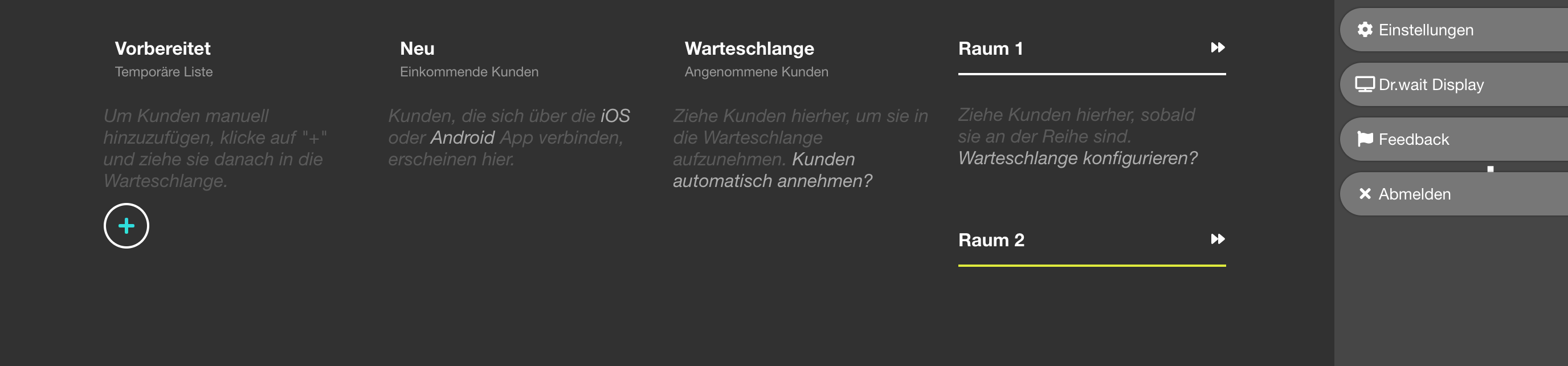 | Registration: queue manager | First look at queue manager after setup. Same as #1 but from onboarding context. Could reuse new #1. | |
| 94 | 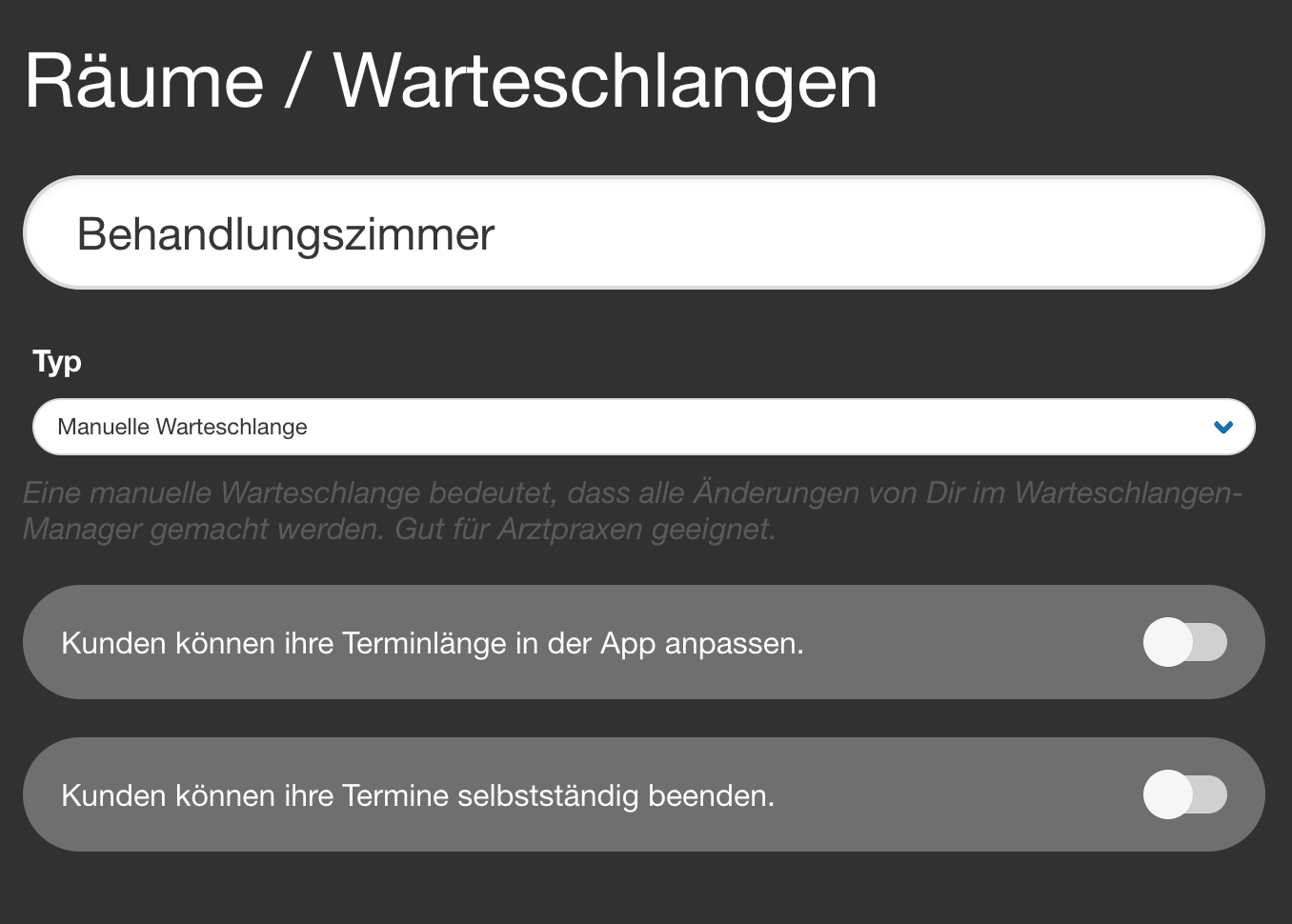 | Registration: room settings | Queue settings during onboarding. Similar to #2. Could reuse. | |
| 95 |  | Registration: create room | Adding a second queue/room. Recapture. | |
| 96 | 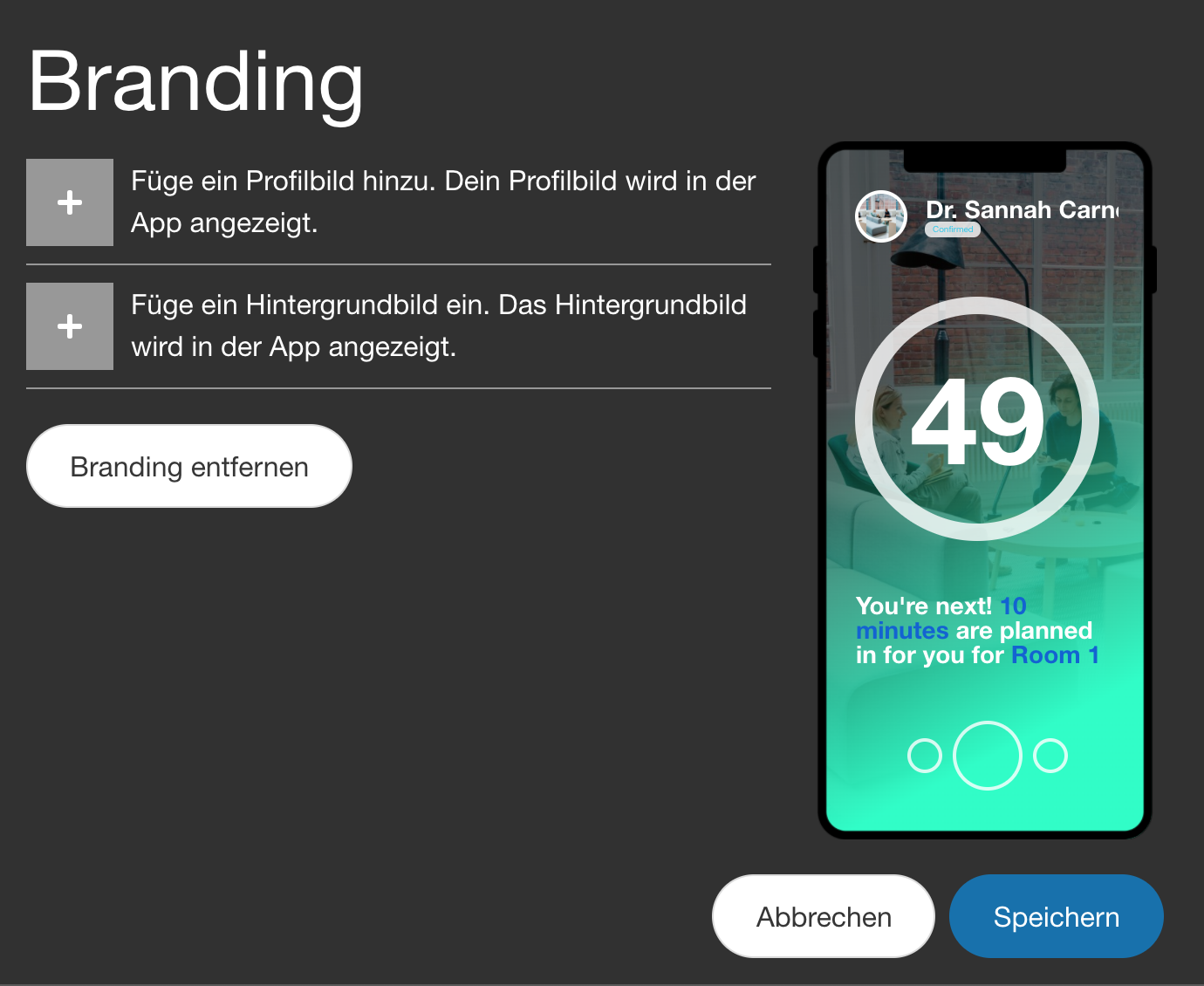 | Branding settings | Profile pic + background image upload. Used on 2 pages. Recapture from profile settings. | |
| 97 |  | Set practice to "open" | Toggle to open the practice. Recapture from queue manager header. |
PVS — skipped
Third-party software screenshots. Medical Office (2025-12) and VDDS-media (2024-05) are already recent. Quincy screenshots show third-party UI.
Patient App Screenshots (Android simulator)
| # | Current | Description | Notes | New |
|---|---|---|---|---|
| 98 | 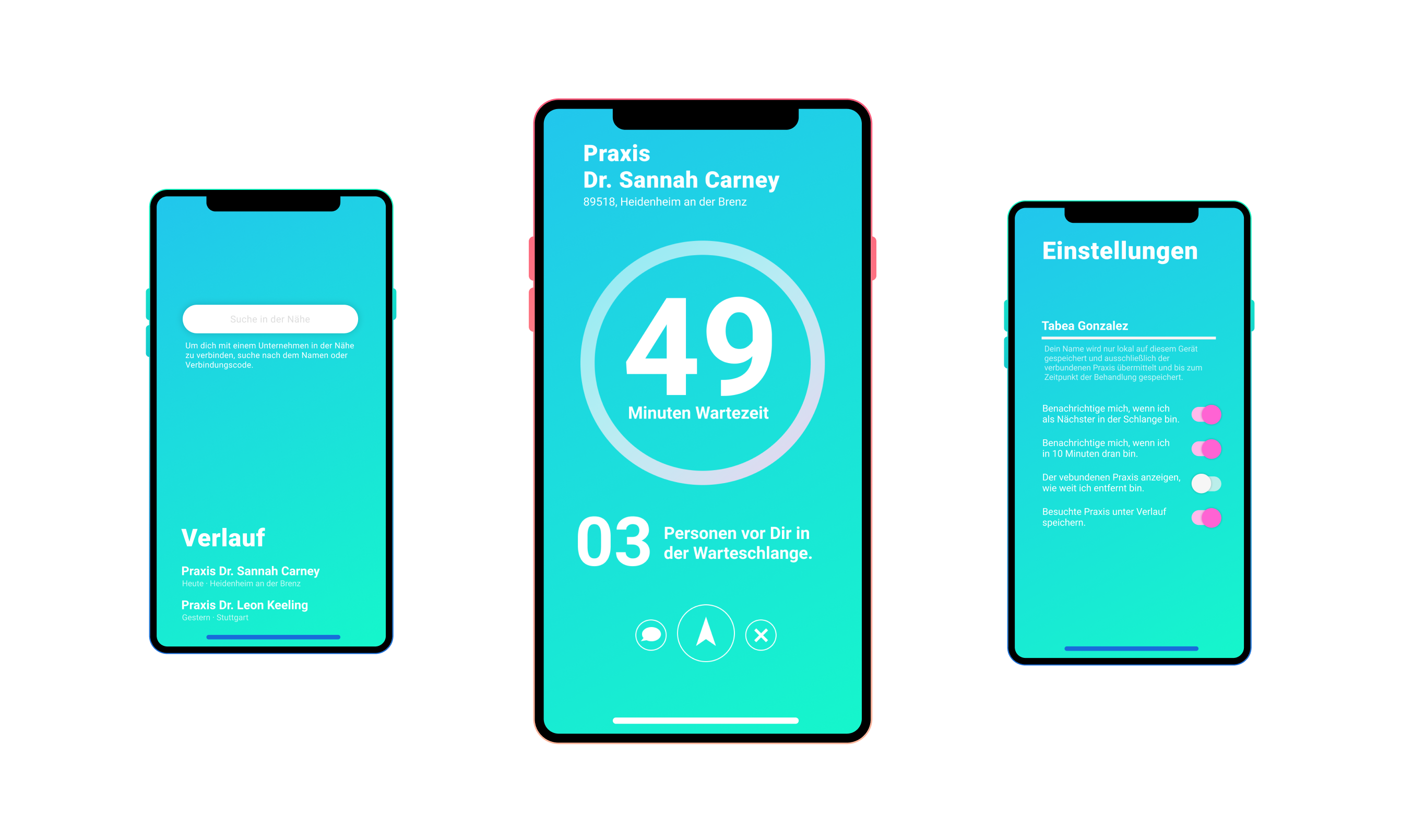 | App home / practice list | Main app screen with practice list. Key patient-facing screenshot. App design has changed completely since 2021. Recapture from Android sim. | |
| 99 | 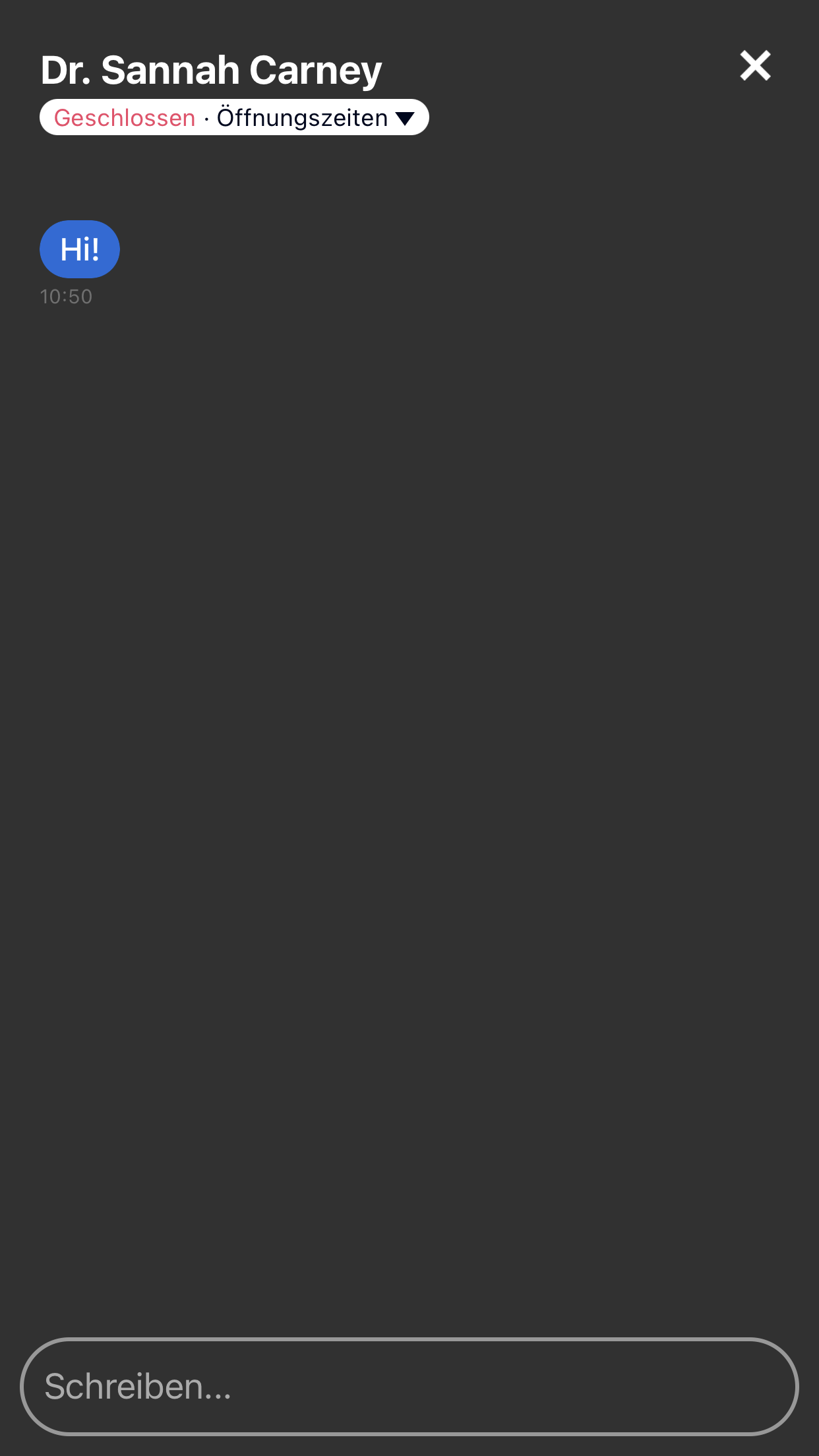 | Chat view (patient side) | Chat conversation in patient app. Recapture alongside #10 for consistency. | |
| 100 | 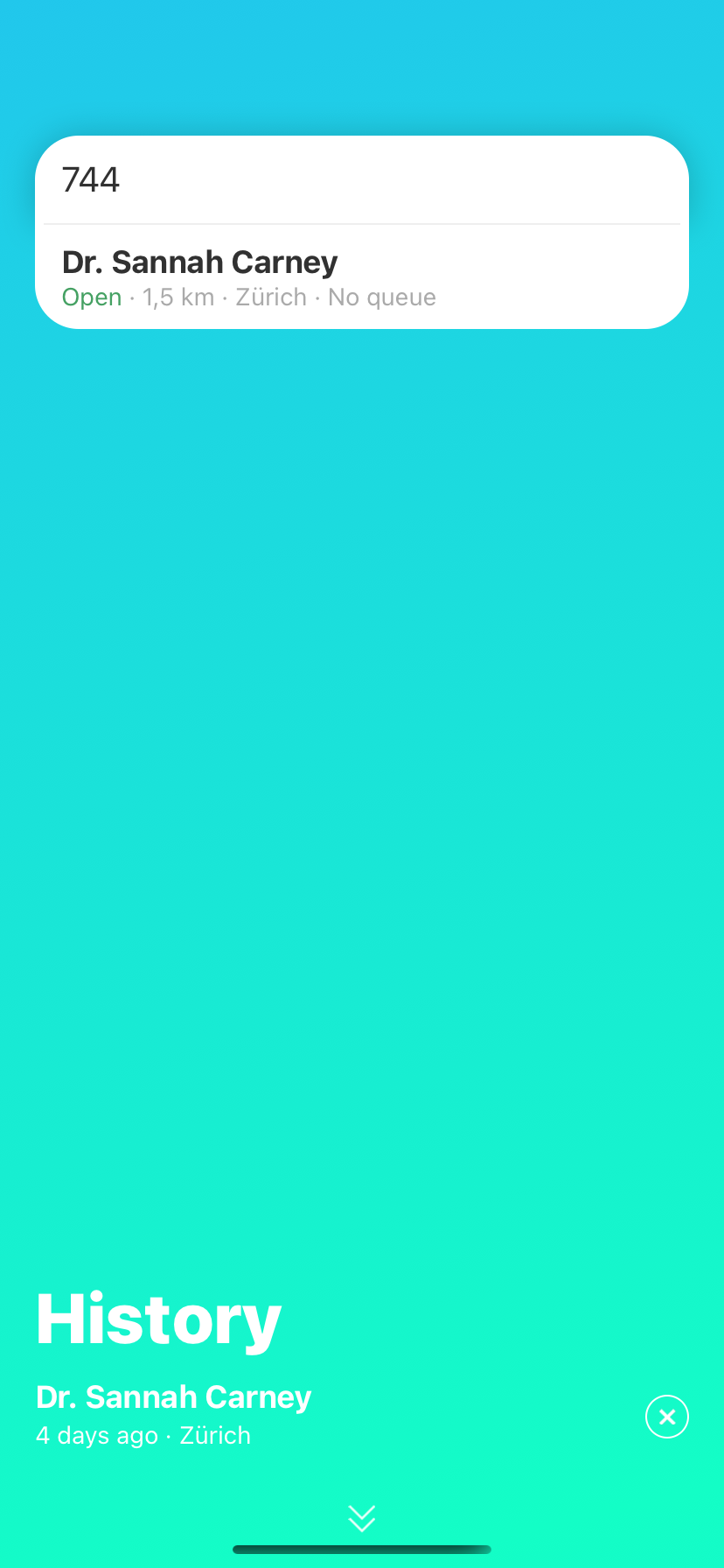 | PIN entry on phone | Patient entering 3-digit PIN to find practice. Recapture. | |
| 101 | 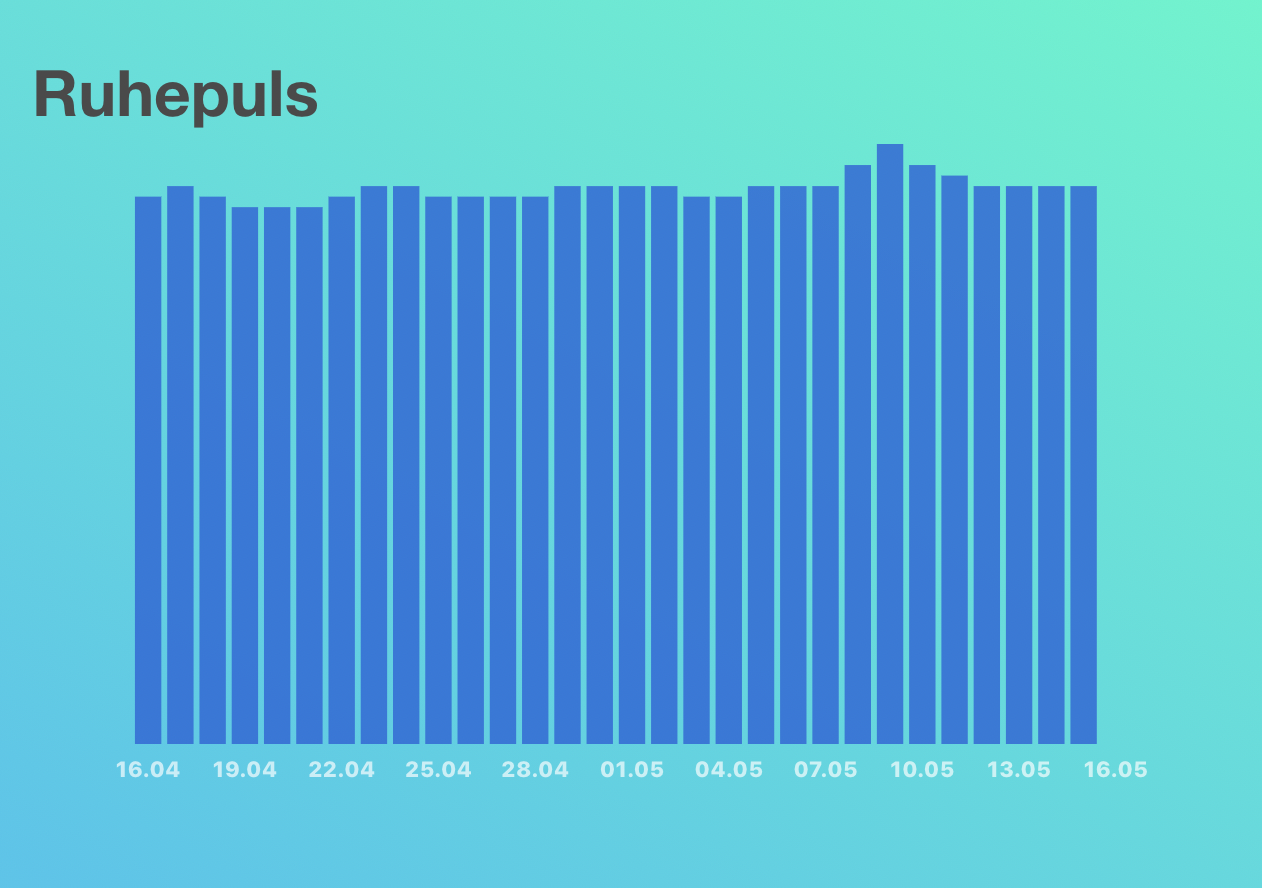 | Fitness data sharing | Ruhepuls sharing from Fitbit. Niche feature — verify still exists in current app. If removed, mark doc as obsolete. | |
| 102 | 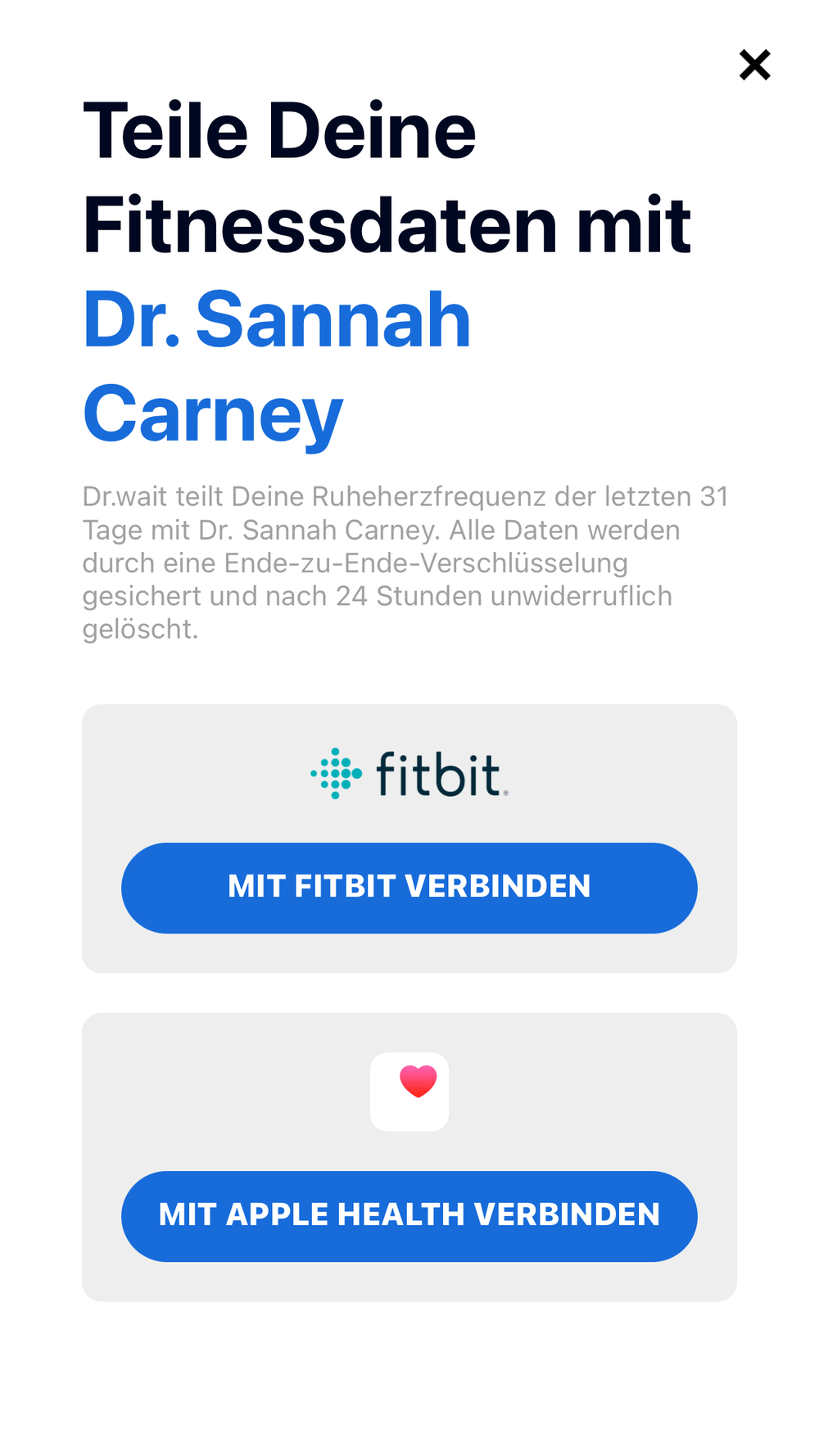 | Apple Watch integration | Apple Health data in app. Same concern as #101. Cannot capture on Android sim — needs iOS or keep as-is. |
Summary
| Category | Count | Notes |
|---|---|---|
| Recapture (Praxis-Manager) | ~68 | Browser screenshots from localhost:3000 |
| Recapture (Patient App) | ~13 | Android sim screenshots (including some embedded in PM sections) |
| Keep as-is | 2 | YubiKey photo (#90), workflows icon (#58) |
| Possibly obsolete | ~6 | Impftermine (#51-54), Fitness (#101-102) — verify first |
| Hard to capture (onboarding) | ~8 | Registration (#91-92) and Termine Setup (#44-49) — first-time flows |
| Skipped (PVS) | 9 | Third-party UI |
| Total | 97 |
Orphan images (safe to delete)
always-last.png · apple-watch.png · auto-close-1.png · behandlungszimmer.png · behandlungszimmer-edit.png · booking-link.png · juli2021.png · last-message.png · load-balancing.png · opening-hours-app.png · save.png · tag-detail.png · tag-item.png · vapiano-modus.png · waiting-stats.png · phone/phone-call.png · phone/set.png · phone/setting-appointment.png · phone/setting-queue.png · phone/start.png · phone/app.png · workflows/start.png · workflows/workflow.png · workflows/text.png